•
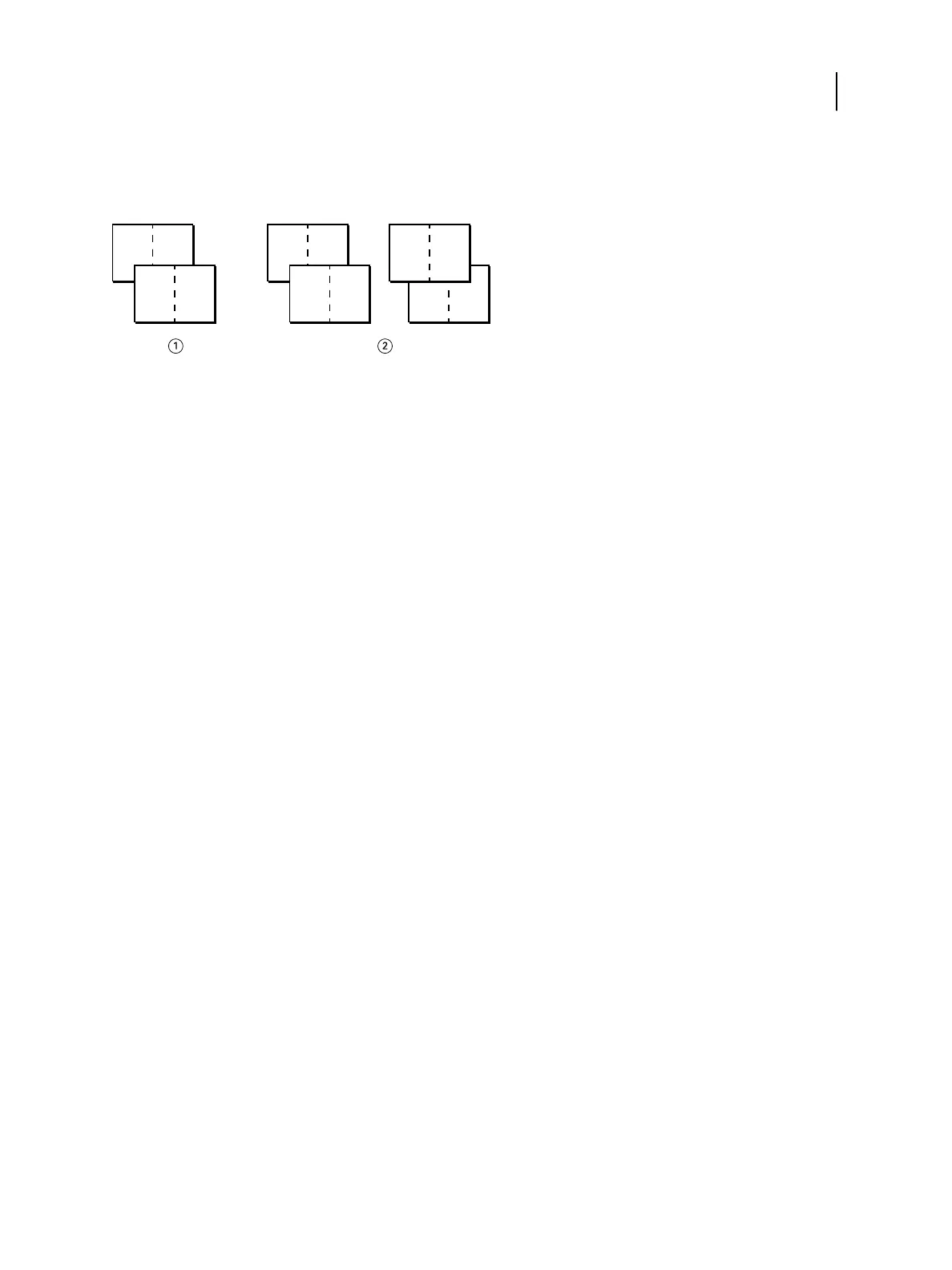
Cut & stack - Select this option to speed print a job so that when the sheets are stacked and cut from the central
position, the job is numbered in order and separated as two stacks. The print order is such that when the sheets
are cut in half, you can combine them to form a single complete set of the document, in faster printing time.
1 Single-sided, front only
2 Duplex (double-sided), front (1, 3, 5, 7) and back (2, 4, 6, 8)
For more information, see Gangup layout options on page 73.
Access Gang-up print from the Windows printer driver
1 In your application, select File > Print.
2 Select the Fiery ES as your printer and click Properties.
3 In the printer driver, click the Layout icon and select the Gangup option.
Access Gang-up print from the Mac OS X printer driver
1 In your application, select File > Print.
2 Select the Fiery ES as your printer and select Fiery Features from the drop-down list.
3 Click Full Properties in the Quick Access pane.
4 In the printer driver, click the Layout icon and select the Gangup option.
Image Enhance
The Image Enhance feature lets you apply photo finishing enhancement to color images on specified pages or sheets
of a job. This feature affects only photographic images, not graphics such as logos or charts.
To turn on this feature, select the Apply image enhancement check box for a job and specify the pages or sheets to
be affected. This option is located in the Image tab of the printer drivers and in the Job Properties window of
Command WorkStation. You can customize Image Enhance settings from Command WorkStation.
For more information, see Command WorkStation Help.
Printing
Print Options
102



 To Next Page