Titanium Interfaces User Guide
MIPI RX Lane
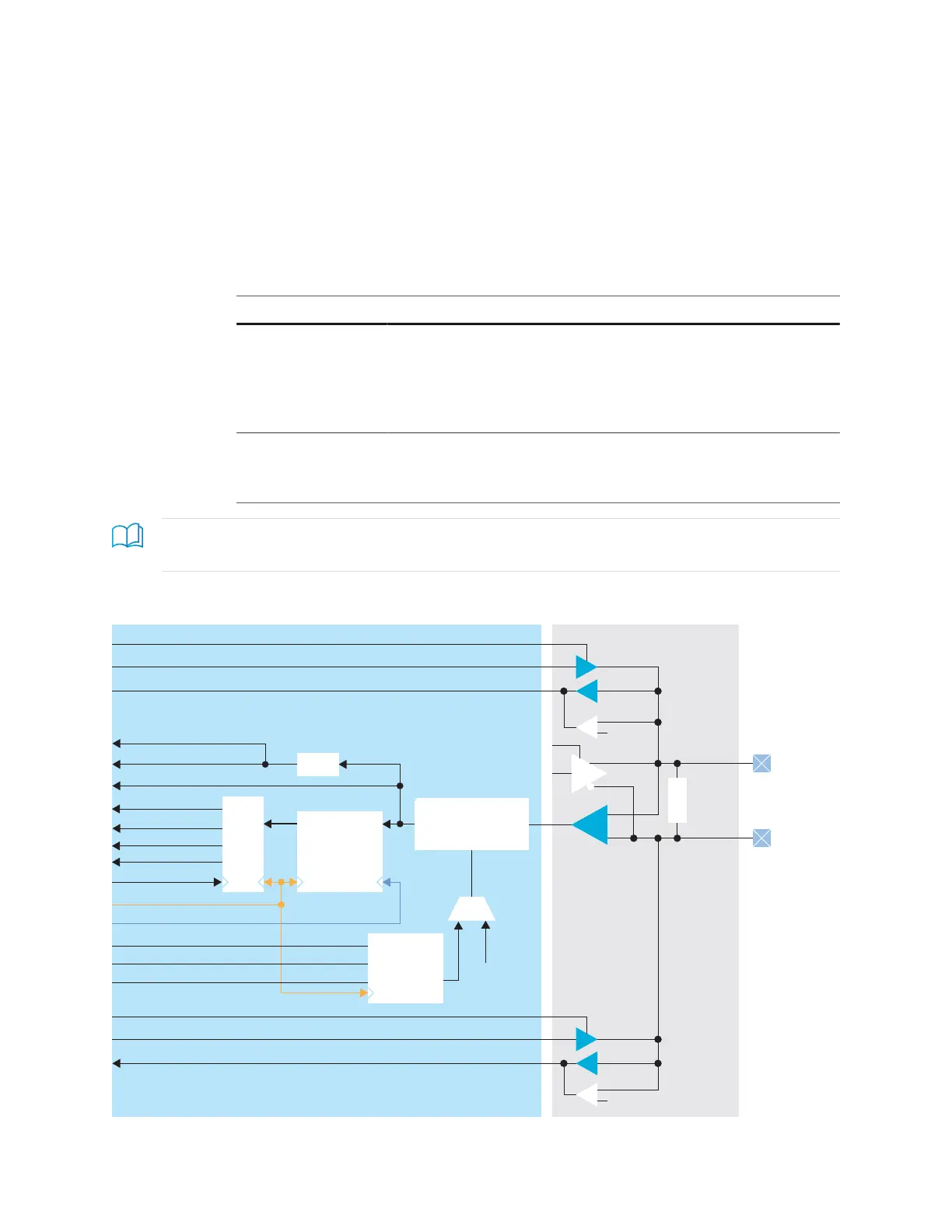
In RX mode, the HS (fast) clock comes in on the MIPI clock lane and is divided down to
generate the slow clock. The fast and slow clocks are then passed to neighboring HSIO
blocks to be used for the MIPI data lanes.
The data lane fast and slow clocks must be driven by a clock lane in the same MIPI group
(dedicated buses drive from the clock lane to the neighboring data lanes).
The MIPI RX function is defined as:
Table 49: MIPI RX Function
MIPI RX Function Description
RX_DATA_xy_zz MIPI RX Lane. You can use any data lanes within the same group to
form multiple lanes of MIPI RX group.
x = P or N
y = 0 to 7 data lanes (Up to 8 data lanes)
zz = I0 to I11 MIPI RX group (Up to 12 MIPI RX groups)
RX_CLK_x_zz MIPI RX Clock Lane.
x = P or N
zz = I0 to I11 MIPI group
Learn more: Refer to the pinout file for your FPGA for more information about the MIPI RX function for
each HSIO and for which pins are in the same MIPI group.
Figure 35: MIPI RX Lane Block Diagram
SLOWCLK (1)
FASTCLK (1)
FIFOCLK (1)
Programmable
Delay
Up/Down
Counter
CLKOUT
LP_N_IN
LP_N_OE
LP_N_OUT
LP_P_OUT
DLY_RST
DLY_ENA
RD
RST
1. These signals are in the primitive, but the software automatically connects them for you.
www.efinixinc.com 95



 To Next Page