ES910.3-A - User’s Guide 73
ETAS Troubleshooting Problems
Working with an ETAS software product requires "Write" and "Modify" privi-
leges within the ETAS, ETASData, and ETAS temporary directories. Otherwise,
an error message opens if the product is started, and a database is opened. In
that case, no correct operation of the ETAS product is possible because the data-
base file and some *.ini files are modified during operation.
The ETAS software has to be installed by an administrator anyway. It is recom-
mended that the administrator assures that the ETAS program/processes are
added to the list of the Windows XP firewall exceptions, and selected in that list,
after the installation. If this is omitted, the following will happen:
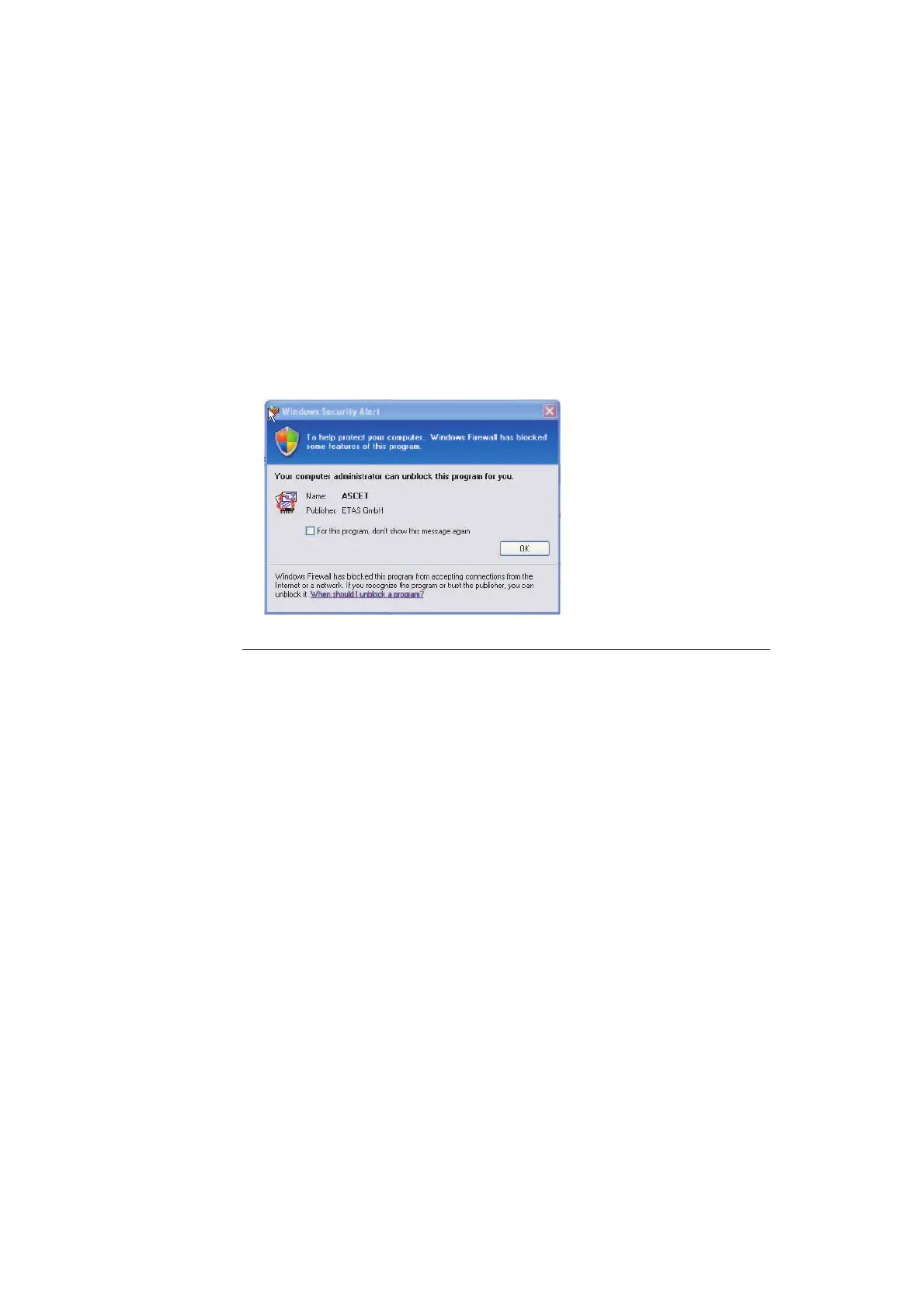
• The "Window Security Alert" window opens when one of the actions
conflicting with a restrictive firewall configuration is executed.
To unblock a program (no Admin privileges):
• In the "Windows Security Alert" dialog window,
activate the option For this program, don’t show
this message again.
• Click OK to close the window.
An administrator has to select the respective ETAS
software in the "Exceptions" tab of the "Windows
Firewall" dialog window to avoid further problems
regarding hardware access with that ETAS product.



 To Next Page