3 System Basics 47
Playback Status Display
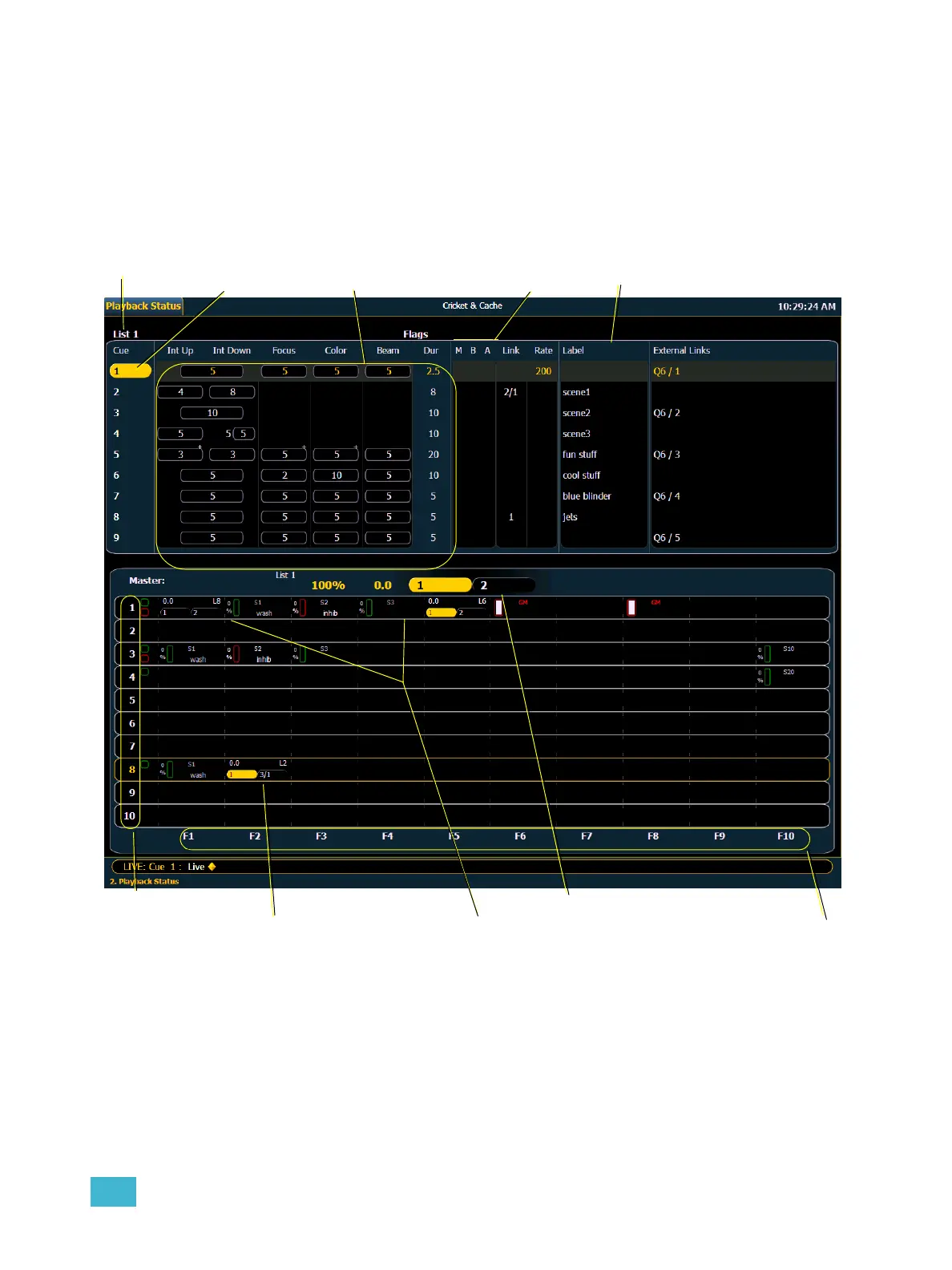
The playback status display allows you to view a range of cues in the current cue list, all cue
attributes for those cues, and a view of the fader configurations for 10 pages of 10 faders each (for
a total of 100 visible faders.
An optional command line for the playback status display is available. The optional command line
must be enabled to use. See “{Displays}” on page 101.
Fader Display Format
Current cue list
cues
Timing data
Cue flags
Cue attributes
Fader Pages
1-10
Faders1-10
Master cue list timeline
Other cue list
Submasters



 To Next Page