3025SW Master Control Switching & Channel Branding
Page 96 Revision 1.0
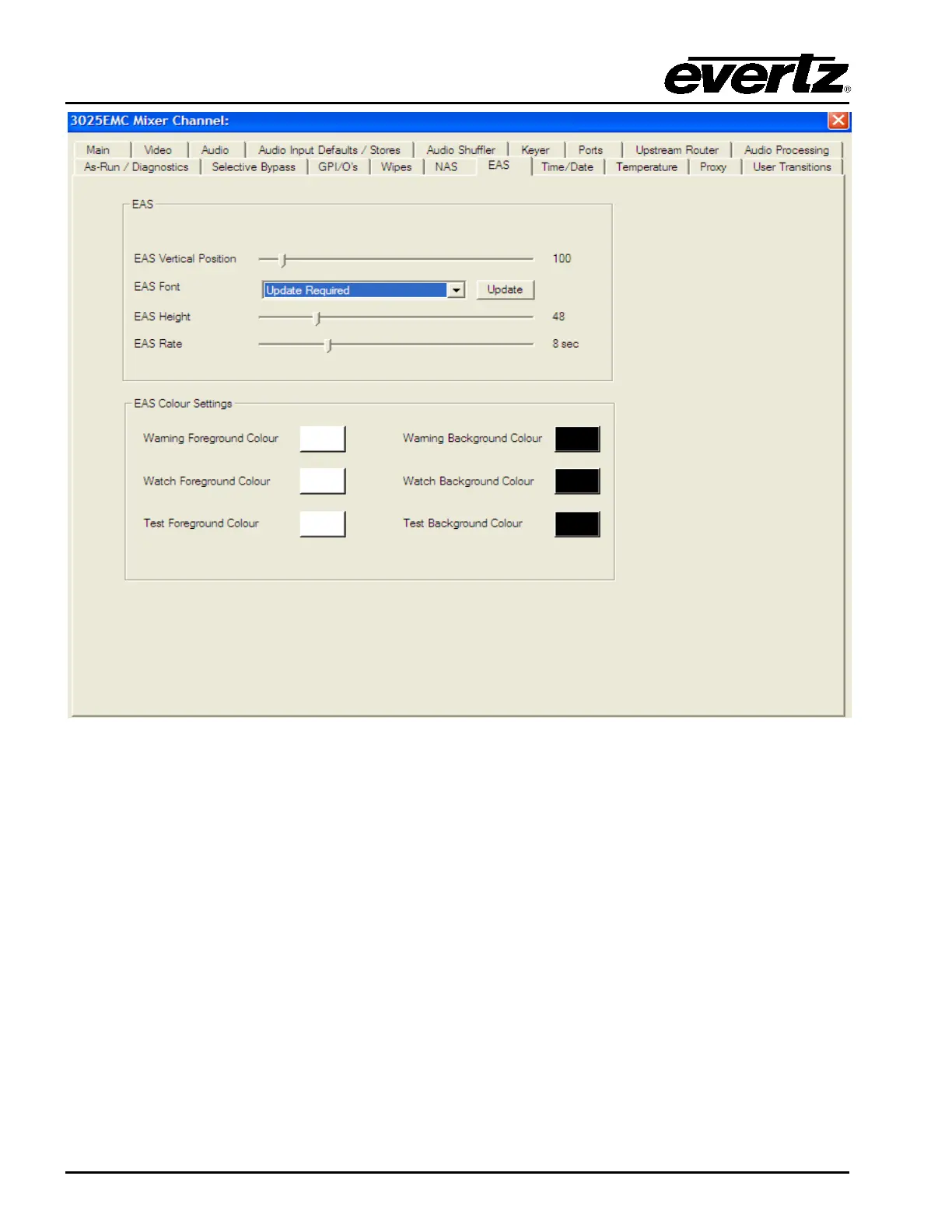
Figure 4-32: EAS Tab
The 3025SW will use the IP Address if the 3025SW channel that has been configured in the Ports tab
(see section 4.8.3) to query if the EMC has the (+EAS) option. Figure 4-29 shows an example of what
the EAS configuration dialogue will be displayed is the (+EAS) option was successfully found on the
device.
If the option is not found or if the software is unable to connect to the 3025SW to verify then the following
will be displayed:



 To Next Page