3025SW Master Control Switching & Channel Branding
Page 36 Revision 1.0
4.2. CONFIGURING A 3025SW CHANNEL
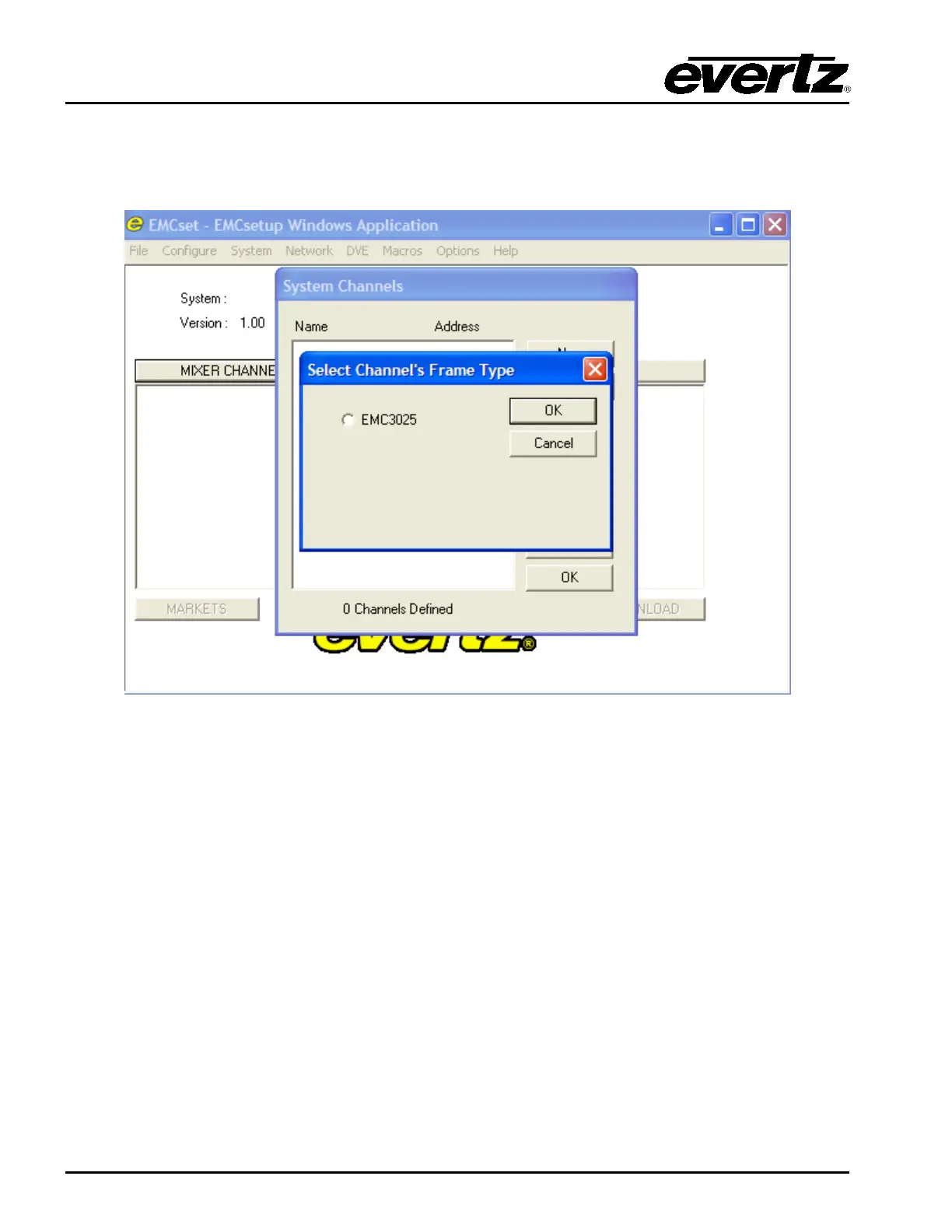
To start, double click on the Mixer Channels tab, and select NEW. The menu you will see is shown in
Figure 4-5. For setting up a 3025EMC channel, select EMC3025 and click on OK button.
Figure 4-5: Channel Type
A “Mixer Channel” window will open, as illustrated in Figure 4-6, enabling the user to configure the
3025SW Channel’s parameters.



 To Next Page