3025SW Master Control Switching & Channel Branding
Revision 1.0 Page 107
5. CONFIGURING SOURCE NAMES AND ROUTER SIZE
The 3025SW does not interface with an upstream router. This section describes how to configure the
sources that are available to the 3025SW.
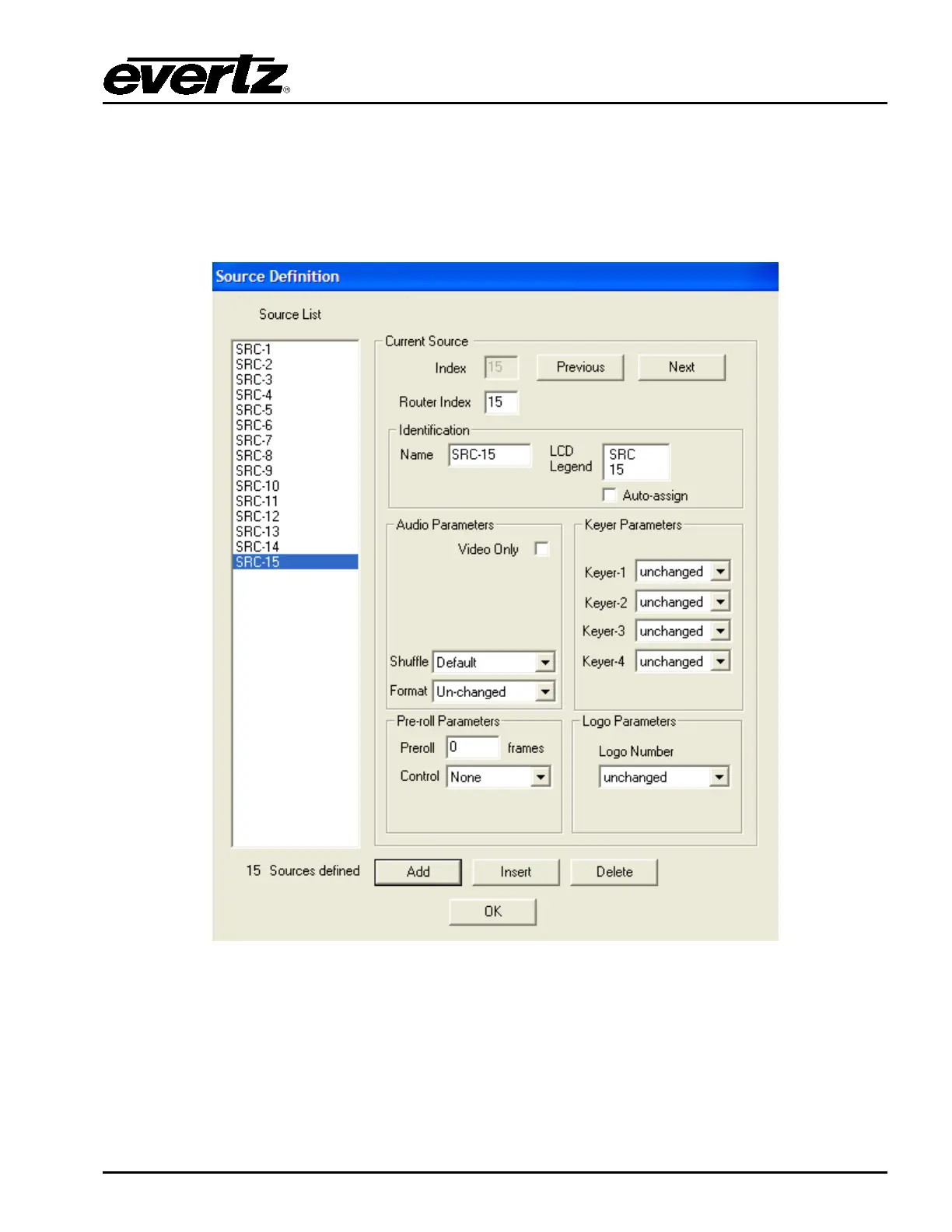
In the main EMC-Setup window, select Sources and you will see the following window:
Figure 5-1: EMC-Setup Source Table
This dialog box creates the source definitions and other parameter that may be associated with the
source. The options are:
Add: Add a set of sources.
Insert: Insert a source to the list.



 To Next Page