3025SW Master Control Switching & Channel Branding
Page 142 Revision 1.0
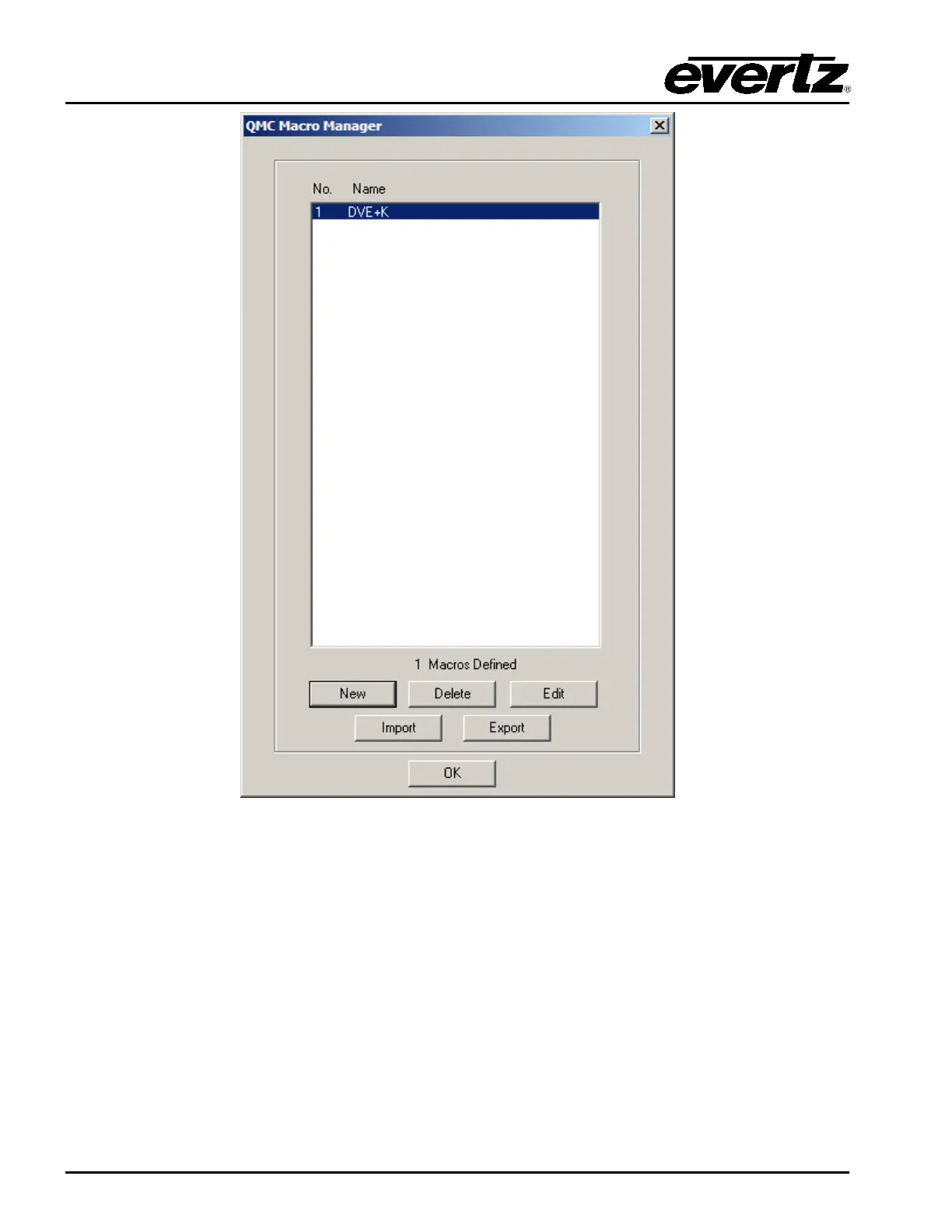
Figure 7-9: QMC Macro Manager Window
The choices available to select in this window are:
New: Create a new macro.
Delete: Delete the selected macro.
Edit: Edit the selected macro.
Import: Import macros from to an external file located on PC that will have an .mro extension.
Export: Export an external file located on PC that has an .mro extension.



 To Next Page