3025SW Master Control Switching & Channel Branding
Page 50 Revision 1.0
4.4.7. Input Timing Window Adjustment
The 3025SW requires video to be timed with respect to reference input with an accuracy of +/- ½ a
video line. This ensures clean video and audio transitions. The Input Timing Window Adjustment
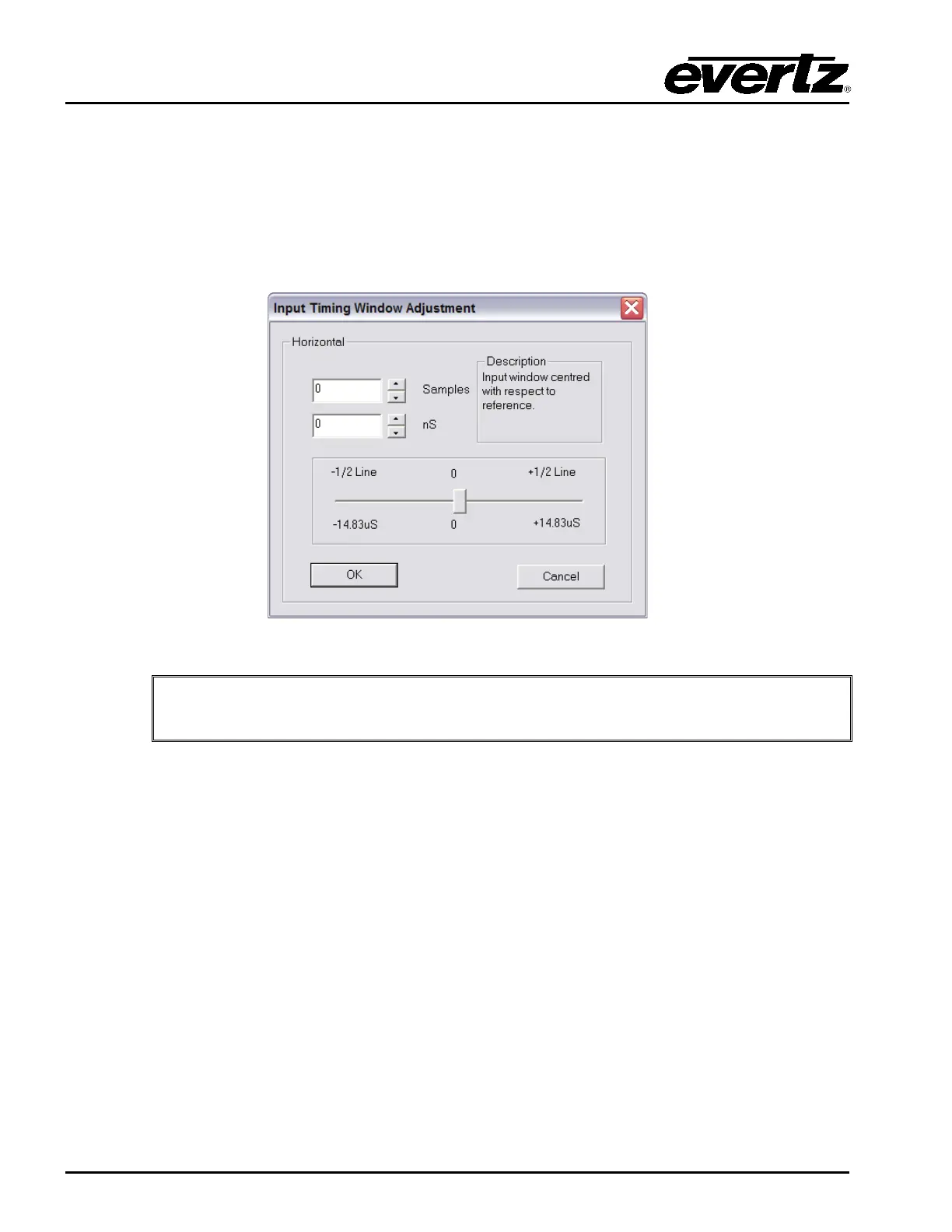
enables you to set the horizontal position for the input timing window to account for an offset. Click the
“Edit Timing” button and the window illustrated in Figure 4-15 will appear where you can customize the
adjustment settings. The input timing window is only 1 video line wide.
Figure 4-15: Input Timing Window Adjustment
IMPORTANT: The 3025SW has an input timing window of +/- ½ video line with
respect to reference.
4.4.8. Logos
Logo Key on Program Only: Checkmark this option to show On-Air media on the Program Bus
ONLY.



 To Next Page