3025SW Master Control Switching & Channel Branding
Page 102 Revision 1.0
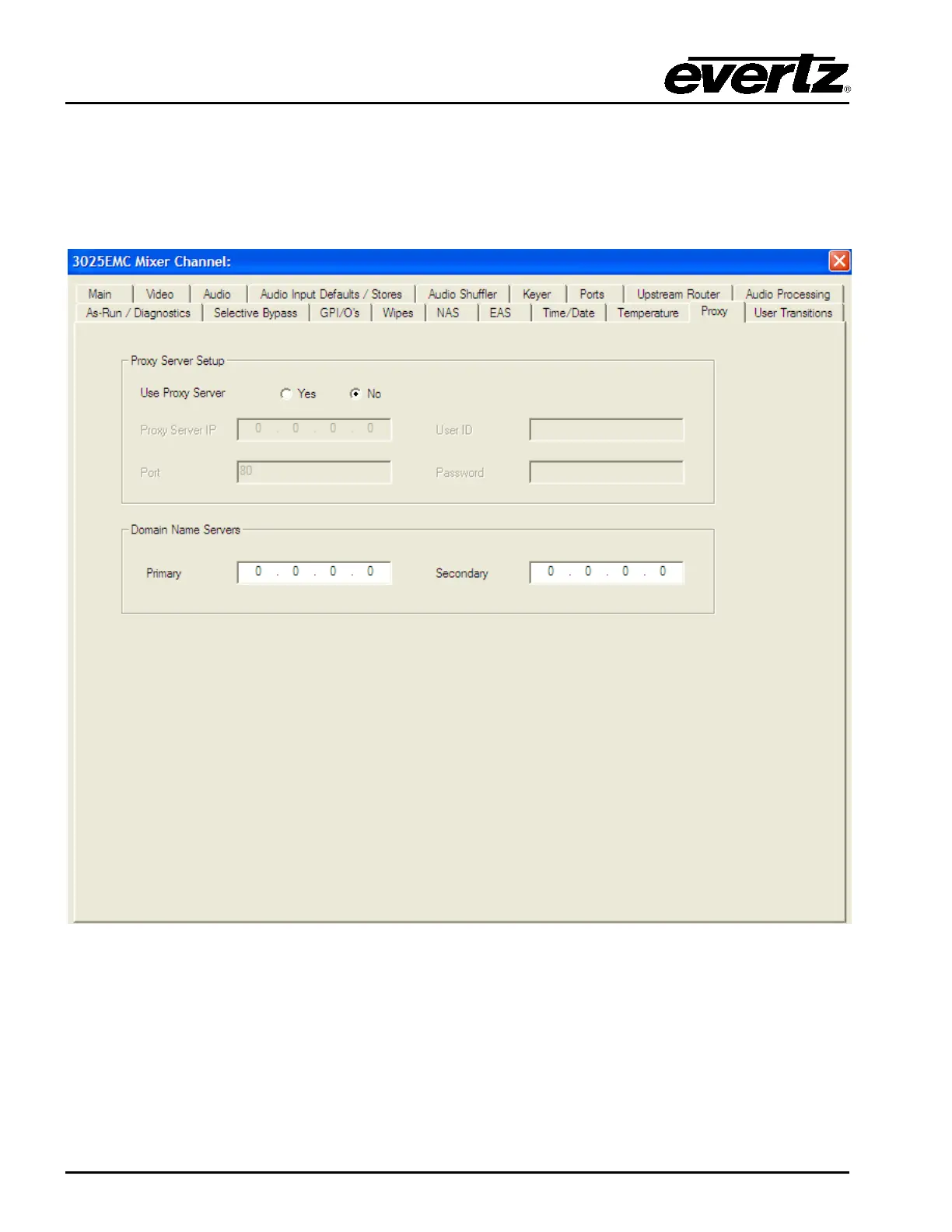
4.18. PROXY
This section configures the proxy server parameters. In the case where the crawl/dynamic text option is
enabled (+TXT) or metar is being used the data source for these objects can be fed using RSS feeds
and or metar. These feeds are typically on the outside of most corporate firewalls. These parameters
allow the 3025SW to use the company’s proxy server to externally access the data.
Figure 4-36: Proxy Tab
4.18.1. Proxy Server Setup
Use Proxy Server: Select Yes to enable the Proxy Server. Select No to disable the Proxy Server.
Proxy Server IP: This field sets the Proxy Server IP address. This is the company’s proxy server
used to access external websites. This should be provided by the IT
administrator.



 To Next Page