3025SW Master Control Switching & Channel Branding
Revision 1.0 Page 183
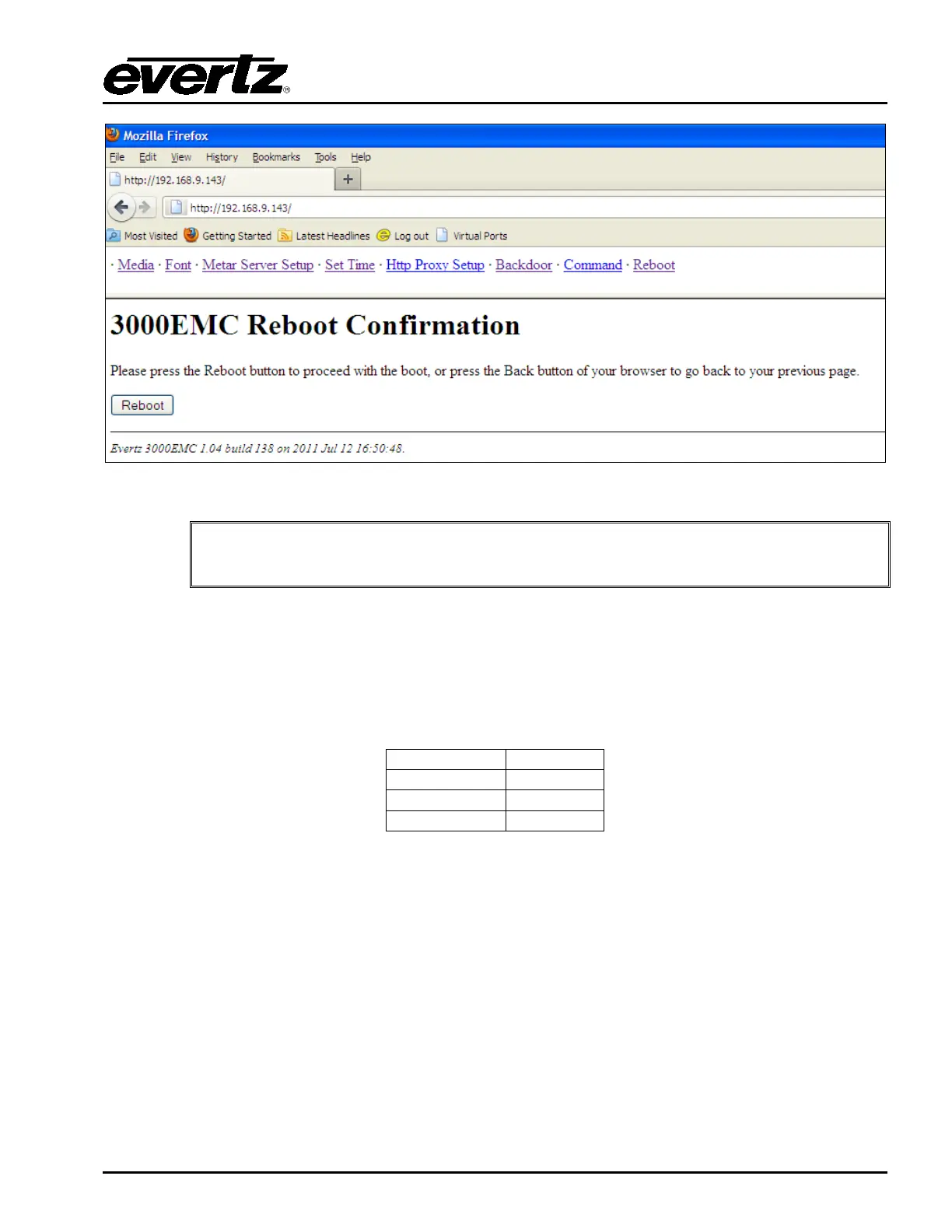
Figure 9-1: 3025SW Webpage
The 3025SW requires a reboot to complete the firmware upgrade process. Ensure
that it is safe to reboot the unit before proceeding with the system reboot!!
9.3.3. SERIAL
1. Connect a straight through D9 serial cable with a WA-S76 rainbow cable (provided with
packaging) and connect to the header on the front of the unit (marked J11 Upgrade). Use the
following serial settings:
Table 9-2: J11 Serial Settings
2. Ensure that the Run/Upgrade jumper (J22) is set for Upgrade.
3. Using a third party tool like HyperTerminal or TeraTerm, ensure that if you press “Enter” you get
a “.E” back from the EMC to confirm that the serial connection has been configured correctly.
4. Reboot/power-cycle the unit.
5. Immediately as the card begins the booting sequence press “CTRL+x” and ensure that
“PPCBOOT>” shows as the boot prompt.



 To Next Page