3025SW Master Control Switching & Channel Branding
Revision 1.0 Page 153
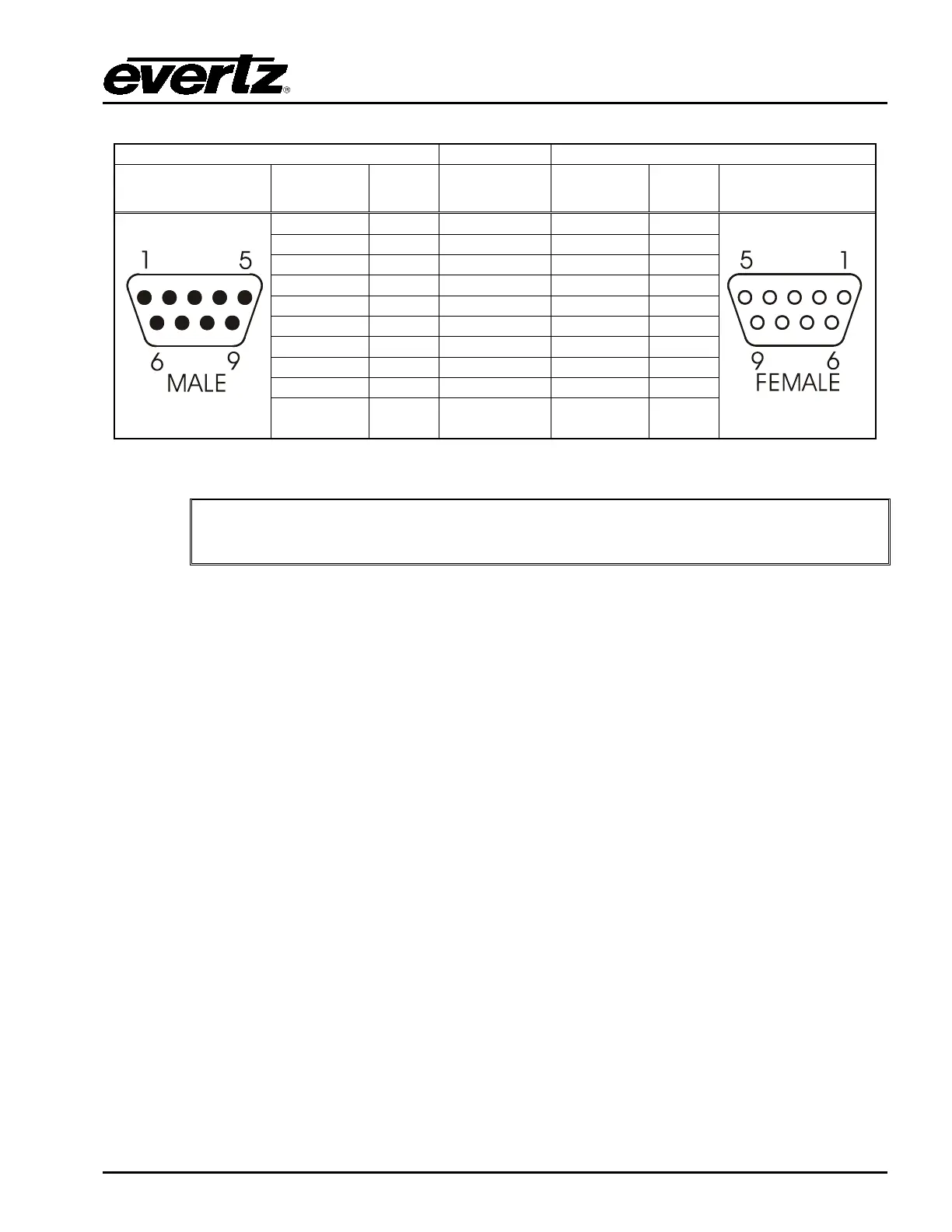
9 pin D
Male
Pin
Belden
9729
9 pin D
Female
Pin
Shield
---drain 2----
Shield
Table 8-1: Temperature Probe Extender Cable
The temperature probe cable should not exceed 1000 feet.
Because the Temperature Probe operates at a relatively low serial baud rate (1200), it can take a few
minutes for the communications between the 3025SW and temperature probe to initialize fully.
For debugging the 3025SW and probe connection the “tsnsorsoft” logging can be enabled in the
syslog.conf file. This will display serial or IP logging of the comms between the 3025SW and the
temperature probe. For more details on logging configuration see section Error! Reference source not
found..
8.2. CONFIGURING THE EAS (+E OPTIONED UNITS ONLY)
8.2.1. Serial
When the EAS option (+E) is added to the 3025SW, it has the ability to key Emergency Alert
messages received from a Sage, TFT, Trilithic or DASDEC EAS Decoder over a serial or IP
connection (dependent on EAS device). The Emergency Alert Messages are inserted over program
video and program audio. In order to insert the audio you will have to convert the analog audio from
the decoder to AES and connect it to the AES Inputs of the 3025SW. See chapter 8.3 for more
information on connecting and configuring the EAS decoder.



 To Next Page