3025SW Master Control Switching & Channel Branding
Revision 1.0 Page 47
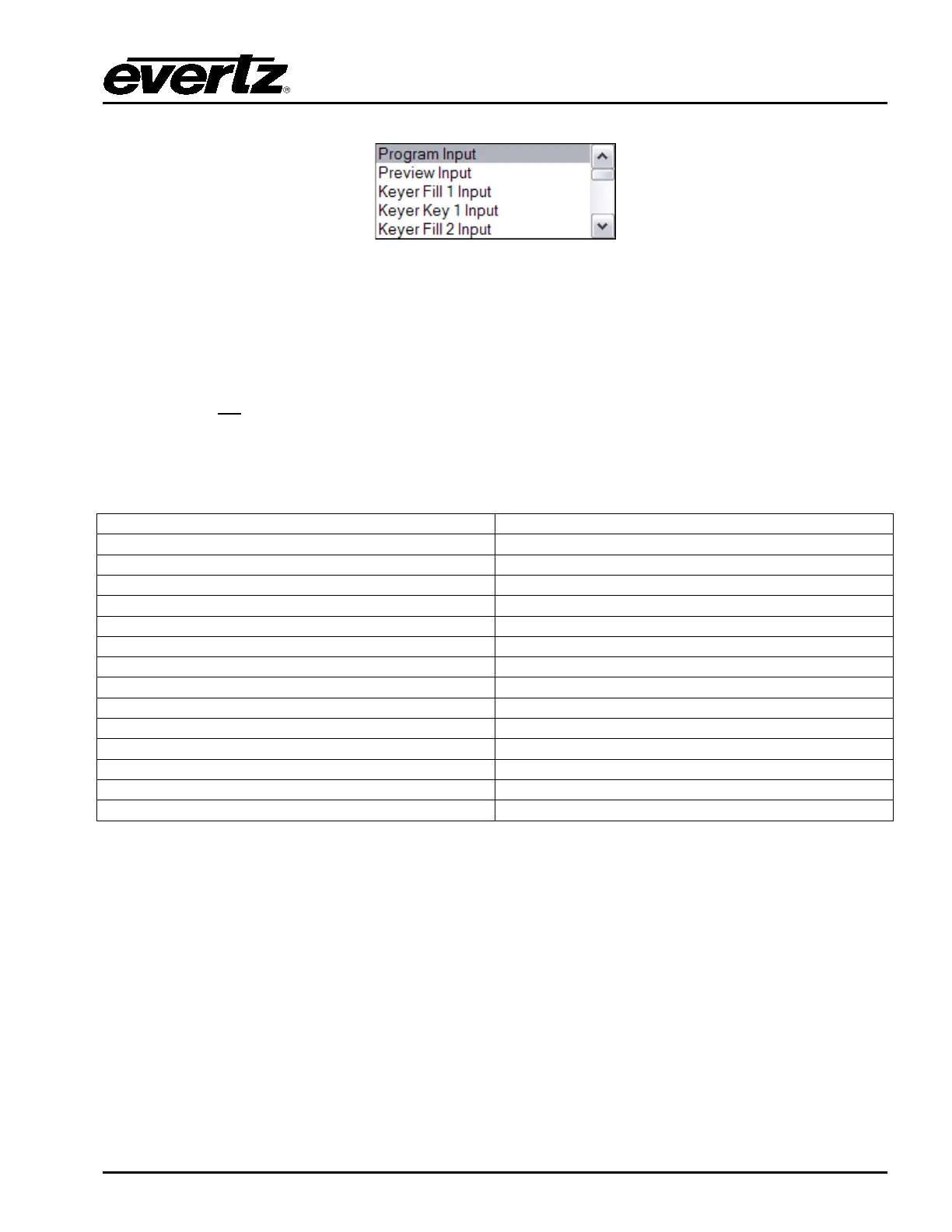
Figure 4-12: “Routed From” Drop Down Window
Users can select whether they want to include the voiceovers onto either the Aux or Clean output.
They would need to checkmark the VO1- VO5 boxes to allow the audio to include VO1 – VO5.
Program Keyer 5 O/P will always include Voiceovers as this represents the PGM output of the mixer.
The other Program O/Ps allow for configuration of which voiceovers are included/mixed. This
functionality is not
currently supported for the Preset O/Ps.
Note that currently the drop-down menus for the 3025SW configuration will show the inputs as
Program Input, Preview Input etc. Table 4-3 shows how the drop-down menu settings apply to the
3025SW-IO-BNC rear plate. In future releases this will not be the case.
Table 4-3: Bus Router Selection for 3025SW-IO-BNC
4.4.6. Using Aux for Audio Monitoring
When Auxiliary Output is selected for configuration in the Video Tab an additional option will become
available. This is option is called “Use Aux for Audio Monitoring”.



 To Next Page