3025SW Master Control Switching & Channel Branding
Revision 1.0 Page 113
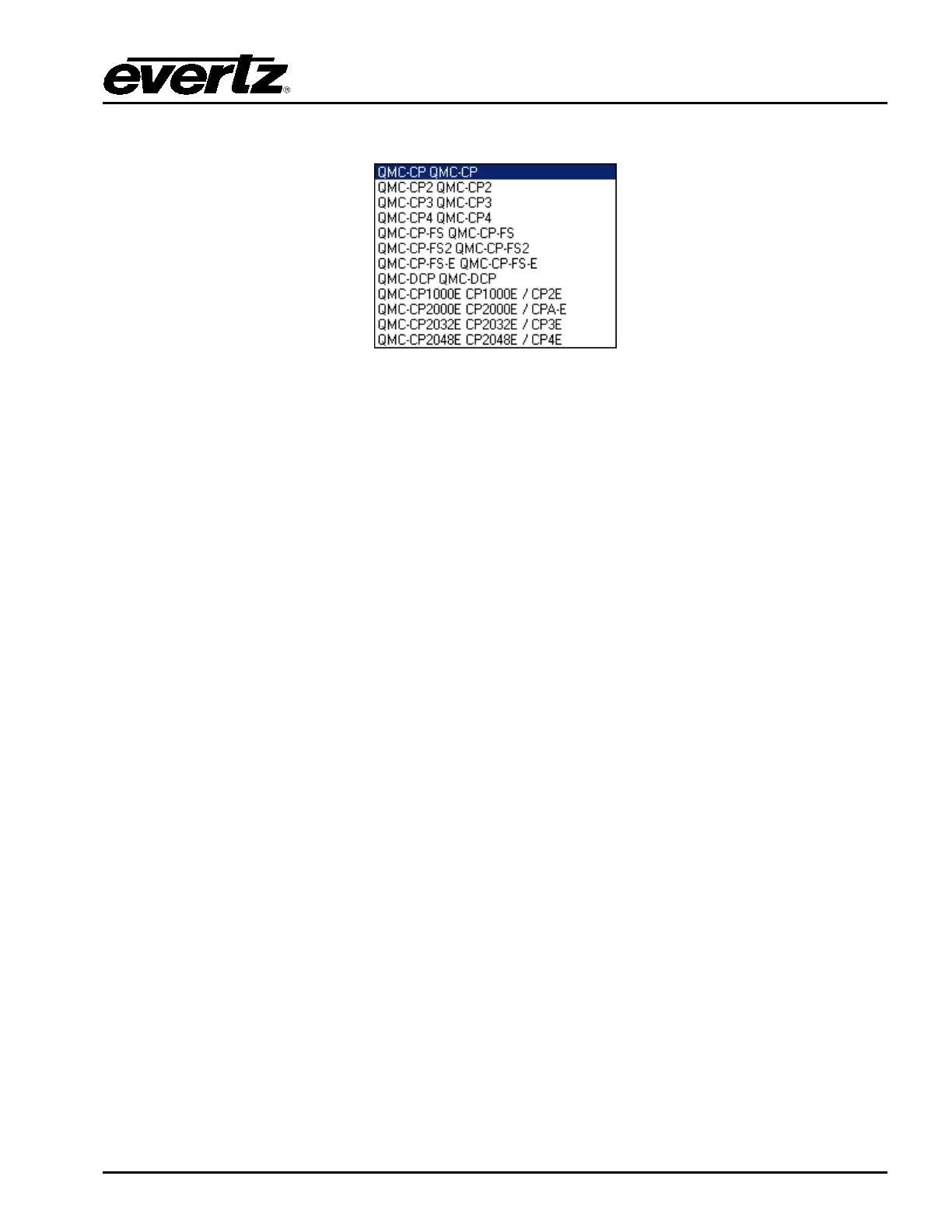
The available panel types are listed when you pull down the menu.
For the 3025SW, the only panel types that are supported are: QMC-DCP (EMC-DCP), QMC-
CP1000E, QMC-CP2000E, and QMC-CP2048E. The others are invalid panel types that will not work
with the 3025SW or EMC.
Edit: Edit the selected control panel.
Copy: Copy the selected control panel. This action will insert a copy of the selected panel into
the list and automatically increment the QLINK address.
Delete: Delete the selected control panel.
Export: Save the selected control panel configuration to an external file located on PC that will
have a .pan extension.
Import: Load the selected control panel configuration from an external file located on PC that
will have a .pan extension.
6.3.1. QMC CP1000E – Key Definition
When the QMC-CP-1000E panel is selected, the following configuration window will appear:


 To Next Page