5. Programming
5−5
Festo P.BE−SPC200−WIN−PISA−CD−EN en 0901d
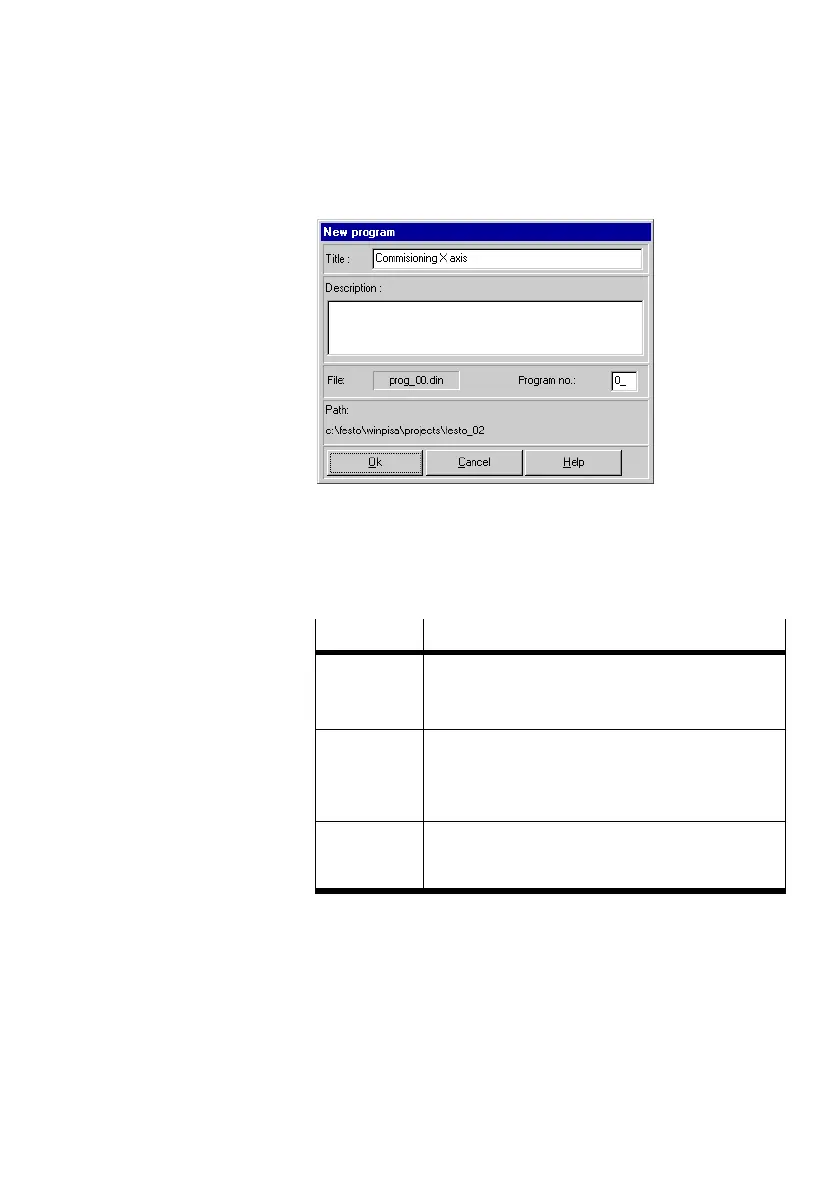
Fig.5/1: Creating a new program
The meaning of the information is as follows:
Field
Description
Title The title of the program in maximum 20 characters.
A self−explanatory title makes it easier to find pro
grams in the project window.
Description A short description of the program (maximum 128
characters). Here you can make a note of the task,
the mode of operation or particular characteristics
of the program.
Program no. Number of the program. The lowest free program
number of the project is selected by default. A pro
gram number must be unique within a project.
The name of the new program file will be shown in the File"
field (PROG_00.DIN", PROG_01.DIN", etc.).











 To Next Page