6. Diagnostics and optimization
6−22
Festo P.BE−SPC200−WIN−PISA−CD−EN en 0901d
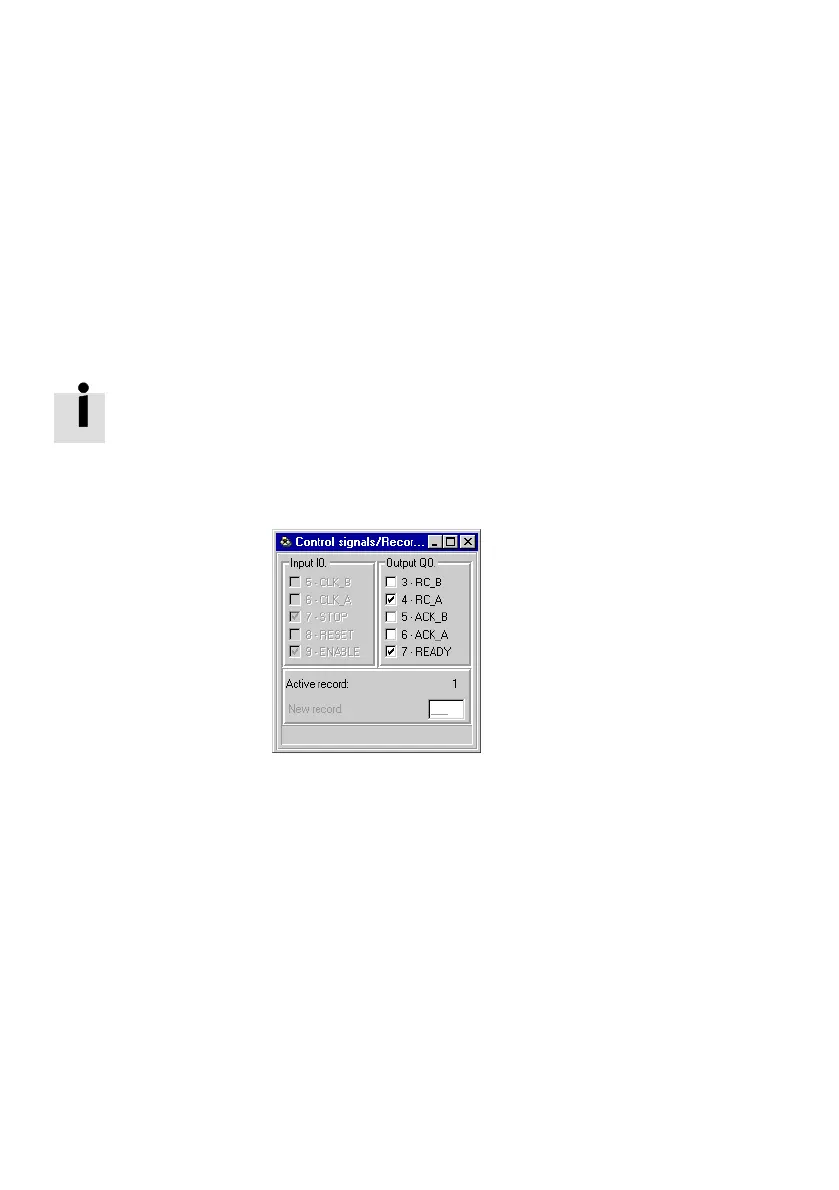
6.3.3 Control signals/record numbers
WinPISA shows you the states of the inputs and outputs valid
during program processing for controlling the SPC200. The
available control I/Os depend on the operating mode. In the
record selection mode the current specified record number is
also shown.
Detailed instructions on the control signals can be found in
the system manual for
the SPC200.
The control I/Os are assigned either to the address range of
the first I/O module or to the field bus module depending on
the configuration.
Fig.6/12: Control signals/record numbers (e.g. record
selection)
You can display the window Control signals/record numbers
as follows:
· Without field bus module:
Select the command [Control signals/record numbers] in
the menu [Online] [Observe] [I/O module].
· With field bus module:
Select the command [Control signals/record numbers] in
the menu [Online] [Observe] [Field bus module].
Control outputs used by the SPC200 cannot be influenced.
In test mode, you can enter the current record number in
record selection mode and transfer it by pressing the ENTER
key.











 To Next Page