2. Project management
2−4
Festo P.BE−SPC200−WIN−PISA−CD−EN en 0901d
2.1 Managing projects
WinPISA has a number of functions for the management of
your project; these are described in the following sections:
Creating or opening projects
Saving projects and transferring them to other computers
Deleting projects
Print complete projects or parts thereof (programs,
position list, hardware, etc.)
Loading or reading out projects or project components
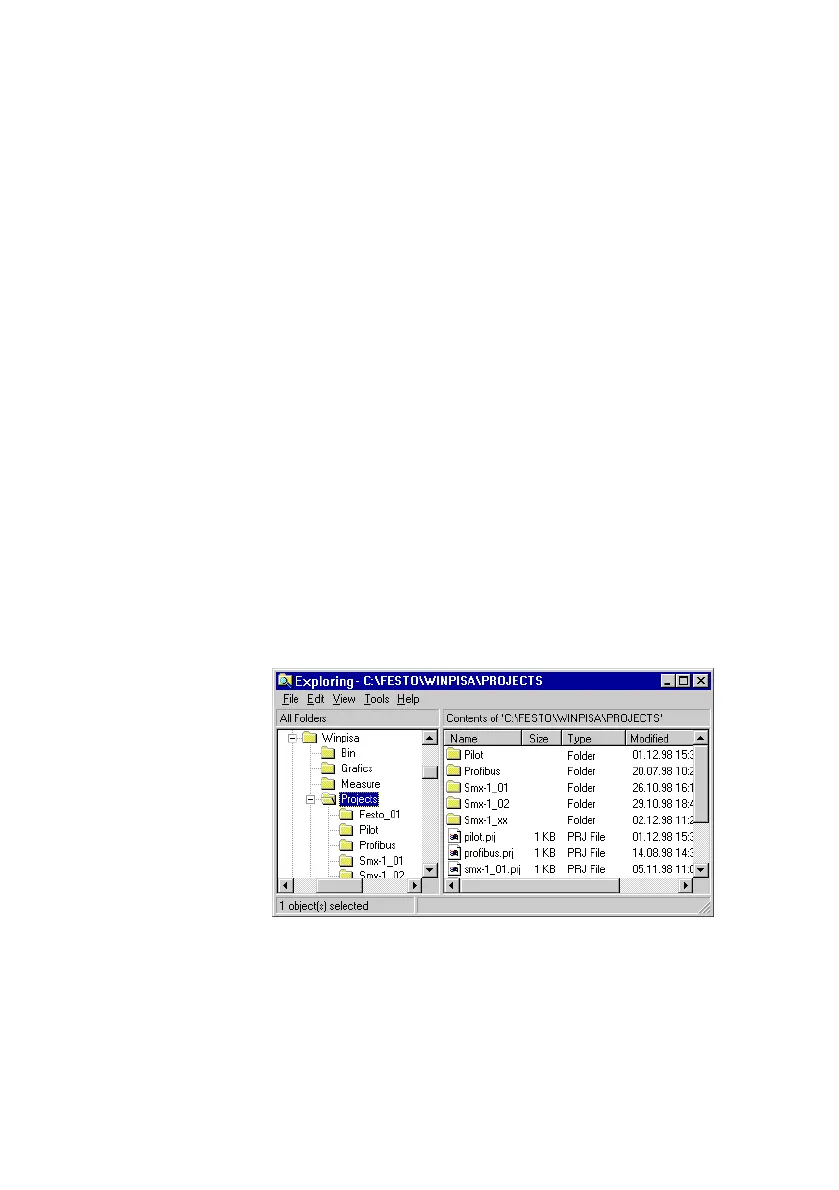
Project files WinPISA manages
your project in a project file with the file
extension *.PRJ" and in a directory of the same name, the
project sub−directory. The project file contains information on
the composition of the project. The project sub−directory con
tains all of the files belonging to the project.
Fig.2/1: Example of a project directory (Windows Explorer)











 To Next Page