2. Project management
2−8
Festo P.BE−SPC200−WIN−PISA−CD−EN en 0901d
2.1.2 Opening and closing projects
You need to open a project if you wish to do the following in
an existing project:
modify an existing program or position list,
create a new program,
modify system data or settings (e.g. after a change of
components or to optimize a system).
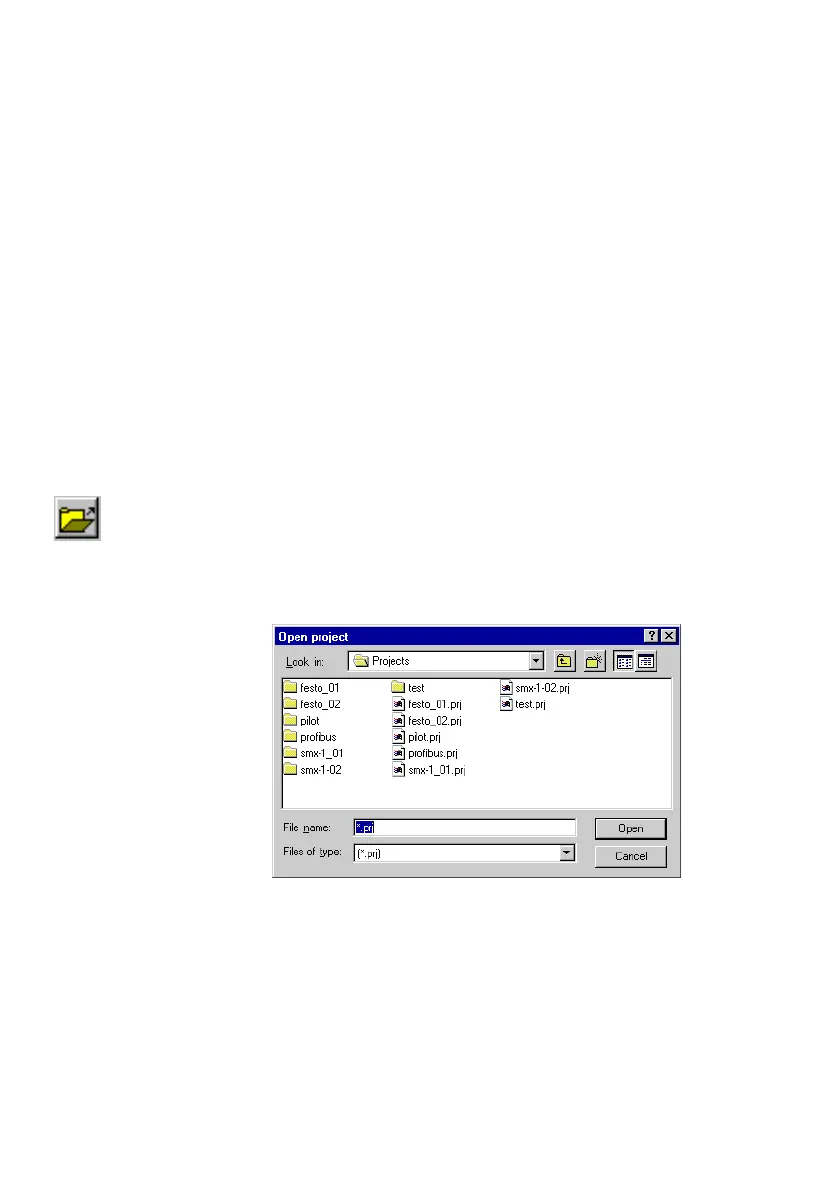
To open a project:
1. Select the command [Openproject] from the
[File] menu,
or click on the Open project" button in the toolbar.
2. Select a project file from the Openproject" dialogue
window and confirm the selection with OK".
Fig.2/5: Open project











 To Next Page