5. Programming
5−107
Festo P.BE−SPC200−WIN−PISA−CD−EN en 0901d
5.6 Checking programs
You can check your user programs for syntactical errors.
The following will be checked:
missing or incorrect line numbering
correct command words
correct record structure
existence of symbolic identifiers
value ranges.
To check the syntax in programs:
1. Make sure that the program window of the program to be
compiled is active.
2. Select [Syntax check] from the
[Compile] menu or click on
the Syntax check" button.
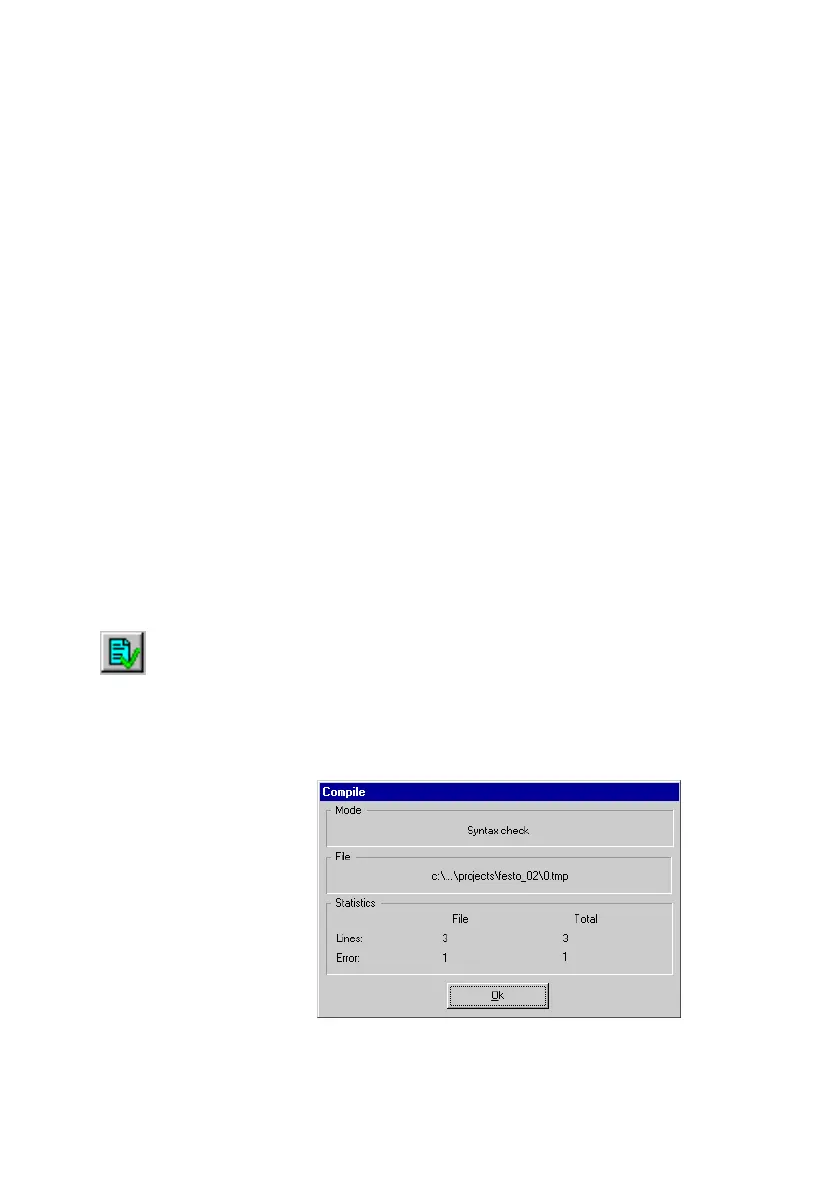
3. The progress of the syntax check will be displayed in the
Compile" window. Wait until the checking procedure is
complete.
Fig.5/20: Syntax checking











 To Next Page