5. Programming
5−116
Festo P.BE−SPC200−WIN−PISA−CD−EN en 0901d
5.8 Downloading programs to the SPC200 and starting up
Download programs to the SPC200 if you have made modifi
cations to programs in WinPISA.
Programs must have been compiled without error before they
can be downloaded.
The SPC200 must be connected to the PC (see Online mode)
for programs to be downloaded to it.
To download programs to the SPC200:
1. Select [Online mode]
from the [Online] menu or click on
the Online mode on" button in the toolbar to activate
Online mode.
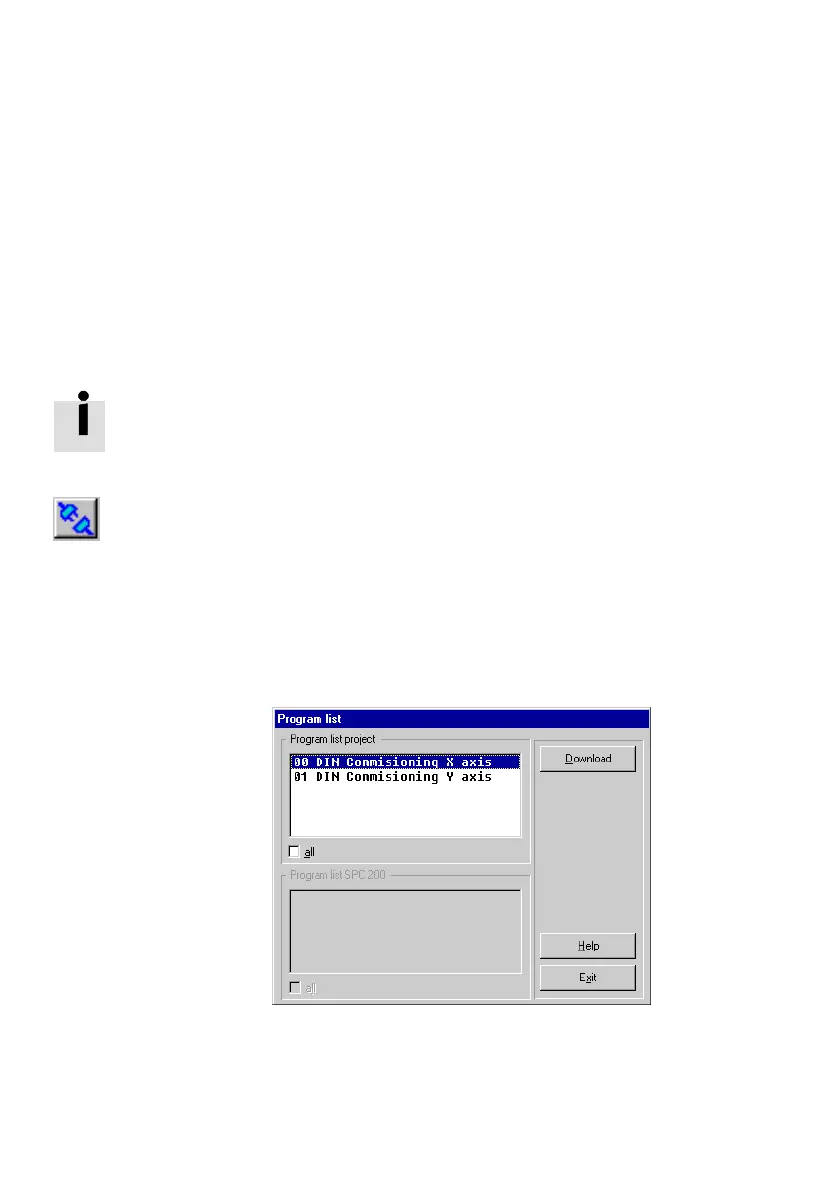
2. Select [Programs] from the [Online] [Download] menu.
3. Select one or more programs from Program list project"
in the Program list" dialogue window. Check the All"
check box to select all programs.
Fig.5/24: Downloading programs











 To Next Page