A. Working with the keyboard
A−3
Festo P.BE−SPC200−WIN−PISA−CD−EN en 0901d
A.1 Key assignment
WinPISA can be completely operated using the keyboard. A
wide variety of keys and key combinations are available for
you to do this.
System keys
The following keys can be used from a window or full screen
display, whichever application you are using.
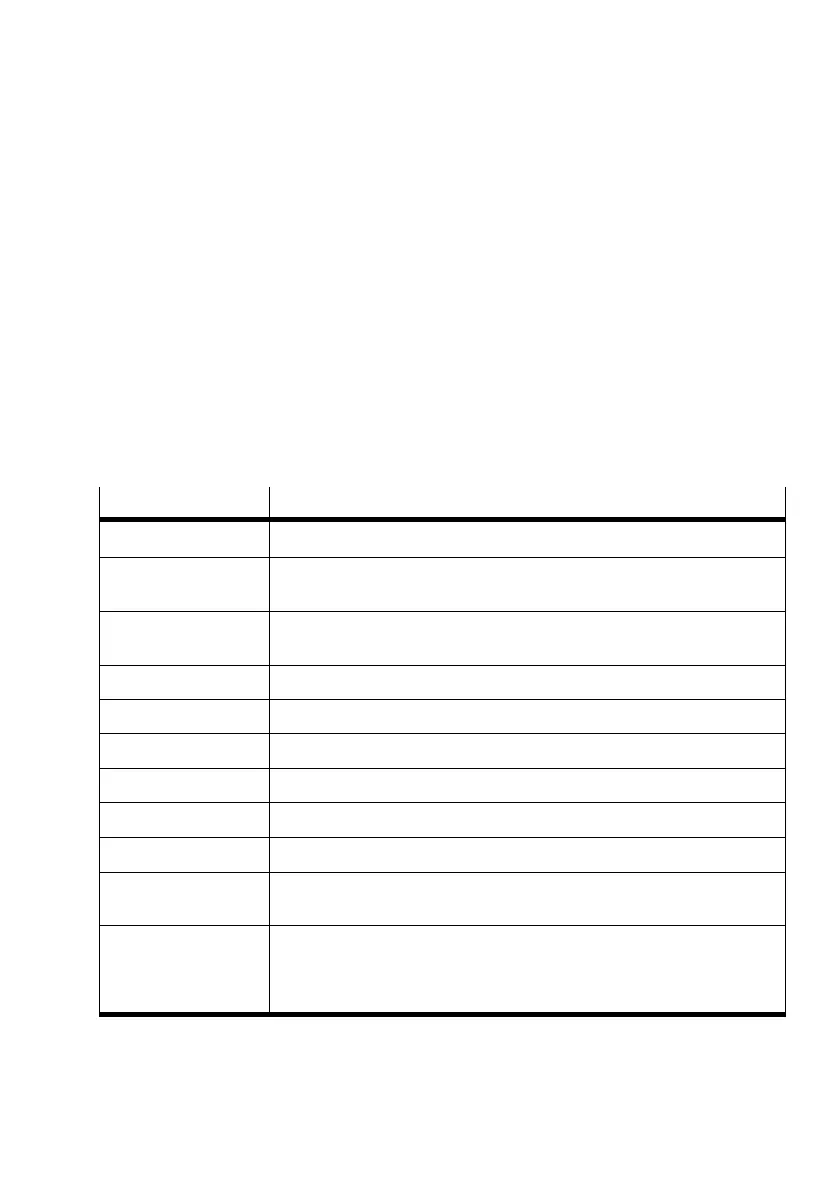
Press key(s) ...
... to do the following:
CTRL+ESC Switch to the task list.
ALT+ESC Move to the next application, no matter whether it is running as a window
or an icon.
ALT+TAB Move to the previous application or further. Hold down the ALT key and
press the TAB key repeatedly.
PRINT key Copies an image of the screen to the clipboard.
ALT+PRINT Copies an image of the active window to the clipboard.
ALT+SPACEBAR Opens the system menu in an application window.ALT+SPACEBAR
ALT+HYPHEN Opens the system menu in a document window.
ALT+F4 Ends the application or closes a window.
CTRL+F4 Closes the active group or document window.
ALT+ENTER Toggles execution of a non−Windows application between a window and a
full screen display.
An ARROW key Moves a window when you have selected the [Move] command from the
system menu.
Or it changes the size of a window when you have selected the [Resize]
command from the system menu.











 To Next Page