2. Project management
2−14
Festo P.BE−SPC200−WIN−PISA−CD−EN en 0901d
4. Confirm your input with OK".
5. Enter a project title (20 characters) and enter a comment
(128 characters) in the Description" field of the Details
on project" dialogue window. Confirm your input with
OK".
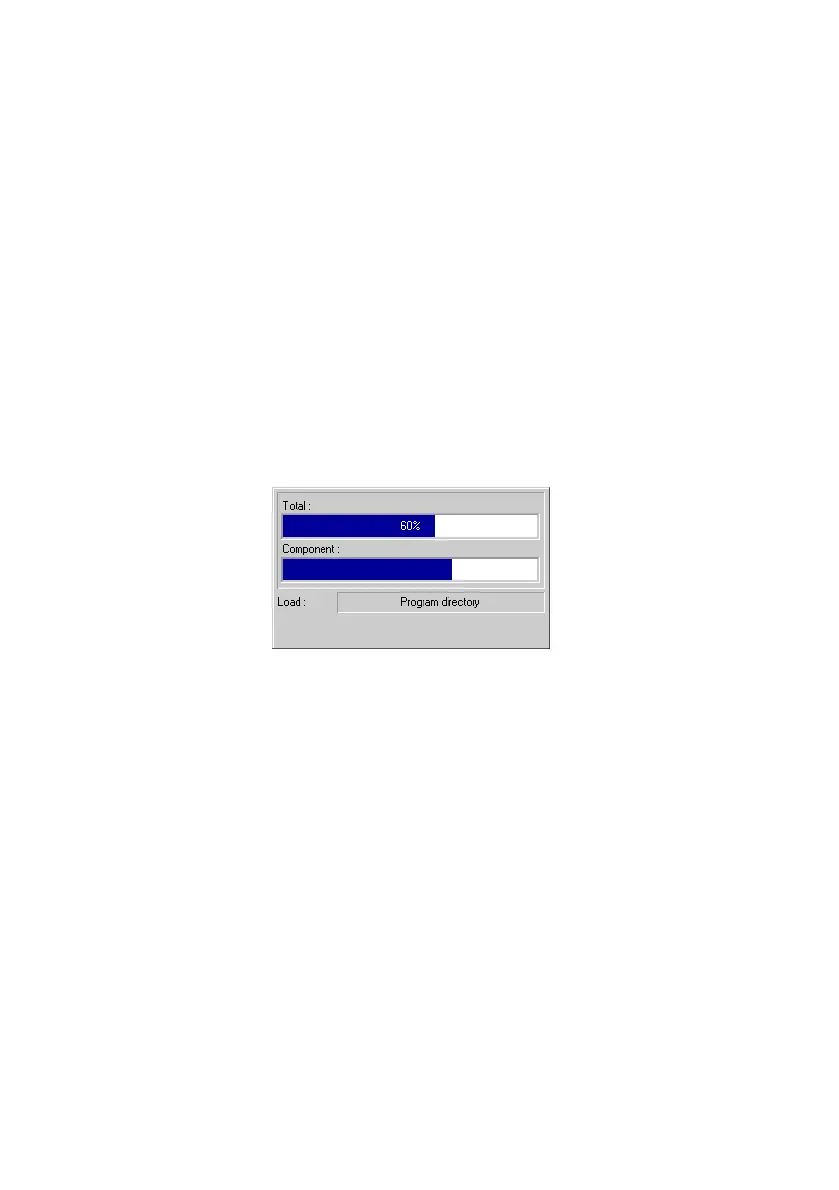
While the project is being uploaded from the SPC200, the
progress of data transmission is shown in a window. The two
bars show the progress of transmission as a percentage. The
upper bar represents the whole project and the lower bar the
project component currently being transmitted.
Fig.2/7: Project Upload
6. Confirm successful transmission with OK".
Confirm the prompt and repeat the process should an error
occur during transmission.
2.1.8 Loading projects (Download)
You download a project into the SPC200 if:
you have carried out several modifications to different
components of a project being edited and you want to
download these to the SPC200,
you want to download to the SPC200 a complete project
you have created offline.











 To Next Page