1. Installation and general user information
1−13
Festo P.BE−SPC200−WIN−PISA−CD−EN en 0901d
1.3 Starting WinPISA
To start WinPISA:
1. First of all start Microsoft Windows.
2. Start WinPISA in the program group which you have
specified during installation. Select the WinPISA symbol
and press the ENTER key.
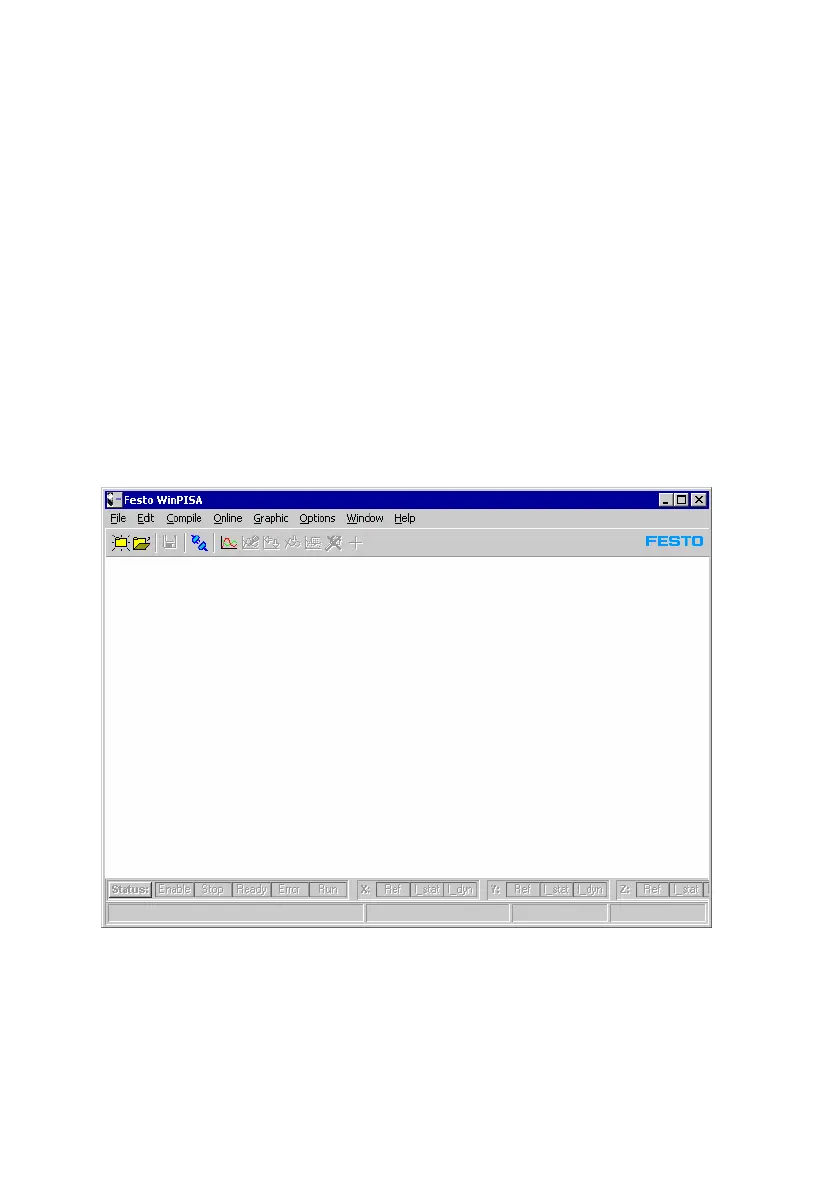
After a few seconds, the WinPISA application window will
appear on your screen:
Fig.1/7: The WinPISA desktop user interface











 To Next Page