3. Project planning
3−5
Festo P.BE−SPC200−WIN−PISA−CD−EN en 0901d
3.2 Selecting planned axes
In order to load a PTA file, proceed as follows:
1. Open the dialogue window Parameter set for the ..−axis"
for the axis into which you wish to load the specification.
2. Press the button Select". The available planned specifi
cations in the directory set for PTA files (see chapter 1)
will then be shown
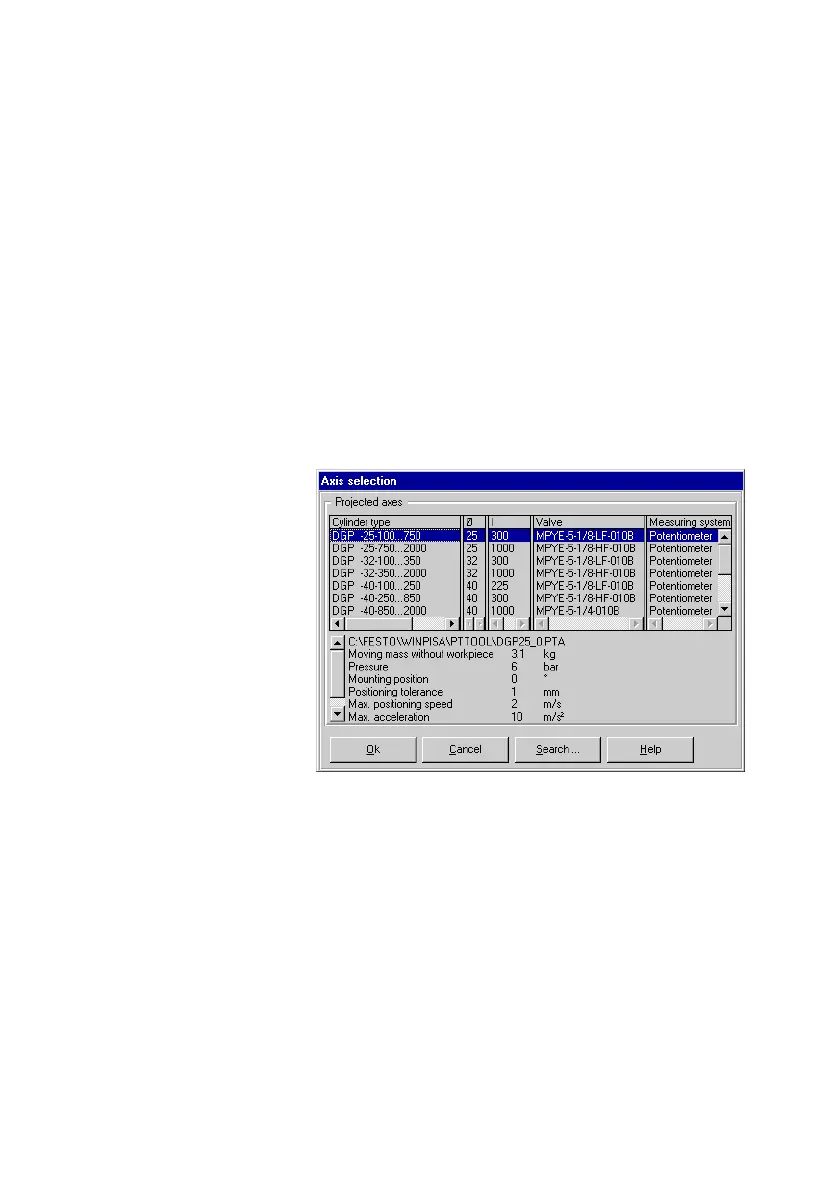
in the dialogue window Axis selec
tion", depending on the axis type (pneumatic or electric).
Fig.3/1: Axis selection (pneumatic axis)
3. Select the appropriate axis from the list under Projected
axes".
The name of the PTA file for the relevant axis as well as
other information will be displayed.
Instructions on selecting the correct specification can be
found on the following pages.
You can change the directory with the button Search".
4. Confirm
the selected specification with OK".











 To Next Page