2. Project management
2−6
Festo P.BE−SPC200−WIN−PISA−CD−EN en 0901d
2.1.1 Creating projects
You must create a new project if you want to program and
operate a new positioning system.
To create a new project:
1. Select the [New project] item from the [File] menu, or click
on the Create new project" button in the toolbar.
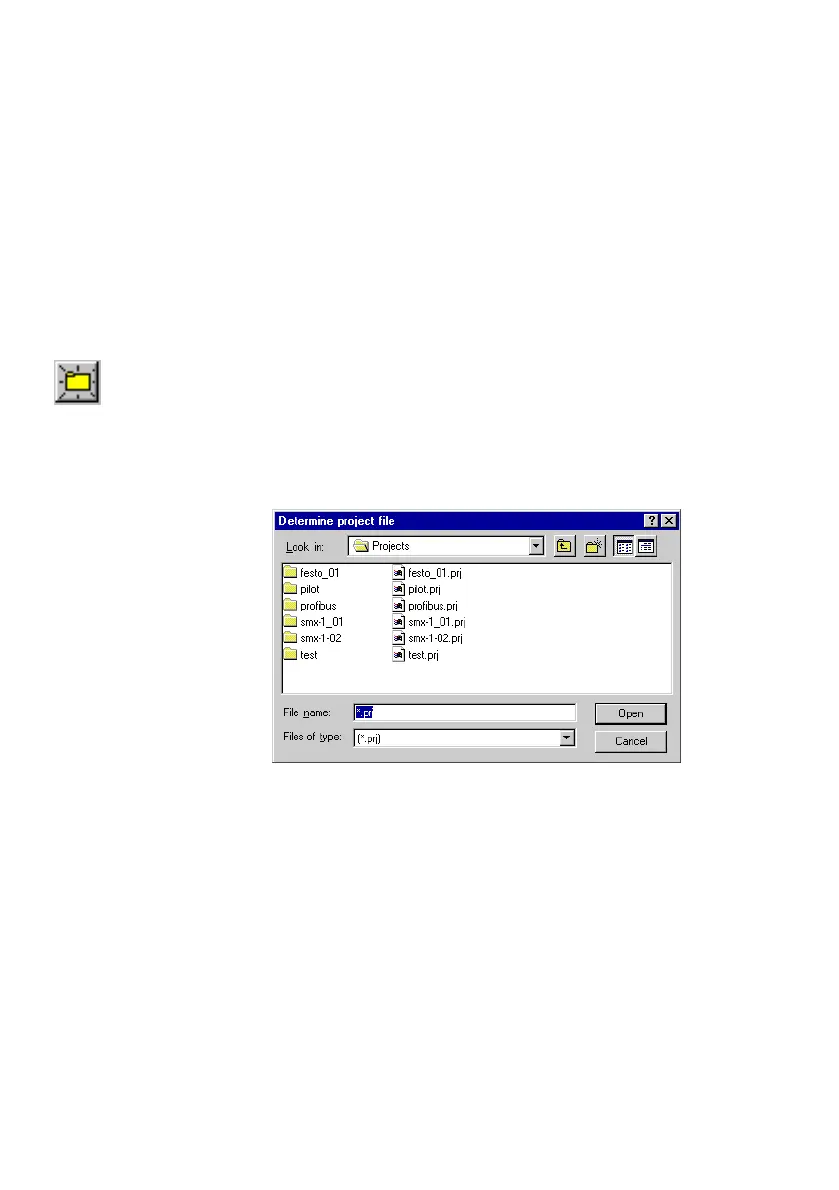
2. Enter a name for the new project file in the File
name"
field of the Determine project file" dialogue window. The
file extension *.PRJ" will be added automatically.
Fig.2/3: Create project file
The usual filenaming conventions under DOS apply in naming
the project file. Project files have the file extension *.PRJ".
3. Modify the path under Look in" if you wish to create the
project in another directory or folder.
4. Confirm these entries with OK".
5. Enter a project title (max. 20 characters) in the
Title"
field and a comment (max. 128 characters) for the new
project in the Description" field of the Details on pro
ject" dialogue window.











 To Next Page