1. Installation and general user information
1−14
Festo P.BE−SPC200−WIN−PISA−CD−EN en 0901d
1.4 Setting options for WinPISA
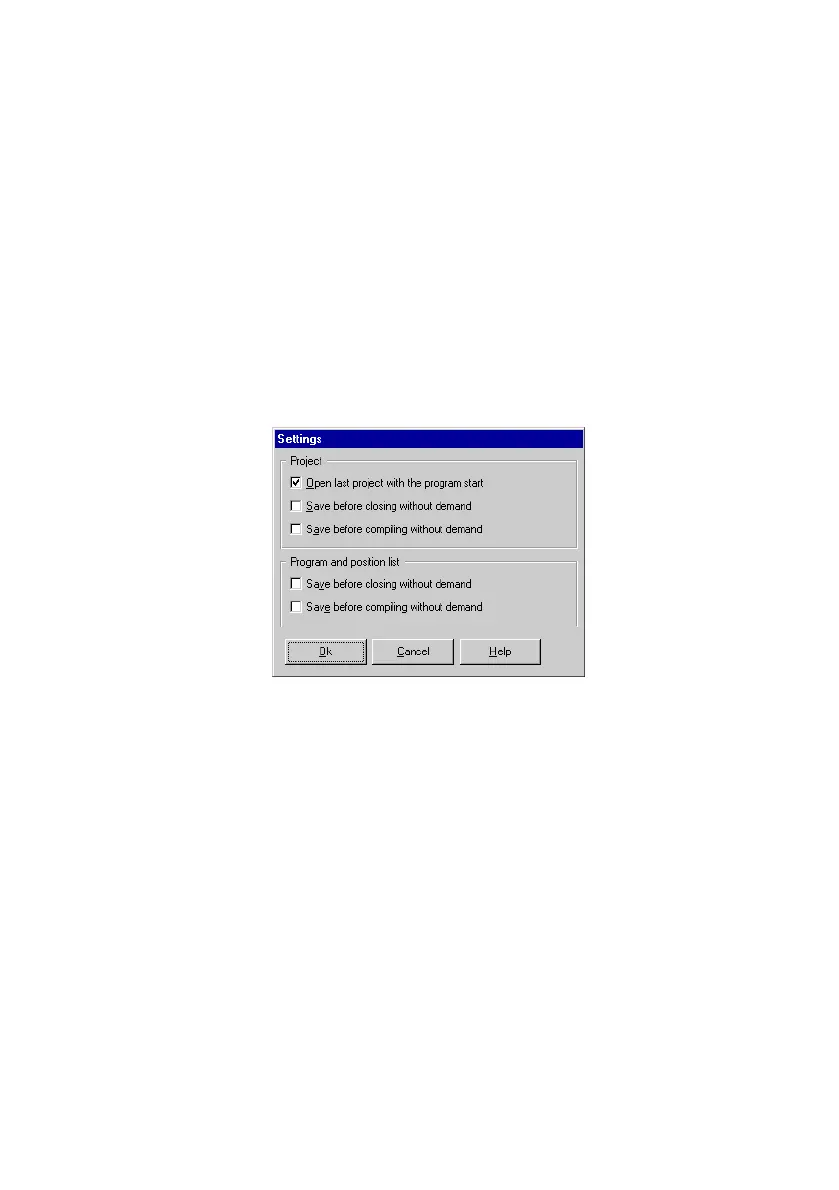
Settings for project and editor windows
You can set the reaction of WinPISA for the project and the
editor windows individually. To do this select the command
[Settings] in the menu [Options] and activate the desired
check box.
Fig.1/8: Settings for project and editor windows
Setting the directories
WinPISA offers you the possibility of setting various directory
paths (folders) as a presetting for storing projects (see
chapter 2), Planned axis specifications (*.pta, see chapter 3)
and measured data (see chapter 6).
You can set the directory paths as follows:
1. Select the command [Directories]
in the menu [Options].











 To Next Page