2. Project management
2−16
Festo P.BE−SPC200−WIN−PISA−CD−EN en 0901d
2.2 Editing projects in the project window
Editing a project includes:
setting hardware configurations
configuring system components (axis, application and
controller data)
editing the position list
creating and editing programs.
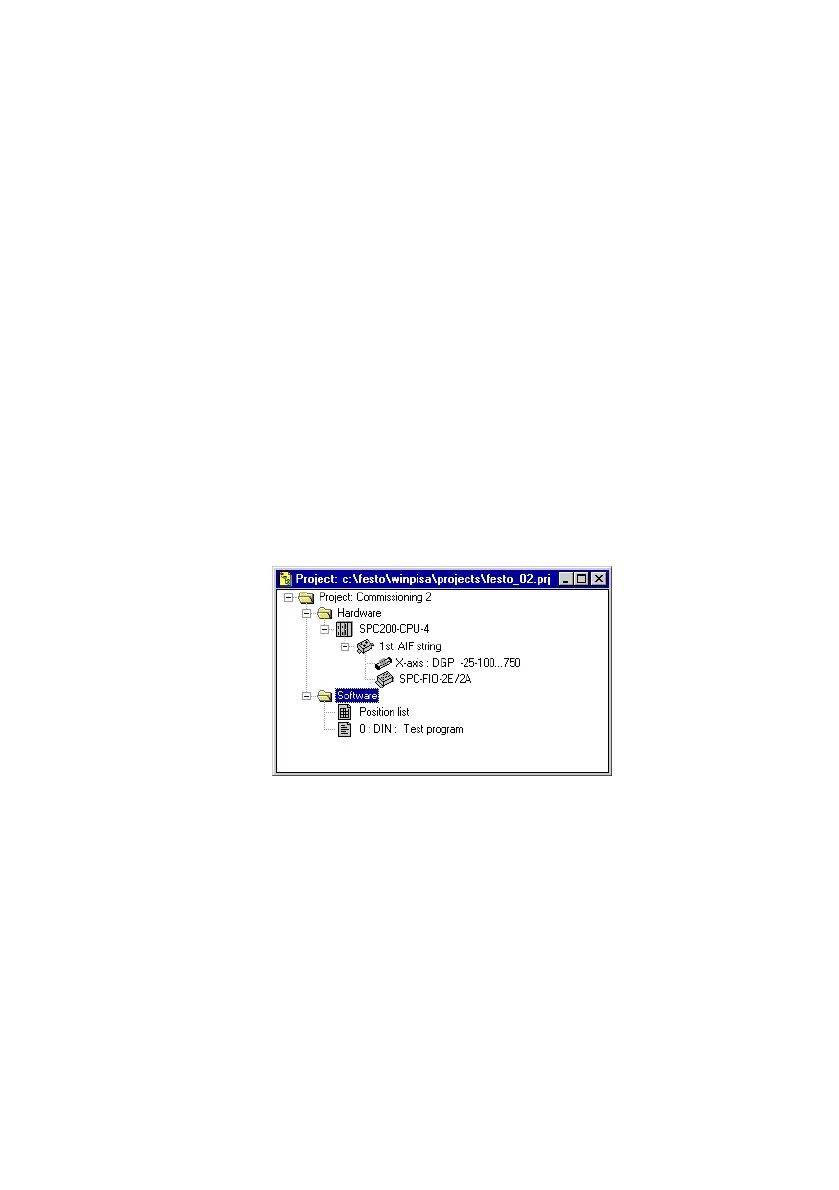
Projects in WinPISA are shown in the project window. An open
project window in the WinPISA window thus shows that the
associated project is opened.
Fig.2/8: Project window
You can clearly display and edit all the components of a pro
ject in the project window. These are arranged in a tree struc
ture (similar to the representation of directories in the Ex
plorer) to assist you in this.
The Hardware" and Software" areas are located under the
project icon.
The system components are under Hardware".
The position list and the positioning programs are in the
Software" area.











 To Next Page