5. Programming
5−14
Festo P.BE−SPC200−WIN−PISA−CD−EN en 0901d
5.1.2 Position list and register
When programming you can either specify positions directly
(e.g. X100) or specify the values by position register. You sim
ply specify the desired position register (e.g. X@1) in the pro
gram.
Please note
As from operating system version 4.6, position registers
(@n) can also be used for saving various other values, see
section 5.3.3.
You can display the position register through the position list
in WinPISA. The position registers of all axes are combined
under the same index and given a name as a symbolic
posi
tion in the position list.
You can use the name of the symbolic position in user pro
grams instead of specifying position registers (e.g. the posi
tions X@STORE_POS" and Y@STORE_POS" with index 3"
stand for the position registers X@3 and Y@3).
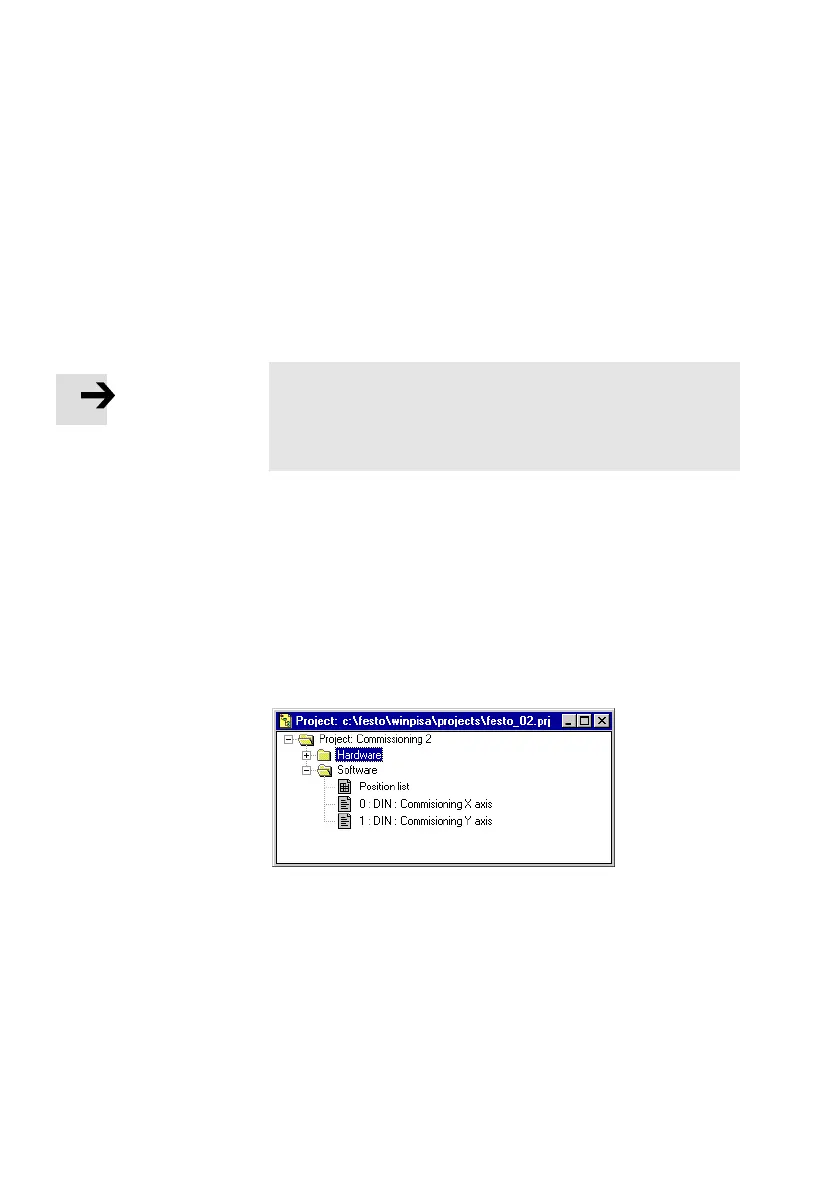
Fig.5/4: Project window, software area











 To Next Page