6. Diagnostics and optimization
6−4
Festo P.BE−SPC200−WIN−PISA−CD−EN en 0901d
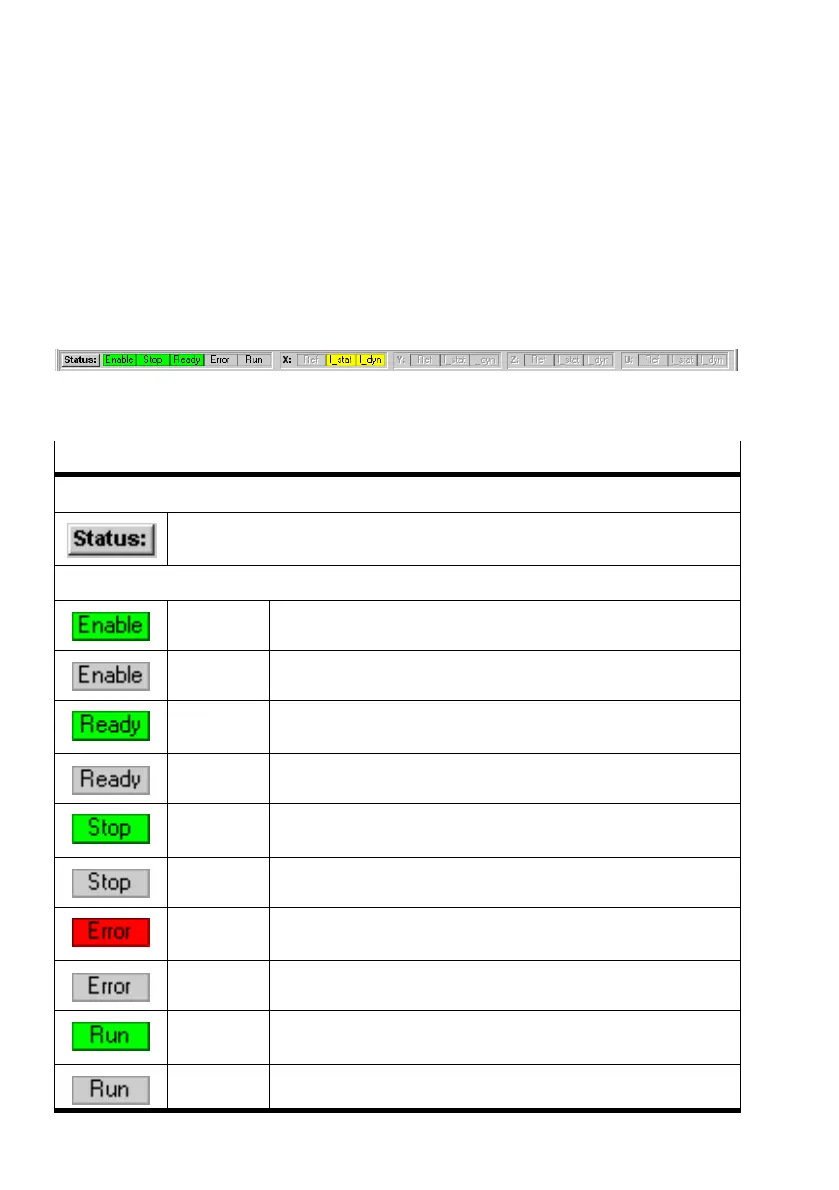
6.1 Online status display
The "Online Status Display" function shows all important sys
tem and axis statuses directly above the status bar in the
WinPISA program window when online mode is active.
Fig.6/1: Online status display
Elements of the online status display
Button for calling the status display
Direct call of "Status display" window
Controller−specific status displays (see control signals/record number)
green ENABLE signal present
grey ENABLE signal absent
green READY signal present
grey READY signal absent
green STOP signal present
grey STOP signal absent
red ERROR message present
green No error message present
green Program is running
grey Program has stopped











 To Next Page