1. Installation and general user information
1−15
Festo P.BE−SPC200−WIN−PISA−CD−EN en 0901d
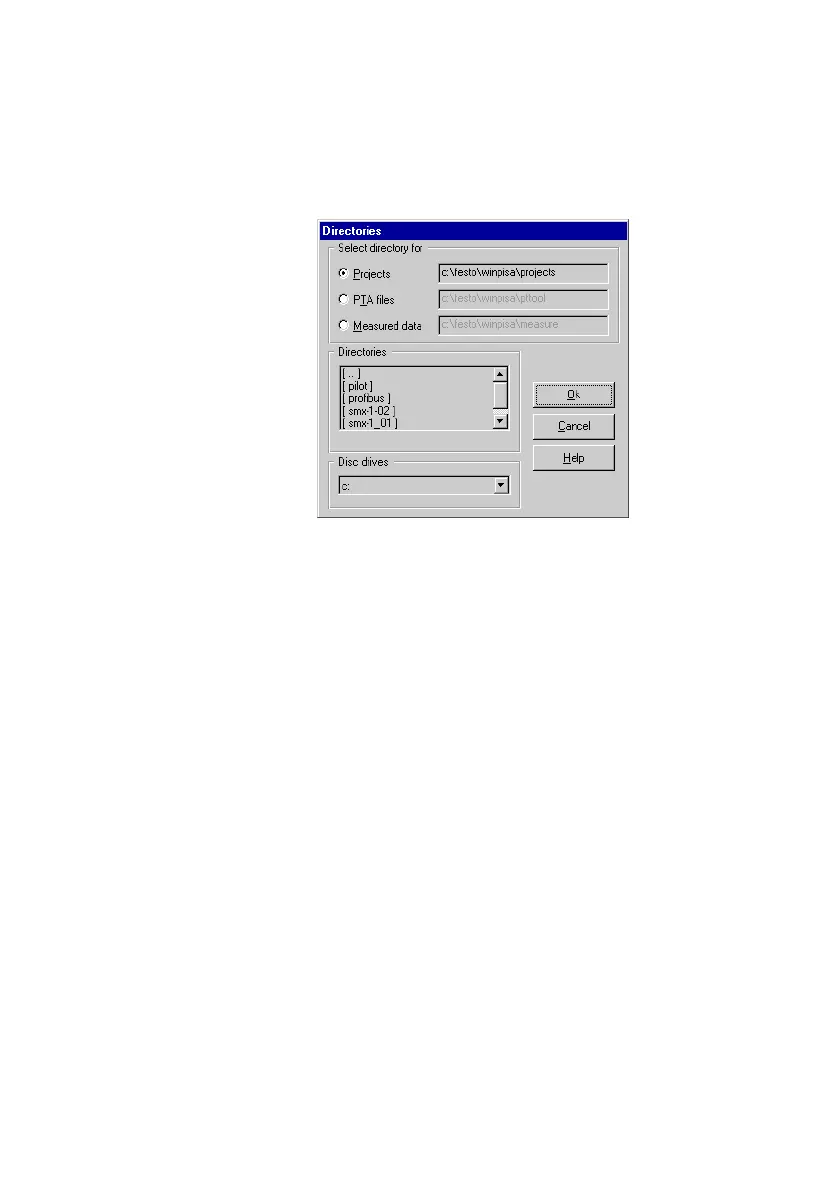
Fig.1/9: Setting the directories
2. Select the directory path you wish to set under Select
directory for" in the dialogue window Directories". The
valid path will be shown after the appropriate option.
3. Set the desired path under Directories" or under Disc
drives". The path set will be shown under Select direc
tory for".
4. Repeat, where applicable,
steps 2 and 3 for further
directory paths.
5. Transfer the settings with OK".
The directories set are offered as presettings in the appropri
ate dialogue windows for selecting files.











 To Next Page