2. Project management
2−5
Festo P.BE−SPC200−WIN−PISA−CD−EN en 0901d
The free choice of directory makes it possible to guarantee
clarity in managing a number of projects. If necessary, you
can create further sub−directories in your project directory to
store individual projects.
Projects always consist of the project file and the directory of
the same name. Access to a project file in project
manage
ment always accesses the associated directory as well.
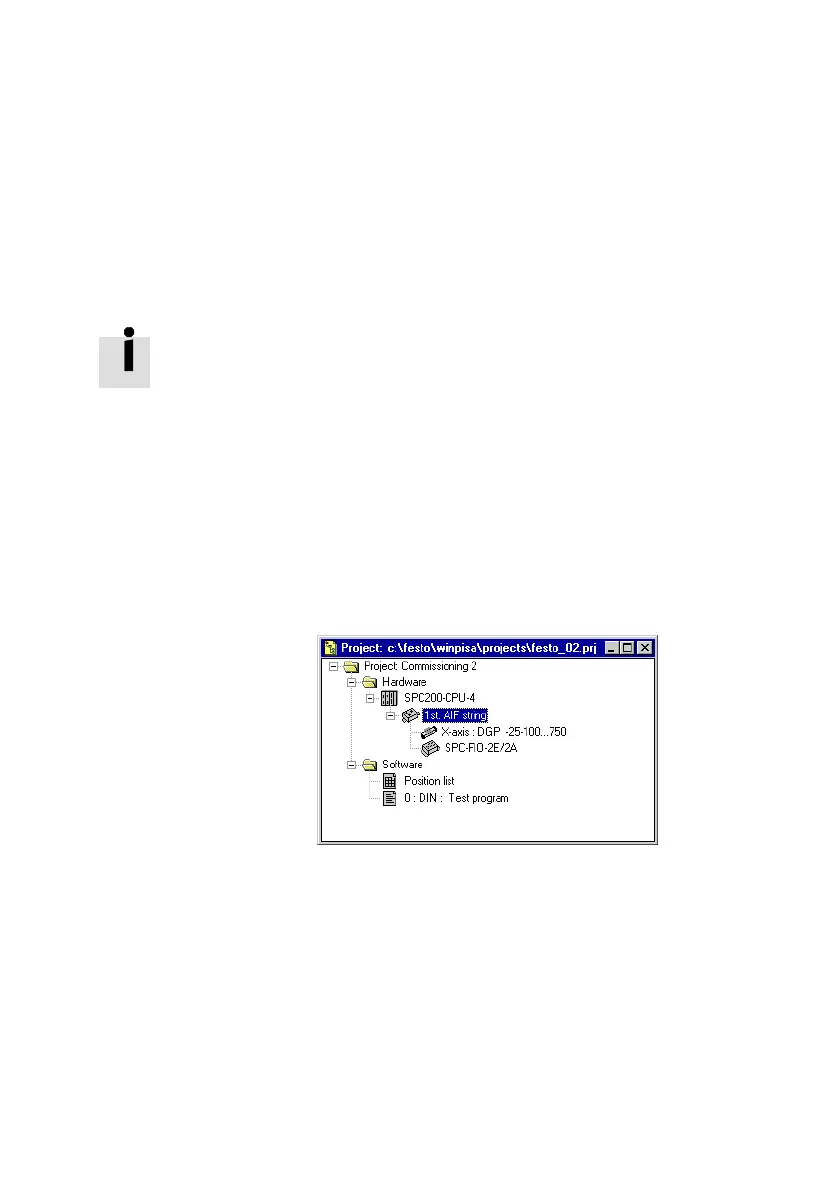
Project window An open project and the software and hardware defined in it
are displayed in the project window.
Individual project components such as the position list, pro
grams and hardware configurations are displayed graphically
in a tree structure in the project window (comparable to the
representation of directories in the Explorer). A double−click
on the icon for a project component is sufficient to check or
change settings.
Fig.2/2: Project window











 To Next Page