5. Programming
5−108
Festo P.BE−SPC200−WIN−PISA−CD−EN en 0901d
4. Click OK" in the Compile" window to confirm the com
pleted check.
5. Check the message window. Rectify any errors and repeat
the syntax check.
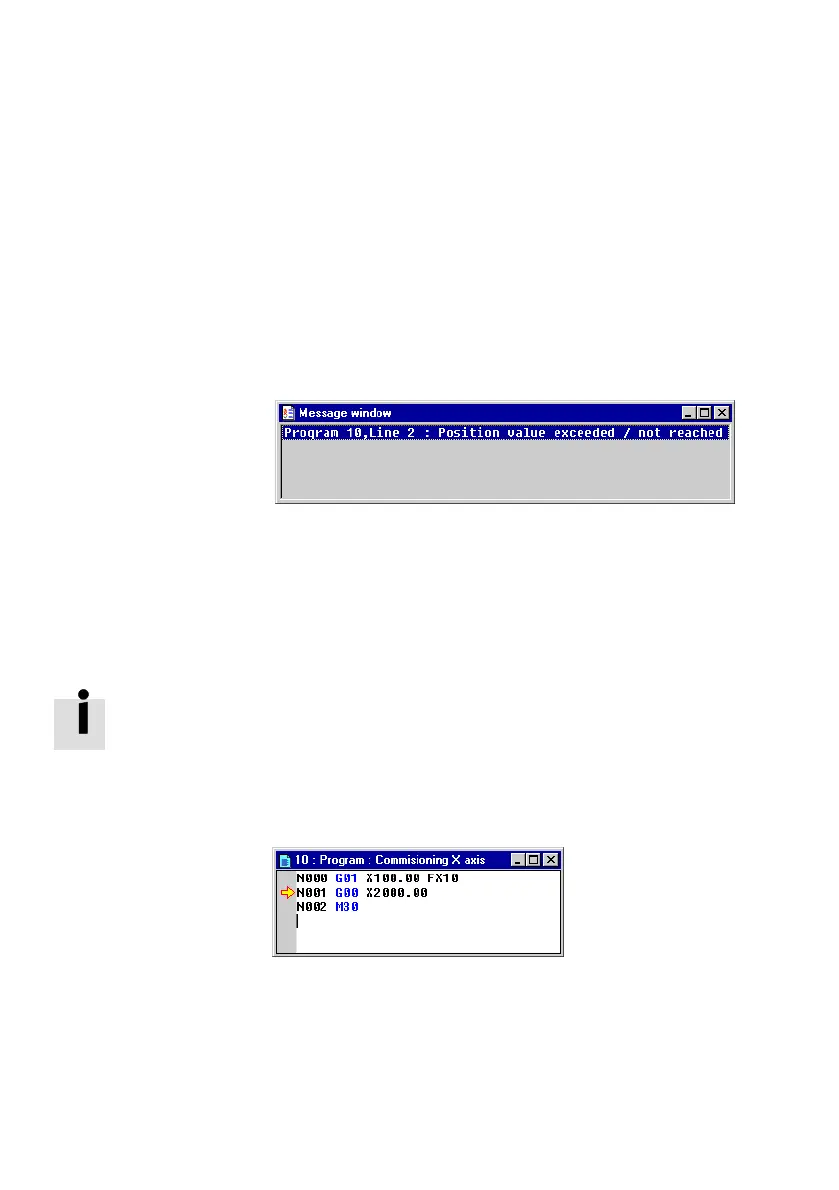
Message window The result of the syntax check will be shown in the message
window.
Fig.5/21: Message window
The messages displayed always start with the program
number and the line in which this error occurs. Then the type
of error will be described or the message No errors" will be
shown if compilation is error−free.
If you double−click on a line in the message window, the rel
evant program window
will automatically be activated and the
cursor will be located on the line in which the error occurs.
The line, in which the selected fault occurs, is marked with an
arrow.
Fig.5/22: Program window











 To Next Page