2. Project management
2−9
Festo P.BE−SPC200−WIN−PISA−CD−EN en 0901d
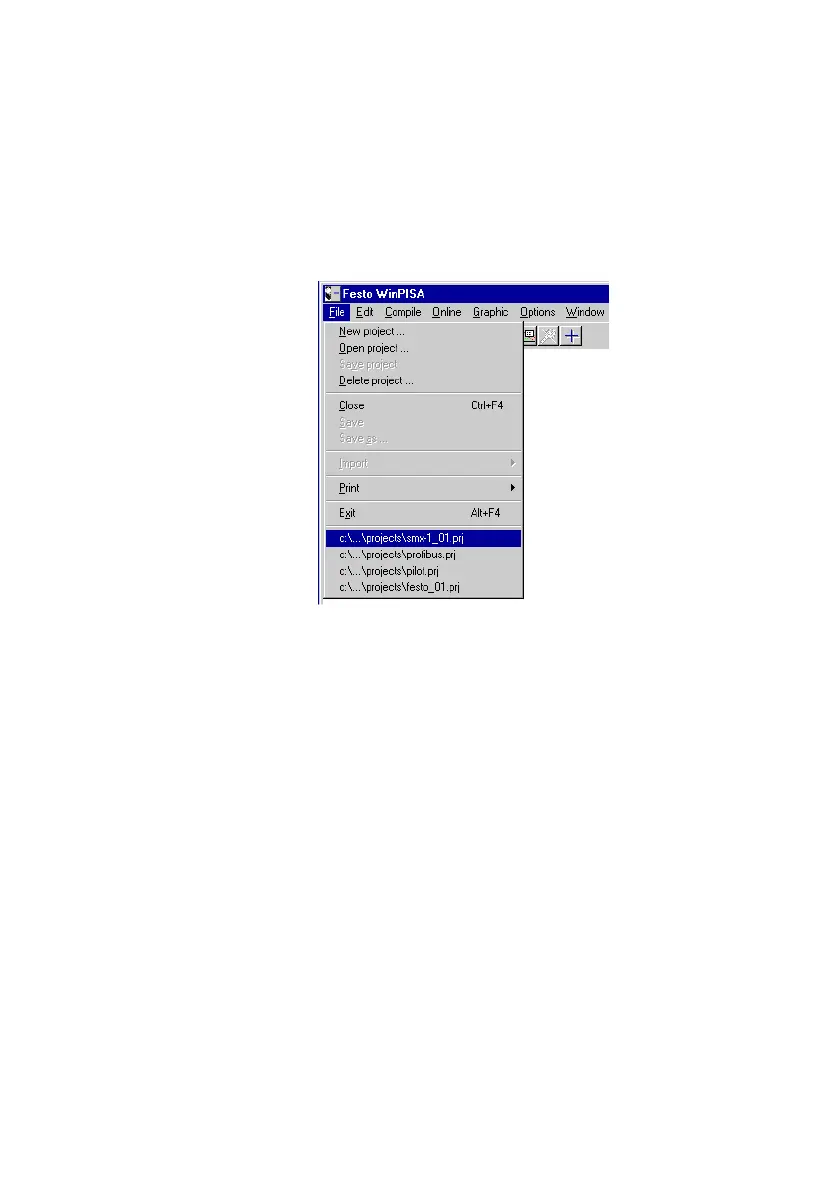
The last four projects edited will be shown as a list in the [File]
menu and can be opened directly.
Fig.2/6: File menu
To close a project:
With a project window active, close projects using the [Close]
command from the [File] menu.
If you have modified a project and the modifications have not
yet been saved, the modified components will be queried in
succession in a dialogue window. Yes" will save the compo
nent displayed,
No" will mean the modifications will be lost.











 To Next Page