1. Installation and general user information
1−10
Festo P.BE−SPC200−WIN−PISA−CD−EN en 0901d
Checking and starting the installation
For Checking", you can check the steps carried out so far
with { and } and, if necessary, modify them. Then
start the installation with Start".
Now start installation using Start".
The WinPISA files will now be copied to the hard disk and
decompressed. The progress of
the installation is shown on a
percentage bar.
Confirm the message The WinPISA Version installation is
complete" with OK".
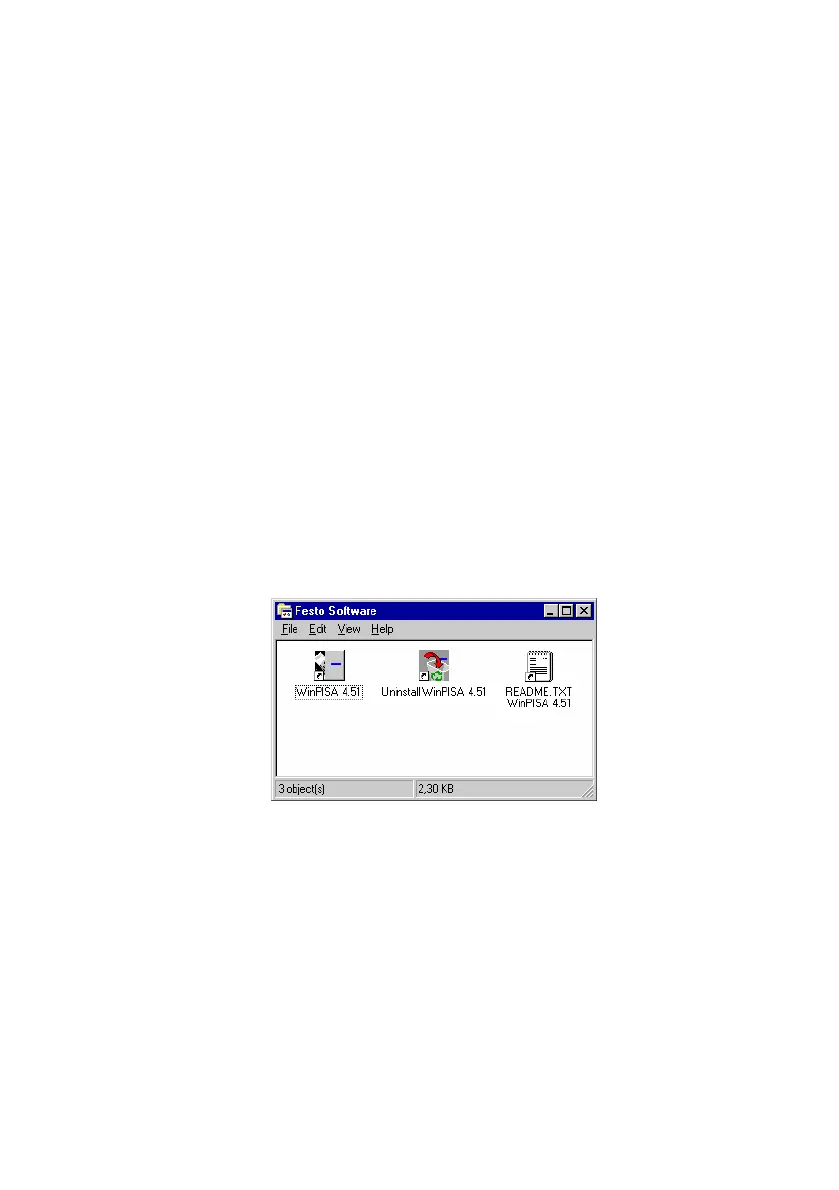
When WinPISA has been successfully installed, you will find
the individual program components of WinPISA in the start
menu under [Festo Software].
Fig.1/5: WinPISA program group











 To Next Page