1. Installation and general user information
1−17
Festo P.BE−SPC200−WIN−PISA−CD−EN en 0901d
1
12
3
4
5
1
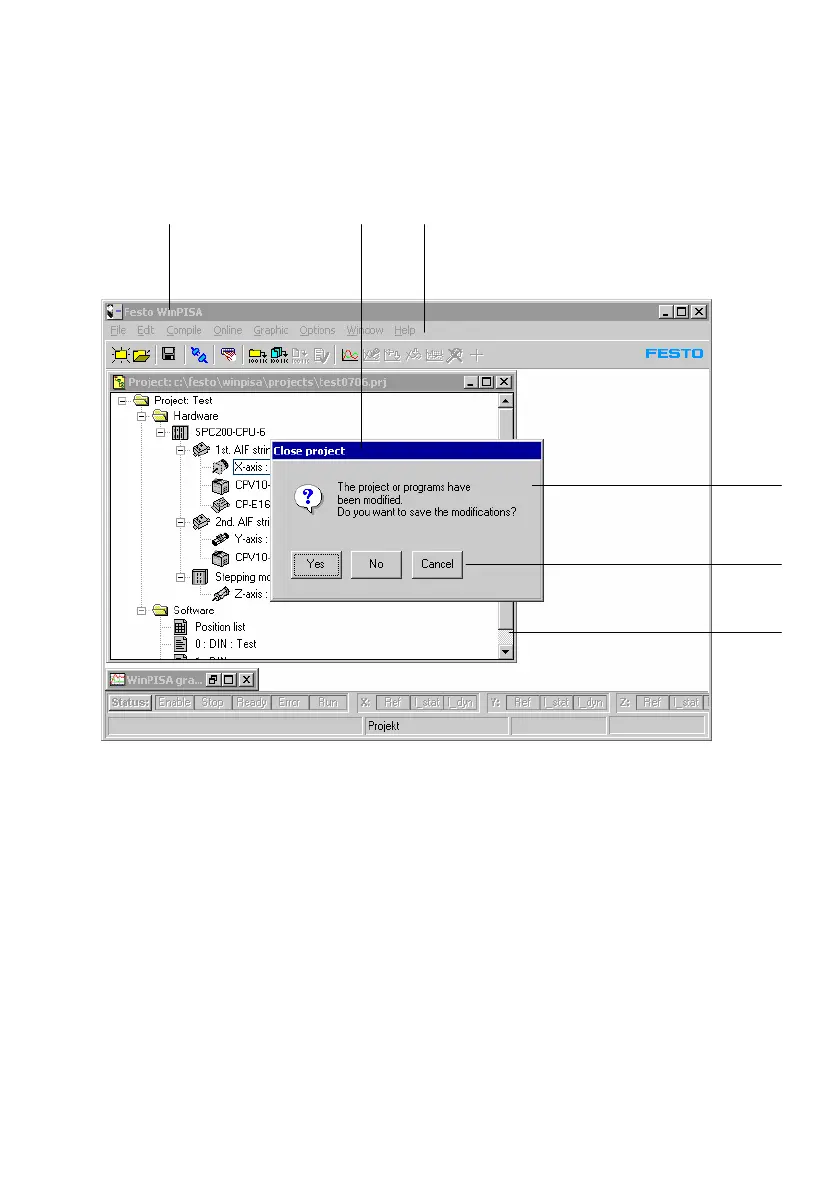
Title bar
2 Menu bar
3 Message window
4 Command buttons
5 Scroll bars
Fig.1/10: Windows application window
Generally, title bars have the system menu field on the left−
hand side, and you can use these to open the system menu
belonging to that window.
With the buttons Minimize", Maximize" and Restore" you
can reduce the window to an icon or switch between full−
screen and windowed
representation.











 To Next Page