2. Project management
2−23
Festo P.BE−SPC200−WIN−PISA−CD−EN en 0901d
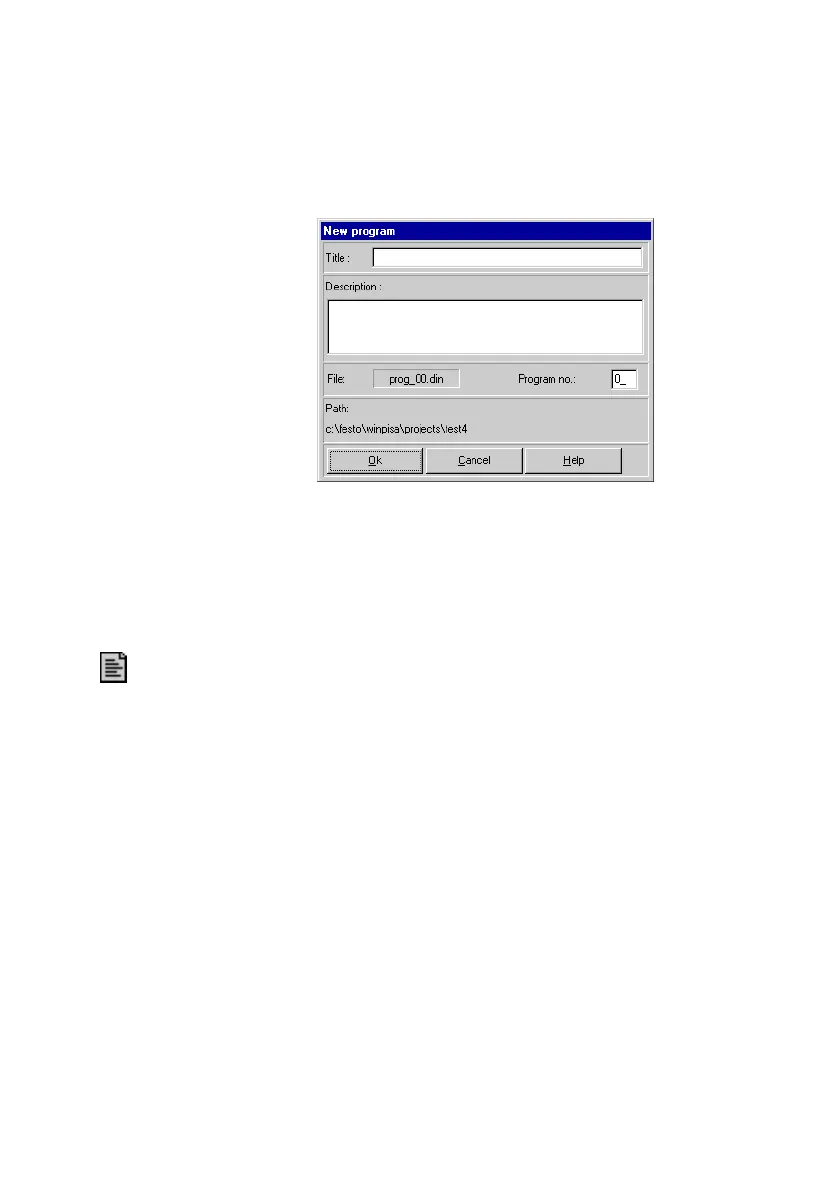
Fig.2/10: New program
4. Confirm your input with OK" thereby creating a new
program.
To delete an NC program from the current project:
1. Select the program icon by clicking on it or moving the
selection to the icon using the ARROW KEYS.
2. Select the command [Delete object] from the [Edit] menu.
3. Confirm deletion of the program
in the message window
displayed with Yes" or cancel the deletion process with
No".











 To Next Page