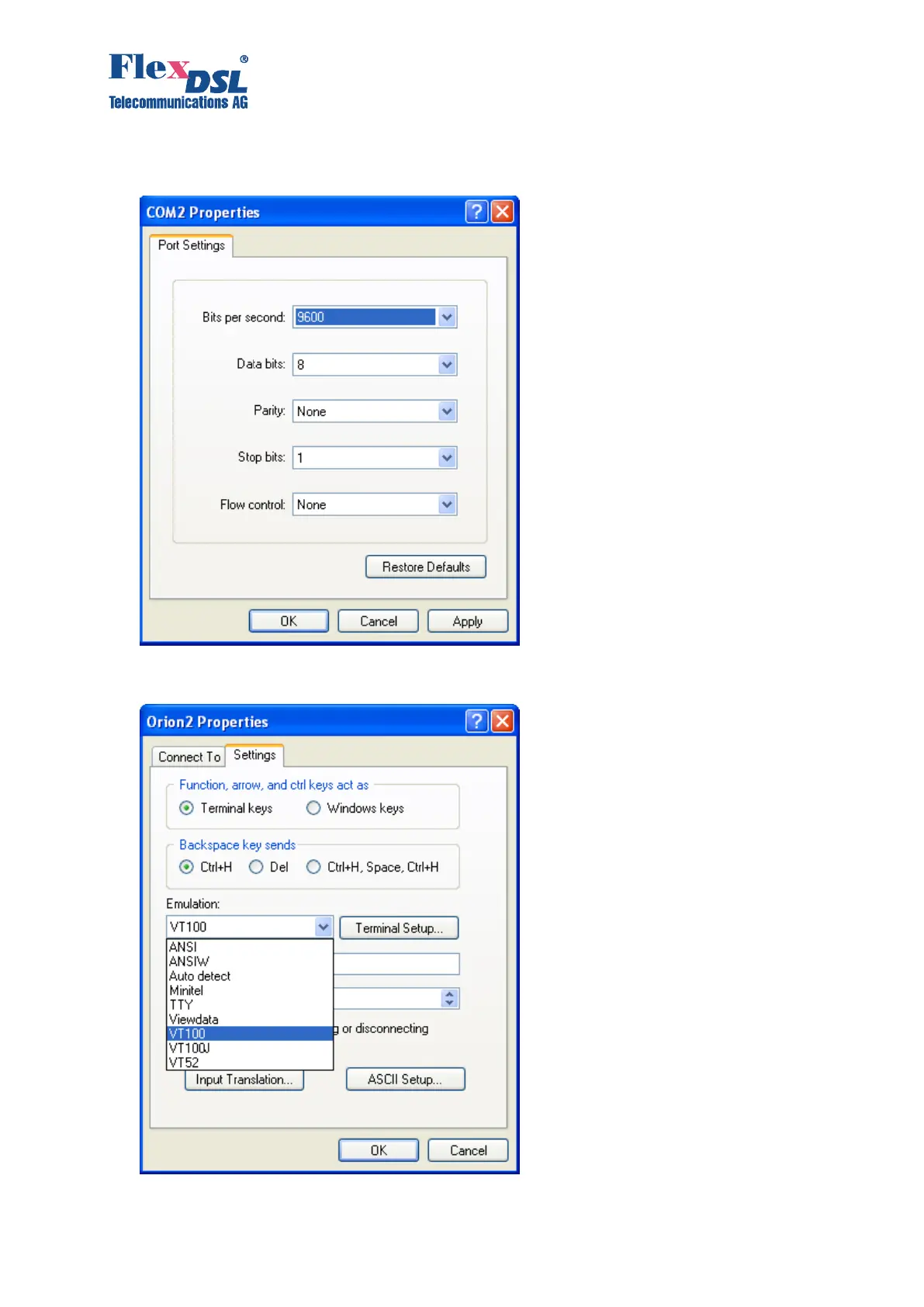
6. Configure the parameters of the COM port (COM properties). Click “Оk”.
Bits per second:9600, Data bits: 8, Parity: None, Stop bits: 1, Flow control: None
7. Select Properties in the “File” menu of the HyperTerminal program.
8. Select the “Setting” tab. Select the VT100 emulation in the “Emulation” menu. Click “Ok”.



 To Next Page