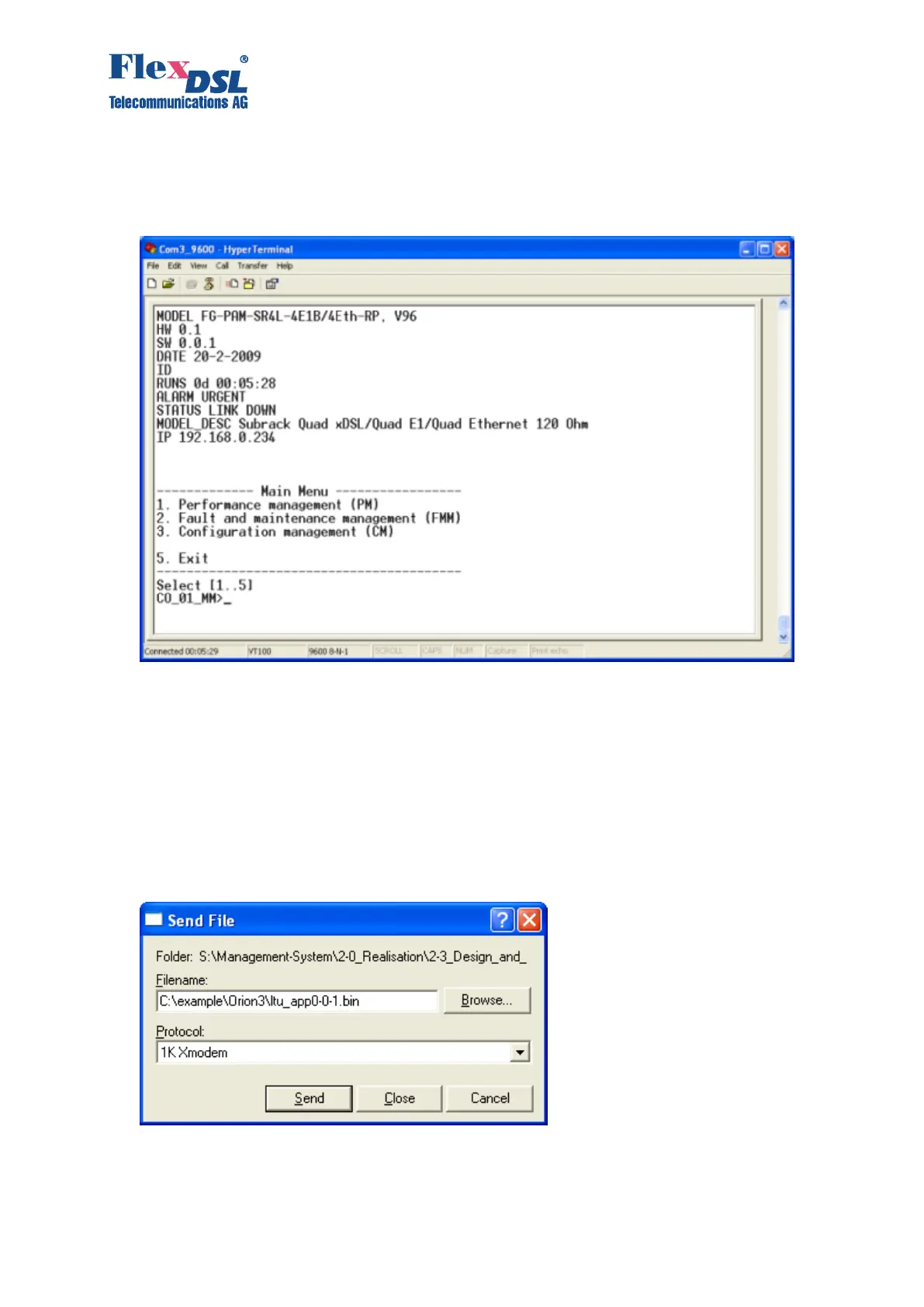
9. Select Call in the “Call” menu. (If the menu is not available, the connection is established
automatically. Go to item 10.)
10. Enter %SN, where SN is the slot number in the Subrack. For UTT1 and Minirack enter %01.
The main menu of the device will be displayed.
11. Go to the “Fault and maintenance management” menu, means to enter number 2. Enter the
<SOFTUPDATE> command. After typing SOFTUPDATE, the device tries to establish
connection over the X-modem protocol within 60 seconds.
CO_09_FMM>SOFTUPDATE
Flash manufacturer: Silicon Storage Technology(SST)
Flash device: SST39LF/VF016
Start address: 0x1000000
Flash size: 2048 KB
Now upload program via XModem or 1K XModem
C



 To Next Page