3-12 Section 3: Model 9500B Controls: Modes of Operation Descriptions assume 9500B/1100
3.4.3.7 'NEW PASSWORD'
Changing the Passwords
Two passwords are required (they can be the
same or different):
• for entry to Configuration mode;
• to enter Calibration mode (for calibration
of the 9500B itself).
Refer to para 3.4.2. When the 9500B is shipped
from new, the password requirement is enabled
to avoid unauthorized access (refer to para
3.4.2). The shipment Configuration and
Calibration passwords allow initial access to
the two modes, but should be changed as soon
as entry has been gained into Configuration
mode.
The passwords are changed using the following:
To change either the CALIB or CONFIG
password
1. On the 'Present Settings' menu screen,
press the NEW PASSWORD screen key
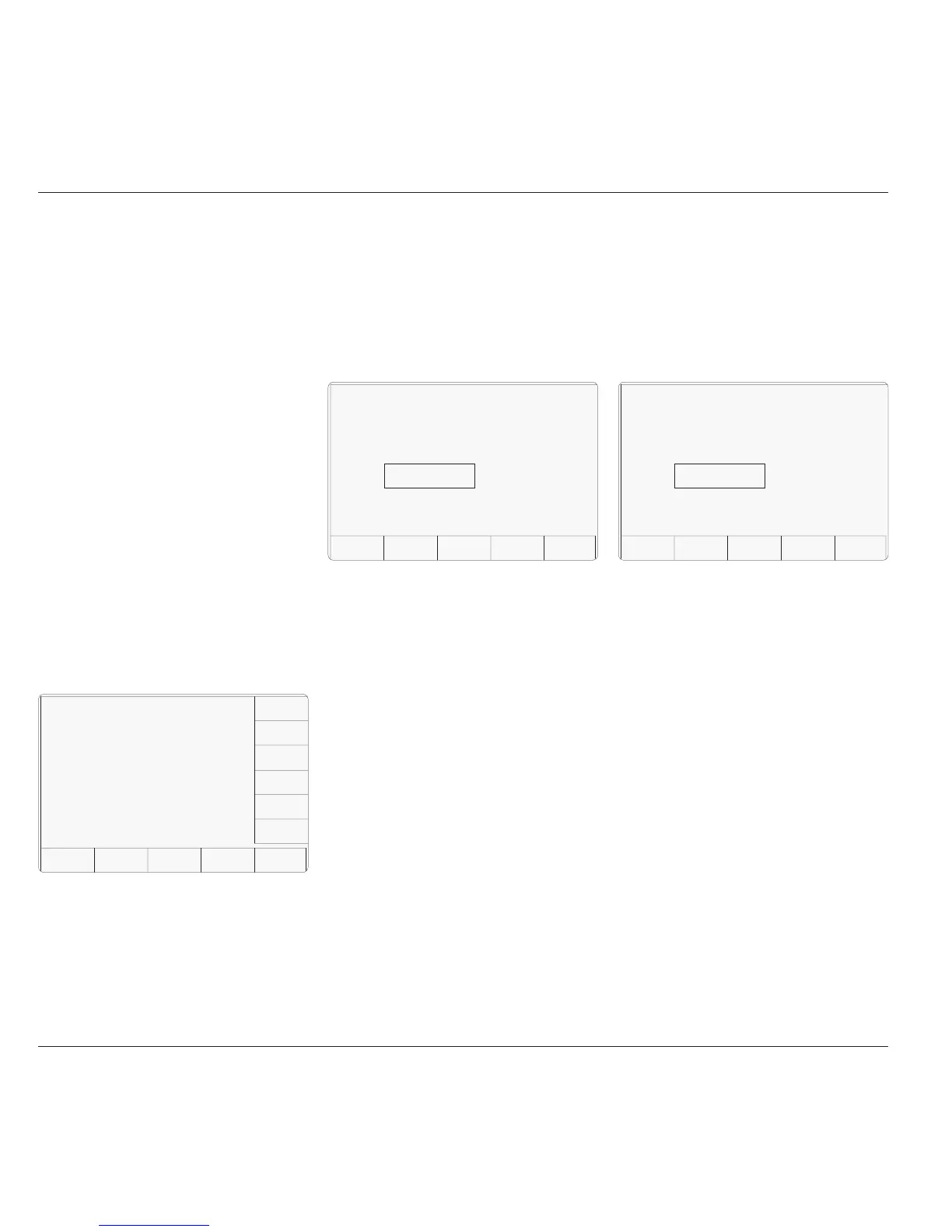
on the right. This transfers to the 'Select
the Password' screen:
2. Select the password to be changed, via one
TODAY'S DATE TIME
Configuration
Select the password to be
changed using the softkeys.
EXIT
CALIB
CONFIG
of the two screen keys on the right.
3. The EXIT screen key reverts to the Present
Settings' screen.
(To cancel an attempt, press the EXIT key.
This will revert to the 'Select the password'
screen.)
2. Type the new password using the alpha-
numeric keyboard, and finish with ↵. The
9500B will ask for the password to be
entered again, to confirm it.
3. Retype the same password; finish with ↵.
If the second password is different from
the first, the 9500B will reject both, and the
process must be repeated. If both passwords
are the same, the 9500B will accept the
new password, and revert to the 'Select the
password' screen.
Note: The shipment version of the
'Calibration' password is 2→3→5→7.
3.4.3.8 'CALIB' Password
To Change the Calibration Mode
Password
1. On the 'Select the password' screen, press
the CALIB screen key on the right. This
transfers to the 'Enter new calib password'
screen:
3.4.3.9 'CONFIG' Password
To Change the Configuration Mode
Password
1. On the 'Select the password' screen, press
theCONFIG screen key on the right. This
transfers to the 'Enter new config password'
screen:
TODAY'S DATE TIME
Configuration
Enter new calib password.
EXIT
Configuration
Enter new config password.
EXIT
(To cancel an attempt, press the EXIT key.
This will revert to the 'Select the password'
screen.)
2. Type the new password using the alpha-
numeric keyboard, and finish with ↵. The
9500B will ask for the password to be
entered again, to confirm it.
3. Retype the same password; finish with ↵.
If the second password is different from
the first, the 9500B will reject both, and the
process must be repeated. If both passwords
are the same, the 9500B will accept the
new password, and revert to the 'Select the
password' screen.
Note: The shipment version of the
'Configuration' password is 12321.



 To Next Page