Section 3: Model 9500B Controls: Modes of Operation 3-13Descriptions assume 9500B/1100
3.4.3.10 'Ext ref in'
Reference Frequency Input
A BNC connector on the 9500B rear panel
accepts reference frequency inputs from 1MHz
to 20MHz in 1MHz steps, from a TTL source.
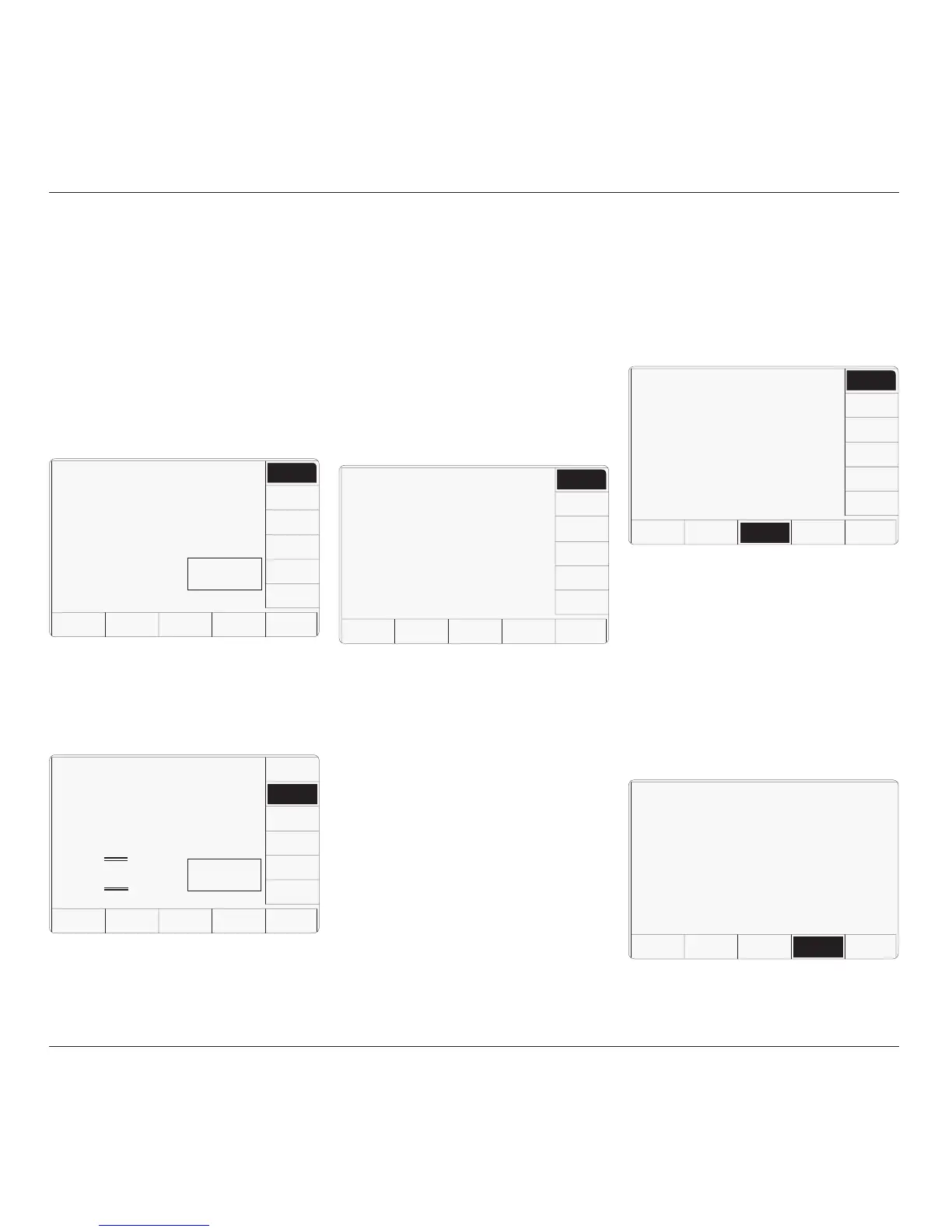
1. On the 'Present Settings' screen, press the
EXT REF IN screen key to transfer to the
'Change the reference source' screen
(default shown).
2. To change the reference source, press the
required screen key on the right:
1. Press the DATE TIME screen key on the
'Present Settings' screen, for access to allow
the date and time to be altered.
2. This transfers to a configuration screen
designed for changing the date and time.
Our representation shows the current date
from a previous setting:
3. When switched to 'EXT.', use the up/down
cursor control or spinwheel to inform the
9500B of the source frequency. Ensure
that the required source is connected and
operating.
3.4.3.11 'Ext ref out'
Reference Frequency Output
A BNC connector on the 9500B rear panel
provides a reference frequency output at either
1MHz or 10MHz, from a 50Ω source (VSWR
< 1.2 to 100MHz). This can use the 9500B
internal clock to enhance the frequency
accuracy of other devices.
1. On the 'Present Settings' screen, press the
EXT REF OUT screen key to transfer to
the current external reference output' screen
(default shown):
2. To change the external reference output,
press the required screen key on the right:
3. Press EXIT to return to the 'Present Settings'
screen.
The selected external reference frequency is
either disabled, or applied to the 'REF
FREQUENCY OUTPUT' BNC connector on
the rear panel.
3.4.3.12 'DATE TIME'
Date and Time Settings
A real-time clock, supported by an internal
battery, presents the date and time at the bottom
of many screens. It is also used to generate the
date to appear on direct-printing certificates in
Procedure mode. Users have access via
Configuration mode to correct the date and
time (for instance: to accommodate daylight
saving changes, and crossing time-zones).
3. Press the appropriate right screen key to
set the required date format, and use the
keypad to correct the date, (using non-
alphanumeric characters as delimiters),
followed by ↵. The new date will appear
with delimiters as set by the 'TOGGLE
DELIM' key, which merely switches
between 'slash' (/) and 'period' (.) only.
5. To correct the time, press the CHANGE
TIME screen key to transfer to the 'Change
the time' screen, then use the alpha-numeric
keypad to enter the present time:
TODAY'S DATE TIME
Configuration
The current external
reference output is
indicated by the highlight.
Use the softkeys to select
another.
EXIT
DISABLE
1 MHZ
10 MHZ
4. Press EXIT to return to the 'Present
Settings' screen.
The new external reference frequency is
available to enhance the 9500B internal clock.
TODAY'S DATE TIME
Configuration
The selected date format is
indicated by the highlight.
Change the date by using
direct editing only.
EXIT
D-M-Y
M-D-Y
Y-M-D
TOGGLE
DELIM
CHANGE
DATE
CHANGE
TIME
Ø8/Ø7/2001
TODAY'S DATE TIME
Configuration
Change the time by using
direct editing only.
EXIT
CHANGE
DATE
CHANGE
TIME
13-21
6. Press the EXIT screen key to return to the
'Present settings' menu screen. The updated
corrected date and time, will appear
wherever they are used.
TODAY'S DATE TIME
Configuration
Change the reference source
by using the softkeys.
EXIT
INT.
EXT.
Int.
Ref =
1Ø MHz
Reference
LOCKED
TODAY'S DATE TIME
Configuration
Change the reference source
by using the softkeys.
Change the external reference
setting by using the cursor
keys or whirly wheel.
EXIT
INT.
EXT.
Reference
UNLOCKED
Ext.
Ref =
1Ø MHz



 To Next Page