EasyManua.ls Logo

Fostex DMT-8VL - Metronome Function On;Off (-CLICK ON;OFF)

Fostex DMT-8VL
158 pages
Print Icon
To Next Page IconTo Next Page
To Previous Page IconTo Previous Page
Loading...
DMT-8vl
Owner's
Manual
(SETUP
mode)
4.
Metronome
Function
On/Of
("CLICK"
ON/OFF)
You
can
listen
to
the
data
set
in
the
"Setting
the
time
signature"
and
"Setting
the
tempo"
using
the
metronome
sound.
You
can
also
record
the
parts
to
accompany
the
metronome
sound.
This
setting
Ls
available
for
each
Program,
and
will
be
maintained
after
the
power
is
turned
off.
<Nota>
Wban
th®
metroncme
function
la
ON.
Track
0
wM
play
back
the
metronome
sound
Therefore,
you
cannot
play
beck
recorded
audio
data
on
Track
0.
Do
not
set
Track
0
to
record
mode
whfo
the
metronome
sound
is
playing
When
the
metronome
function
ts
ON.
Track
0
wi\
play
the
metronome
sound
rogardesB
of
the
MIDI
SYNC
OUT
setting.
1.
Press
the
STORE
key
while
pressing
end
holding
down
the
HOLD/>
key
to
select
a
Program.
2
Press
the
DISP
SEL
key
to
select
"SETUP,*
and
press
the
EXECUTE/YES
key.
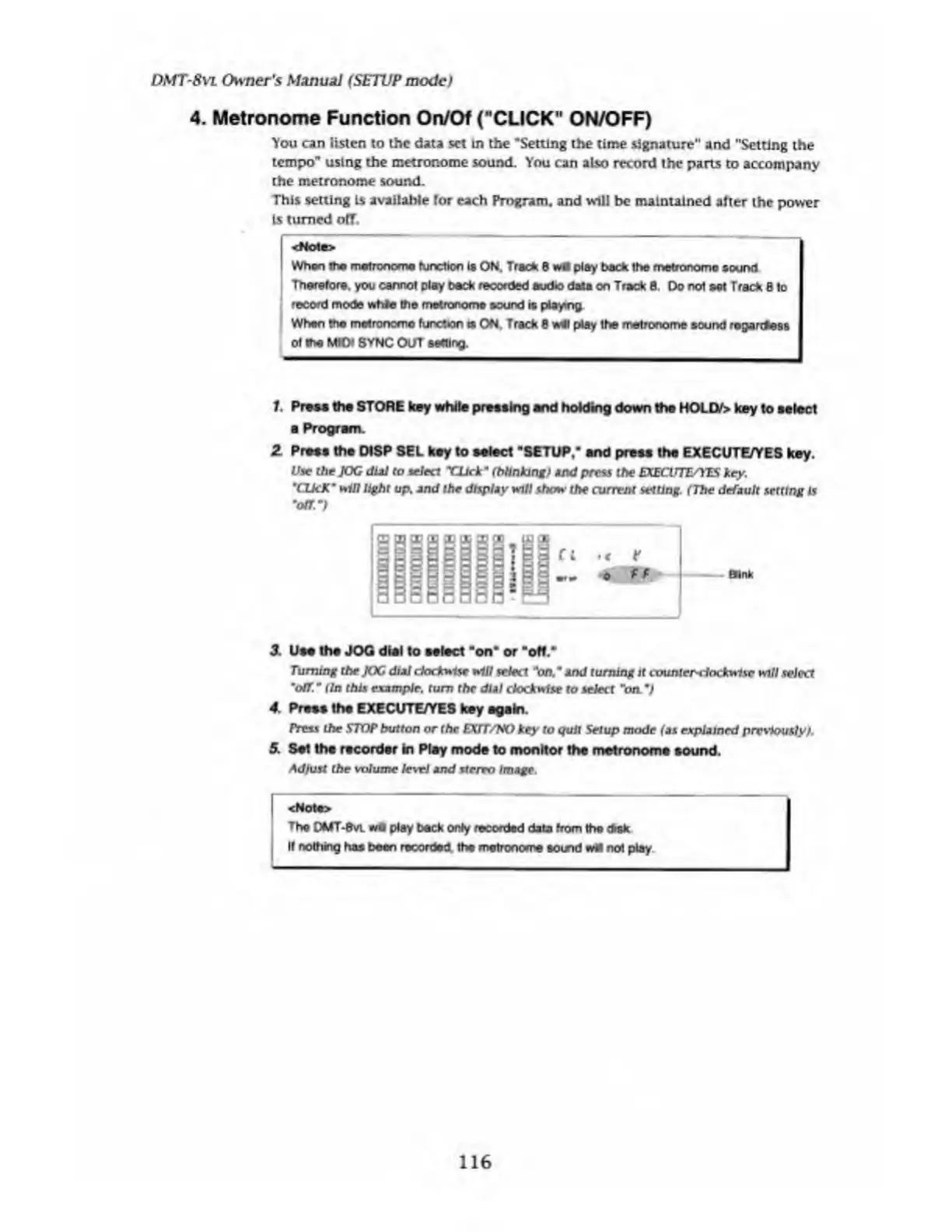
Use
the
JOG
dial
to
select
TJjck'
(blinking>
and
press
the
EXECUTE/YES
key.
'CUcK
m
wiO
light
up,
2
nd
the
display
will
show
the
current
setting.
(The
default
setting
is
'oar)
3
Use
the
JOG
dial
to
select
"on"
or
"off."
Turning
the
JOG
dial
clockwise
will
select
'on/
and
turning
it
counterclockwise
will
select
"off.
"
{In
this
example,
turn
the
dial
clockwise
to
select
"on.')
4.
Press
the
EXECUTE/YES
key
again.
Press
the
STOP
button
or
the
EXIT/NO
key
to
quit
Setup
mode
{as
explained
previously).
5.
Set
the
recorder
in
Play
mode
to
monitor
the
metronome
sound.
Adjust
the
volume
level
and
stereo
Image.
<Not•>
The
DMT-0VI
wfl
play
beck
only
recorded
data
from
the
disk
If
nothing
has
boen
recorded,
the
metronome
aornd
not
play
116

Table of Contents

Related product manuals