EasyManua.ls Logo

Fostex DMT-8VL - Digital Recording from External Device

Fostex DMT-8VL
158 pages
Print Icon
To Next Page IconTo Next Page
To Previous Page IconTo Previous Page
Loading...
DMT-8vl
Owner's
Manual
(Recording/Playback)
6.
Digital
Recording
from
an
External
Digital
Device
to
the
DMT-8VL
This
section
explains
how
to
digitally
record
data
from
a
connected
external
digital
device
(CD
player.
MD
player.
DAT,
etc.)
to
a
track
or
tracks
on
the
DMT-8
vl.
You
need
to
use
the
"dC
In"
setting
in
SETUP
mode
to
assign
two
tracks
to
record
input
digital
L/R
signals.
Connecting
an
axterna[digital
device
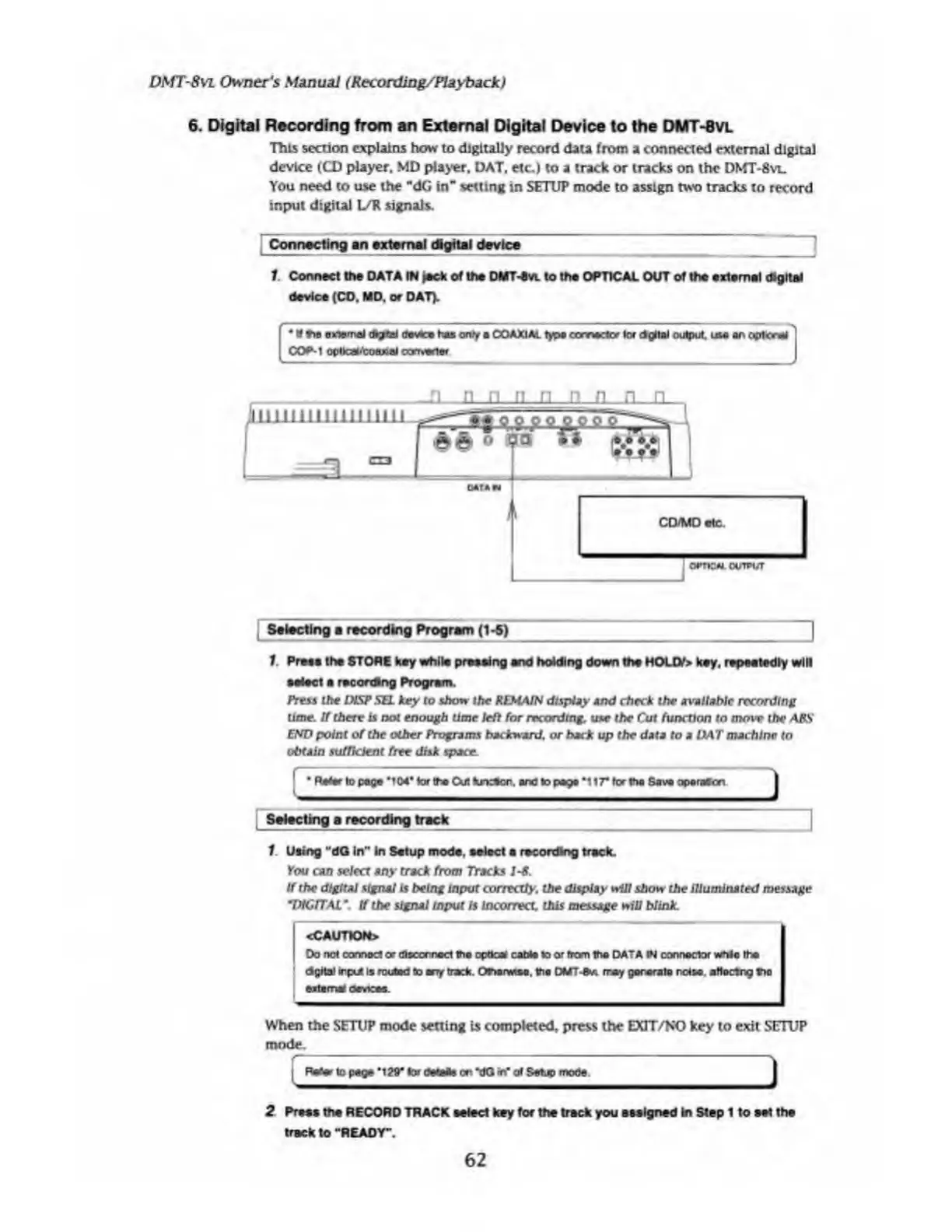
1.
Connect
the
DATA
IN
jack
of
the
DMT4*.
to
tha
OPTICAL
OUT
of
the
external
digital
device
(CO.
MD.
or
DAT).
Selecting
a
recording
Program
(1
-5)
|
1.
Pres*
the
STORE
key
while
pressing
and
holding
down
the
HOLD/>
key.
repeetedly
will
select
e
recording
Program.
Press
the
MSP
SEL
key
to
show
the
REMAIN
display
and
check
the
available
recording
lime.
If
there
is
not
enough
time
left
for
recording
use
the
Cut
function
to
move
the
ABS
END
point
of
the
other
Programs
backward,
or
back
up
the
data
to
a
OAT
machine
to
obtain
sufficient
free
disk
space.
1
Refer
to
page
MWlortheCUflunceon.
and
to
peat
*117*
forth*
SaveapenMcn
Selecting
a
recording
track
1
Using
"dG
in"
in
Setup
mode,
select
a
recording
treck.
You
cad
select
any
track
from
Tracks
1-8.
If
the
digital
signal
is
being
input
correctly,
the
display
win
show
the
Illuminated
message
*DIGITALtf
the
signal
input
Is
Incorrect
this
message
will
blink.
<CAUTION>
Do
not
oarmoci
or
disconnect
the
opdete
cable
to
or
from
the
DATA
IN
connector
whlo
the
dgitai
input
is
routed
to
trrf
track.
Ofbenateo,
the
DMTrray
generate
retse
effacing
too
externa
devices.
When
the
SETUP
mode
setting
Is
completed,
press
the
EXIT/NO
key
to
exit
SETUP
mode.
I
Re*w
topeg*'129*
tor
<te
to
fr»
on‘dQ
in"
of
Setup
mode.
2
Press
tha
RECORD
TRACK
select
key
for
the
track
you
assigned
in
Step
1
to
eel
the
track
to
“READY".
62

Table of Contents

Related product manuals