EasyManua.ls Logo

Fostex DMT-8VL - Setting a Digital Input Channel Cdg

Fostex DMT-8VL
158 pages
Print Icon
To Next Page IconTo Next Page
To Previous Page IconTo Previous Page
Loading...
DMT-Svi
Owner's
Manual
(SETUP
mode)
12.
Setting
a
digital
input
channel
(“dG
in”)
Using
“dG
in"
of
Setup
menu,
you
can
assign
any
of
the
analog
Inputs
1-8
to
digital
inputs
L
and
R.
This
assignment
will
allow
you
to
record
digital
data
from
an
external
digital
device
(such
as
CD*
MD,
etc.)
to
the
DMT-8
vl
through
DATA
IN.
(You
can
record
data
digitally
directly
to
the
hard
disk,
without
using
an
A/D
converter.)
This
setting
will
be
shared
by
all
Programs.
Turning
the
power
off
will
set
this
setting
to
“OFF."
<WARNINO>
You
cannot
use
the
tracks
for
analog
recording
if
they
are
assigned
to
digital
input
Therefore,
return
this
parameter
to
the
’“OFF*
sotting
after
digital
recocting
is
complete.
1
.
P
ress
tbs
DISP
SEL
key
to
selact
"SETUP*
and
press
the
EXECUTE/YES
key.
rSETUP-
Win
light
up.)
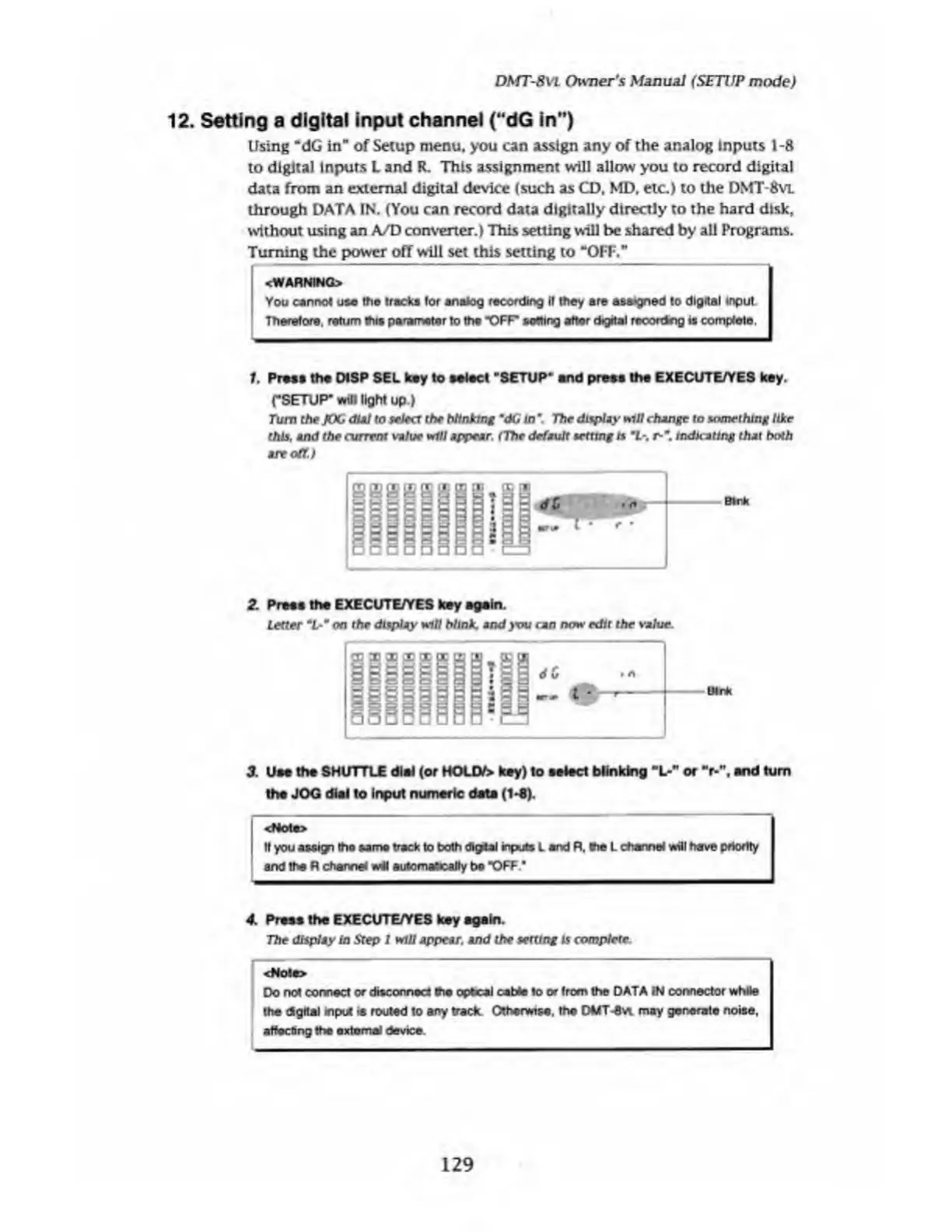
Turn
the
JOG
dial
to
select
the
blinking
m
dG
in
*
The
display
*111
change
to
something
like
this,
and
the
current
value
will
appear,
f
The
default
setting
ts
1-.
r-
m
.
indicating
that
both
are
off.)
*
:
i
2.
P
ress
the
EXECUTE/YES
key
again.
Letter
m
L-
m
on
the
display
will
blink
and
you
can
now
edit
the
value.
3.
U
se
the
SHUTTLE
dial
(or
HOLD/>
key)
to
select
blinking
"L-"
or
"r-".
end
turn
the
JOG
dial
to
input
numeric
date
(1-6).
.i
<r#oia>
ft
you
assign
the
same
track
to
both
digUI
inputs
L
and
R,
the
L
channel
will
have
priority
and
the
R
channel
wM
automabcalfy
be
"OFF
4.
P
ress
the
EXECUTE/YES
key
again.
The
display
in
Step
I
will
appear,
and
the
setting
is
comptete.
<Note>
Do
not
connect
or
disconnect
tho
optical
cable
to
or
from
the
DATA
IN
connector
while
the
digital
input
is
routed
to
any
track
Otherwise,
the
DMT-6vt
may
generate
noise,
affecting
the
external
device.
129

Table of Contents

Related product manuals