EasyManua.ls Logo

Fostex DMT-8VL - Setting MIDI Device ID <Device)

Fostex DMT-8VL
158 pages
Print Icon
To Next Page IconTo Next Page
To Previous Page IconTo Previous Page
Loading...
DMT-Svl
Owner's
Manual
(SETUP
mode)
<No«e>
Yog
can
perform
normal
recording
and
punch
irVout
recording
on
one
of
the
DMT-Bvis
even
if
*
w
syncing
the
external
MTC
(and
digital
signals)
with
Slave
mode
“ON\
You
can
also
select
any
“MIDI
SYNC
OUT*
setting
regardoss
of
the
Slave
mode
OvOrf
status.
<Note>
The
DMT-8VL
Rechase
window
is
fixed
at
*10
frames'
That
*,
the
digital
signal
sent
to
the
slave
machine
is
interrupted
(or
if
you
try
perform
a
sync
operation
using
only
the
MTC.
without
sending
any
dgital
signal),
the
stave
DMT-Svl
wilt
continue
operating
synchronization
as
long
as
the
offset
between
the
master
and
slave
position
«
within
10
frame*
However.
4
the
offset
exceeds
10
frames,
the
slave
machine
w*
adjust
the
position
in
relation
to
the
master
device
position.
(This
a
caled
a
'Rechase
operation
Audio
output
wil
be
muted
during
(he
rechase
operation
16.
Setting
MIDI
device
ID
(
H
dEVicE
a
)
The
"dEVicE*
in
Setup
menu
allows
you
to
set
the
device
ID
for
controlling
the
DM
T-£vl
via
MMC
or
Fostex
System
Exclusive
Message
sent
from
external
sequencing
software.
(The
transmit
device
ID
is
linked
to
this
setting.)
The
range
of
the
device
ID
is
00
through
99.
(However,
if
the
device
ID
number
of
the
received
message
is
"7F",
the
DMT-8VL
will
follow
this
message
regardless
of
the
device
ID
setting.)
The
setting
will
be
shared
by
all
Programs,
and
once
you
change
this
setting,
the
change
will
apply
to
all
Programs.
This
setting
is
maintained
after
you
turn
off
the
power,
1.
Pro*a
the
DISP
SEL
key
to
select
“SETUP”
end
press
the
EXECUTE/YES
key.
(•SETUP"
indicator
will
tight
up.)
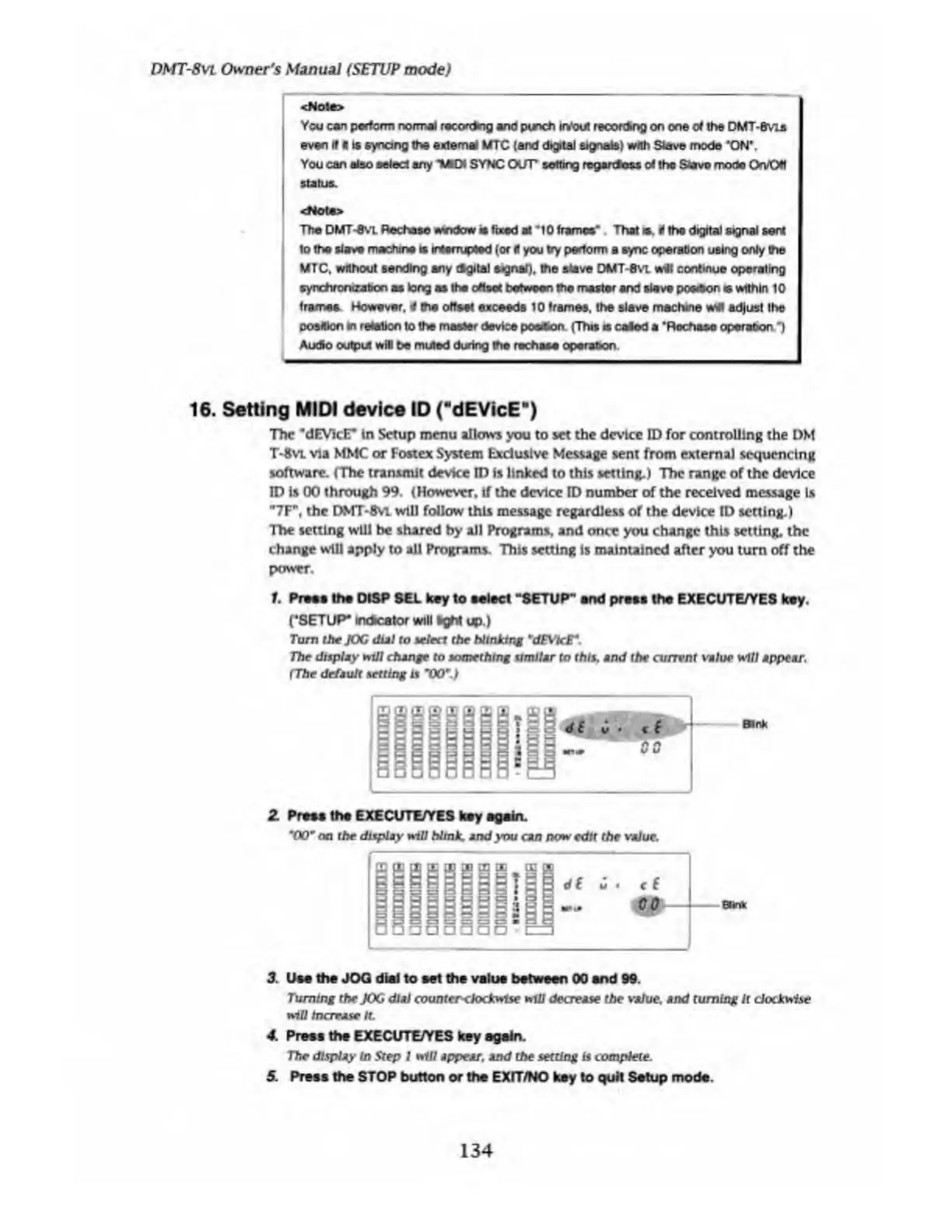
Turn
the
JOG
dial
to
select
the
Ntnklng
*dEVtcr.
The
display
wiU
change
to
something
similar
to
this,
and
the
current
value
will
appear.
(The
default
setting
is
"00”.)
Z
Press
ths
EXECUTE/YES
key
again.
*00“
on
the
display
will
blink,
and
you
can
now
edit
the
value.
3.
Use
the
JOQ
dial
to
set
the
value
between
00
end
99.
Turning
the
JOG
dial
counter
clockwise
will
decrease
the
value,
and
turning
It
clockwise
will
Increase
ft.
4.
Press
the
EXECUTE/YES
key
again.
The
display
In
Step
1
will
appear,
and
the
setting
is
complete.
5.
Press
the
STOP
button
or
the
EXHTNO
key
to
quit
Setup
mode.
134

Table of Contents

Related product manuals