EasyManua.ls Logo

Fostex DMT-8VL - Table of Contents

Fostex DMT-8VL
158 pages
Print Icon
To Next Page IconTo Next Page
To Previous Page IconTo Previous Page
Loading...
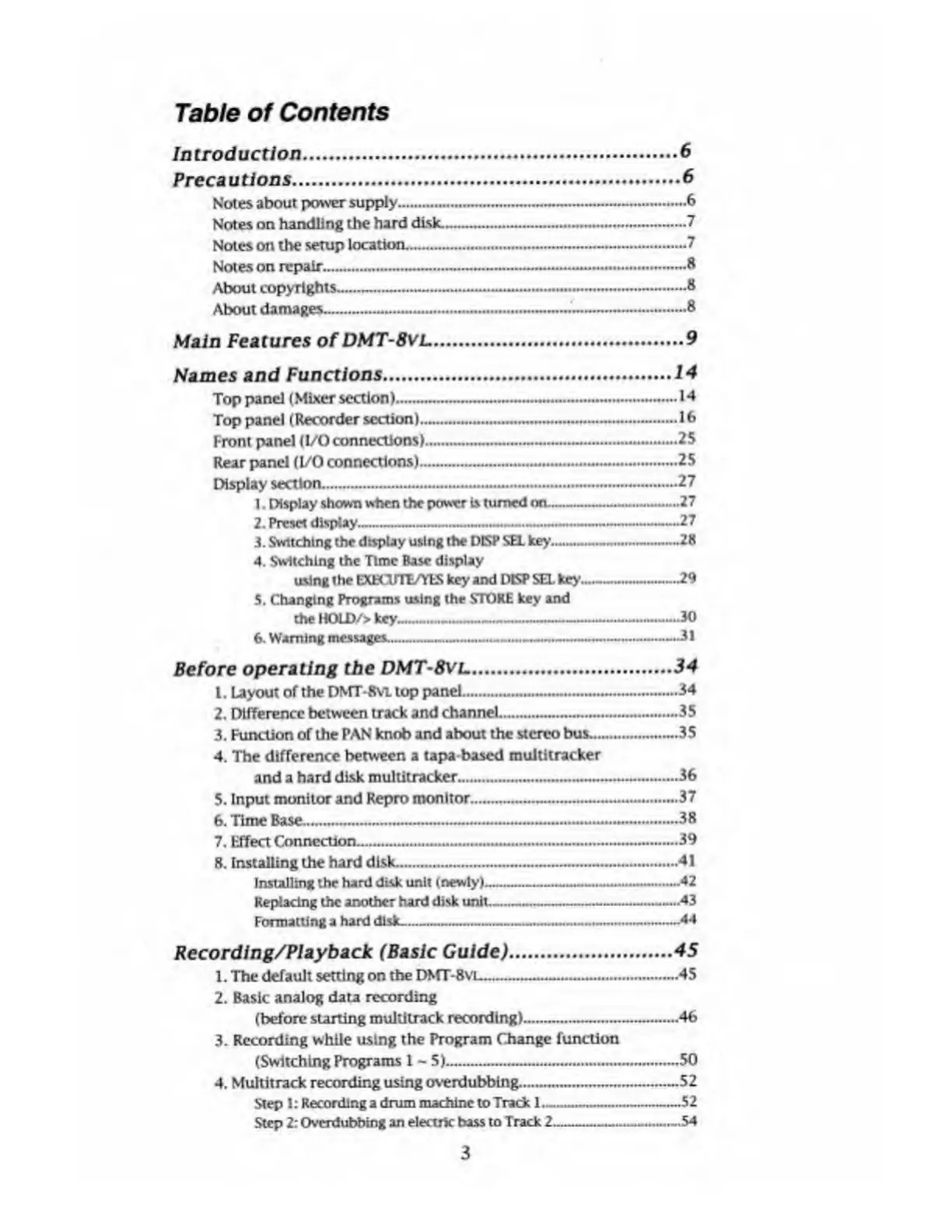
Table
of
Contents
Introduction
.6
Precautions
.6
Notes
about
power
supply.6
Notes
on
handling
the
hard
disk.-----7
Notes
on
the
setup
location.—.
7
Notes
on
repair.
8
About
copyrights.---
8
About
damages...—...8
Main
Features
of
DMT-8VL
.9
Names
and
Functions
.
14
Top
panel
(Mixer
section).......14
Top
panel
(Recorder
section)
---—--1<>
Front
panel
(1/0
connections)--—.25
Rear
panel
(I/O
connections)...~.—25
Display
section............27
1.
Display
shown
when
the
power
is
turned
on-.-..27
2.
Preset
display--27
3.
Switching
the
display
using
the
DKP
SEL
key---28
4.
Switching
the
Time
Base
display
using
the
EXHT1TE/YES
key
and
DKP
SEL
key.—---29
5.
Changing
Programs
using
the
STORE
key
and
the
HOLD/>
key_JO
6.
Warning
messages.---.——----31
Before
operating
the
DMT-Svl
.
34
1.
Layout
of
the
DMT-8VL
top
panel.----...34
2.
Difference
between
track
and
channel---—.35
3.
Function
of
the
PAN
knob
and
about
the
stereo
bus...35
4.
The
difference
between
a
tapa
based
multitracker
and
a
hard
disk
multitracker.....36
5.
Input
monitor
and
Repro
monitor...
--—..—.37
6.
Time
Base-----—38
7.
Effect
Connection.—----39
8.
Installing
the
hard
disk—......-----41
Installing
the
hard
disk
unit
(newly)------42
Replacing
the
another
hard
disk
unit-.43
Formatting
a
hard
disk-
44
Recording/Playback
(Basic
Guide)
.
45
1.
The
default
setting
on
the
DMT-8VI..—45
2.
Basic
analog
data
recording
(before
starting
multitrack
recording).—--
.46
3.
Recording
while
using
the
Program
Change
function
(Switching
Programs
1
-
5)....50
4.
Multitrack
recording
using
overdubbing....52
Step
1:
Recording
a
drum
machine
to
Trade
1.--52
Step
2:
Overdubbing
an
electric
hass
to
Track
2___54
3

Table of Contents

Related product manuals