EasyManua.ls Logo

Fostex DMT-8VL - Page 4

Fostex DMT-8VL
158 pages
Print Icon
To Next Page IconTo Next Page
To Previous Page IconTo Previous Page
Loading...
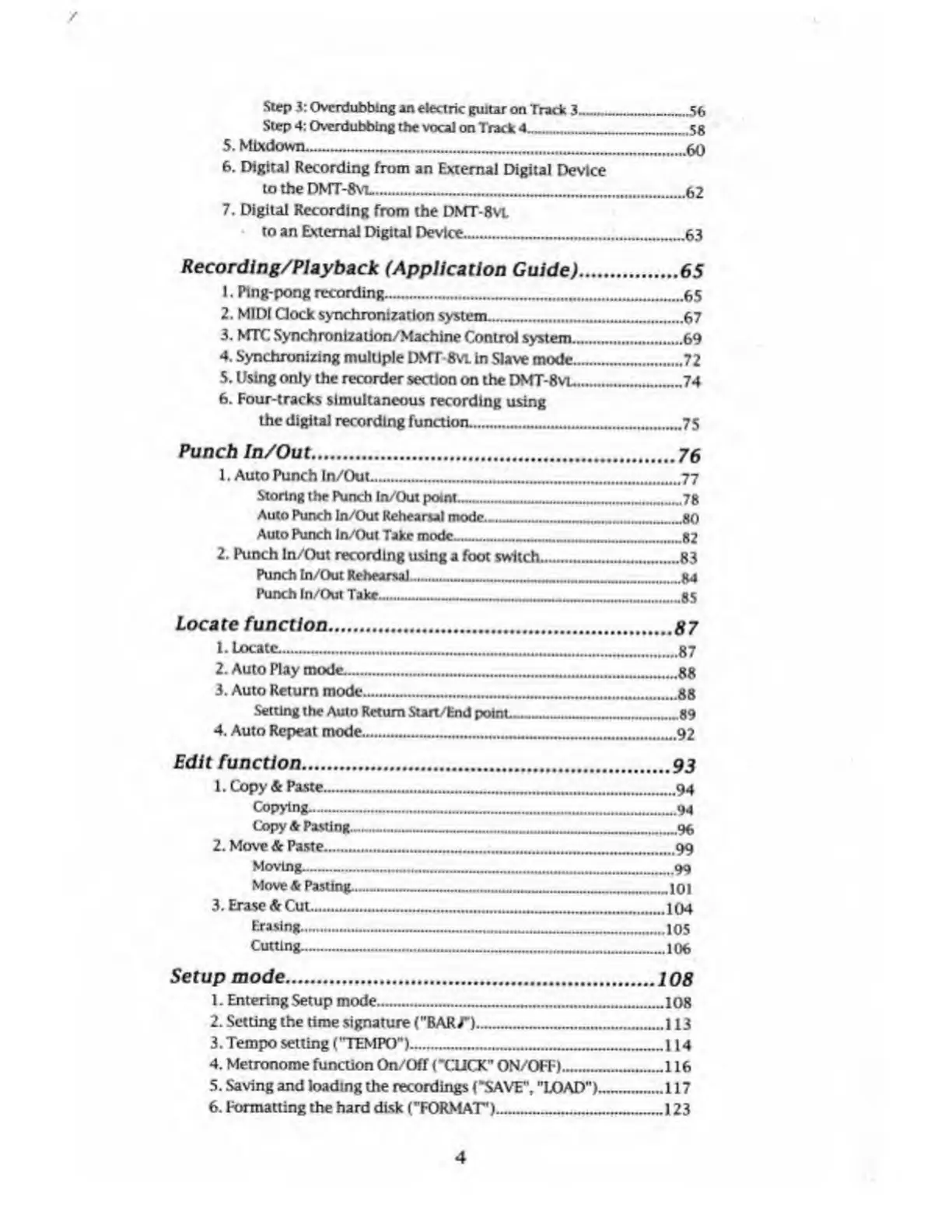
Step
3:
Ovcrdlibbing
an
electric
guitar
on
Track
3_.56
Step
4:
Overdubbing
the
vocal
on
Track
4_58
5.
Mlxdown.__...____
60
6.
Digital
Recording
from
an
External
Digital
Device
to
the
DMT-Kvt__
62
7.
Digital
Recording
from
the
DMT-8vt
to
an
External
Digital
Device.
-63
Recording/Playback
(Application
Guide)
.65
1.
Ping-pong
recording.........65
2.
MIDI
Clock
synchronization
system.....67
3.
MTC
Synchronization/Machine
Control
system.
.69
4.
Synchronizing
multiple
DMT-8vt
in
Slave
mode.....72
5.
Using
only
the
recorder
section
on
the
DMT-8
vl
_74
6.
Four-tracks
simultaneous
recording
using
the
digital
recording
function....75
Punch
In/Out
.
76
1.
Auto
Punch
In/Out.
77
Storing
the
Punch
In/Out
point.......
Auto
Punch
In/Out
Rehearsal
mode.
an
Auto
Punch
In/Out
Take
mode___
82
2.
Punch
In/Out
recording
using
a
foot
switch.
Punch
In/Out
Rehearsal...
R4
Punch
In/Oul
Take....
as
Locate
function
.
M7
1.
Locate.—-.-...
87
2.
Auto
Play
mode.
HR
3.
Auto
Return
mode——.___„
HR
Setting
the
Auto
Return
Surt/End
point__
4.
Auto
Repeat
mode....
.
-89
.92
Edit
function
.
Q?
1.
Copy
&
Paste.
04
Copying.
Qi
Copy
&
Pasting.....
q*
2.
Move
&
Paste.
99
Moving....
Move
A
PastimL—._
..99
ini
3.
Erased
Cut....
tru
Erasing.
10
s
Cutting...
106
Setup
mode
.
1.
Entering
Setup
mode...
2.
Setting
the
time
signature
("BAR/')___
3.
Tempo
setting
("TEMPO")..
4.
Metronome
function
On/Off
(-CLICK"
ON/OFF).
.
108
.108
.113
-.114
.116
5.
Saving
and
loading
the
recordings
("SAVE",
"LOAD”)
..117
6.
Formatting
the
hard
disk
("FORMAT')_
-123
4

Table of Contents

Related product manuals