EasyManua.ls Logo

Fostex DMT-8VL - Page 63

Fostex DMT-8VL
158 pages
Print Icon
To Next Page IconTo Next Page
To Previous Page IconTo Previous Page
Loading...
DMT-Svi
Owner's
Manual
(Recording/Playback)
Starting/finishing
recording
_|
1
.
Press
the
REWIND
button
while
pressing
and
holding
down
tha
STOP
button
to
locata
the
beginning
of
me
recordable
area
on
the
disk.
2
Confirm
that
“DtGfTAL*
on
the
deploy
la
It,
and
preaa
the
RECORD
button
while
holding
down
the
PLAY
button
on
the
DlfT-bn.
to
start
record
in
g-
(If
*DIGITAL
*
Is
not
III,
start
playing
back
data
on
the
external
digital
device
first,
and
check
to
see
If
digital
signal
Is
output
correctly
from
the
OPTICAL
OUT
connector
of
the
digital
device.)
You
do
not
need
to
adjust
the
digital
recording
le%vJ.
3.
Start
playing
back
data
on
the
external
digital
device.
4.
Whan
recording
ie
complete,
prees
the
STOP
button.
<Note>
You
cannot
record
analog
signals
to
those
tracks
to
which
the
digital
nputs
are
routed
Whan
you
finish
racordng
digital
data,
be
sure
to
set
the
assignment
to
*
-
*
(no
assignment).
You
can
route
analog
signals
from
the
mixer
inputs
(or
RECORDER
IN
connector)
to
any
track
that
is
not
assigned
as
dig«al
input
L
or
R.
<Nott>
The
dkyfal
output
will
be
muted
if
any
one
of
the
tracks
is
set
to
DIGITAL
IN.
A!
this
Dme.
the
L/R
level
meters
will
not
respond
7.
Digital
Recording
from
the
DMT-8VL
to
an
External
Digital
Device
This
section
explains
how
to
record
songs
that
already
exist
on
the
DMT-8VL
to
an
external
DAT
or
MD
recorder.
Only
one
or
the
following
combinations
of
the
tracks
can
output
data
digitally:
1-2,
3-4.
5-6.
7-8.
S-<
(STEREO
OUT
L/R
in
the
mixer
section).
Using
the
"dG
out"
Held
In
Setup
mode,
assign
any
track
combination
described
above
to
the
digital
output
UR
channels.
(You
can
still
get
analog
output
of
a
track
that
is
assigned
to
the
digital
output
channeL)
*
Sol
the
DMT-e-t10
he
defa*
sottog
i
[
Connecting
an
external
digital
device
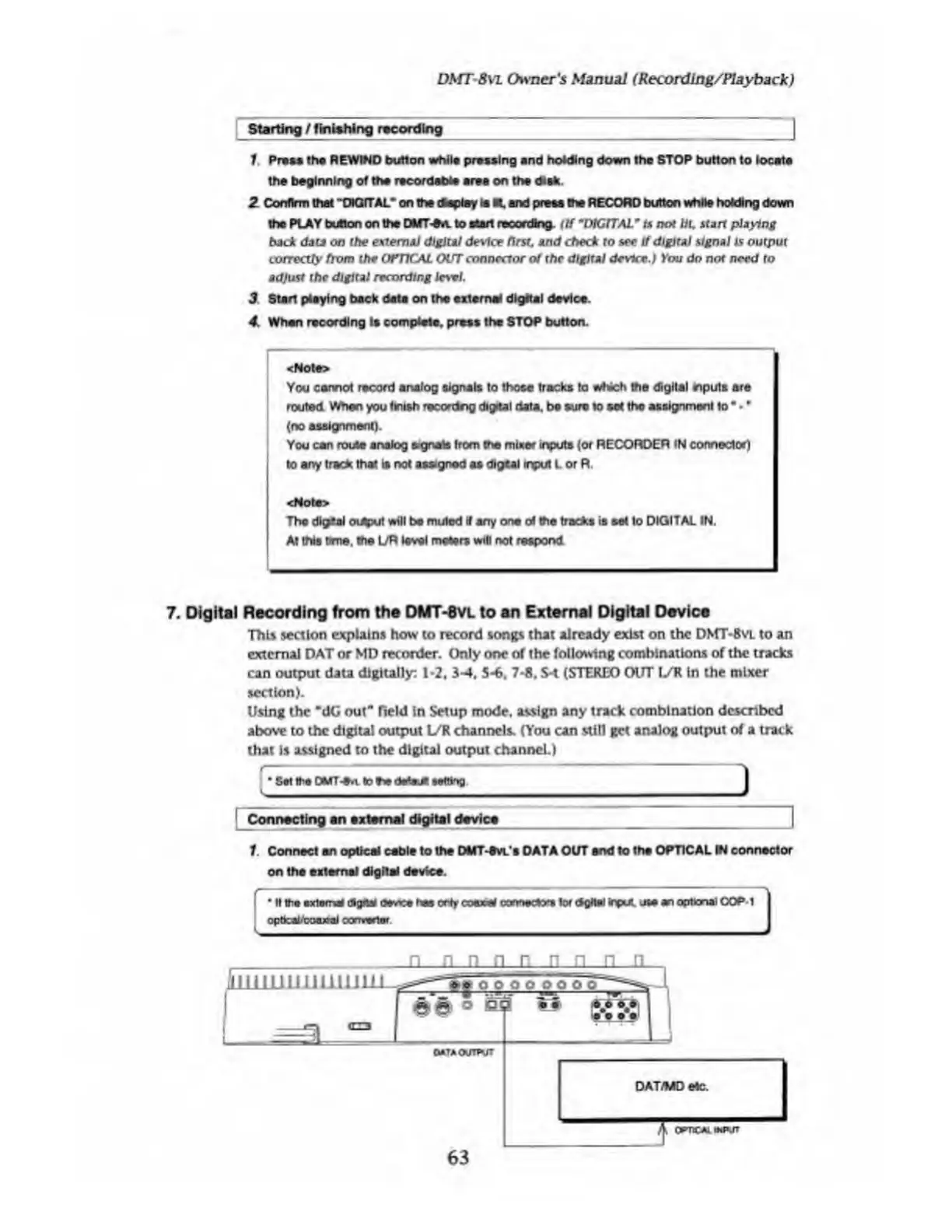
1
Connect
an
optical
cable
to
the
DMT-tVL'e
DATA
OUT
end
to
the
OPTICAL
IN
connector
on
the
external
digital
device.
f
""
1
"
'
_
I
If
the
axioms
digital
device
has
only
coexW
connector*
lor
dgitsl
input,
use
an
optional
OOP*
1
opbcalfcMUoaJ
converter.
0—L
lii
11
ii
nun
in
in
i
oooo
o
o~
'
I
-<EZ3
5
1
»
<gs\
1
ewTAOOTPVrt
DAT/MD
etC.
A
omceuMvr
63

Table of Contents

Related product manuals