EasyManua.ls Logo

Fostex DMT-8VL - Page 32

Fostex DMT-8VL
158 pages
Print Icon
To Next Page IconTo Next Page
To Previous Page IconTo Previous Page
Loading...
DMT-8VL
Owner's
Manual
<Names
and
Functions)
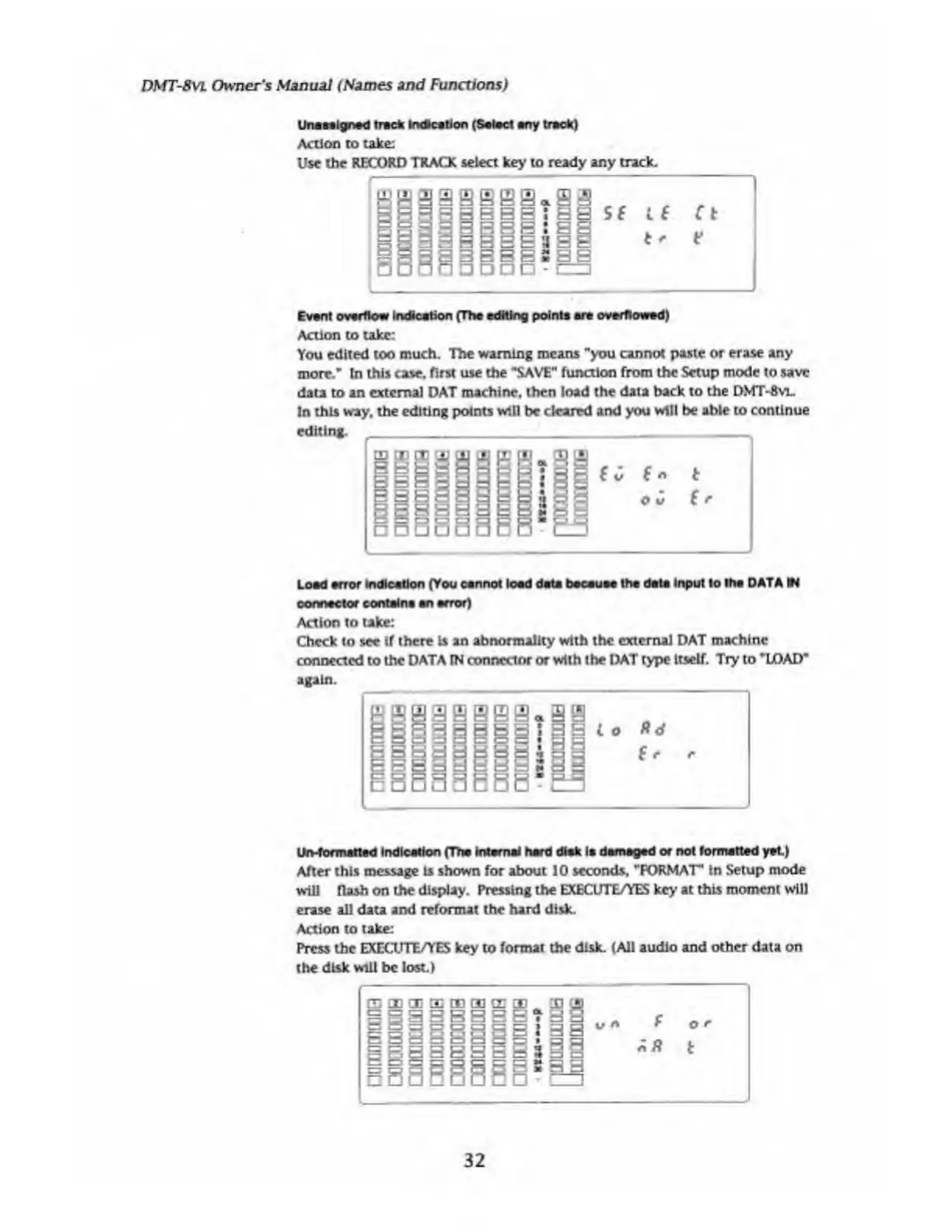
Una
aligned
trade
indication
(Salad
any
track)
Action
to
take:
Use
the
RECORD
TRACK
select
key
to
ready
any
track.
Evant
overflow
Indkation
(Tha
editing
points
are
overflowed)
Action
to
take:
You
edited
too
much.
The
warning
means
"you
cannot
paste
or
erase
any
more."
In
this
case,
first
use
the
"SAVE"
function
from
the
Setup
mode
to
save
data
to
an
external
DAT
machine,
then
load
the
data
back
to
the
DMT-Avl.
In
this
way.
the
editing
points
will
be
cleared
and
you
will
be
able
to
continue
editing.
Load
error
indication
(You
cannot
load
data
bacauae
tha
data
Input
to
tha
DATA
VI
connector
contains
an
error)
Action
to
take:
Check
to
see
if
there
is
an
abnormality
with
the
external
DAT
machine
connected
to
the
DATA
rN
connector
or
with
the
DAT
type
Itself.
Try
to
"LOAD*
again.
On-formatted
Indication
(Tha
Internal
hard
disk
Is
damaged
or
not
formatted
yet)
After
this
message
Is
shown
for
about
10
seconds,
"FORMAT"
in
Setup
mode
will
flash
on
the
display.
Pressing
the
EXECUTE/YES
key
at
this
moment
will
erase
all
data
and
reformat
the
hard
disk.
Action
to
take:
Press
the
EXECUTE/YES
key
to
format
the
disk.
(All
audio
and
other
data
on
the
disk
will
be
lost.)
32

Table of Contents

Related product manuals