- 76 - eBike II, eBike II L, eBike II EL 2018112-069 Rev. F
Start the software update by pressing „UPDATE“
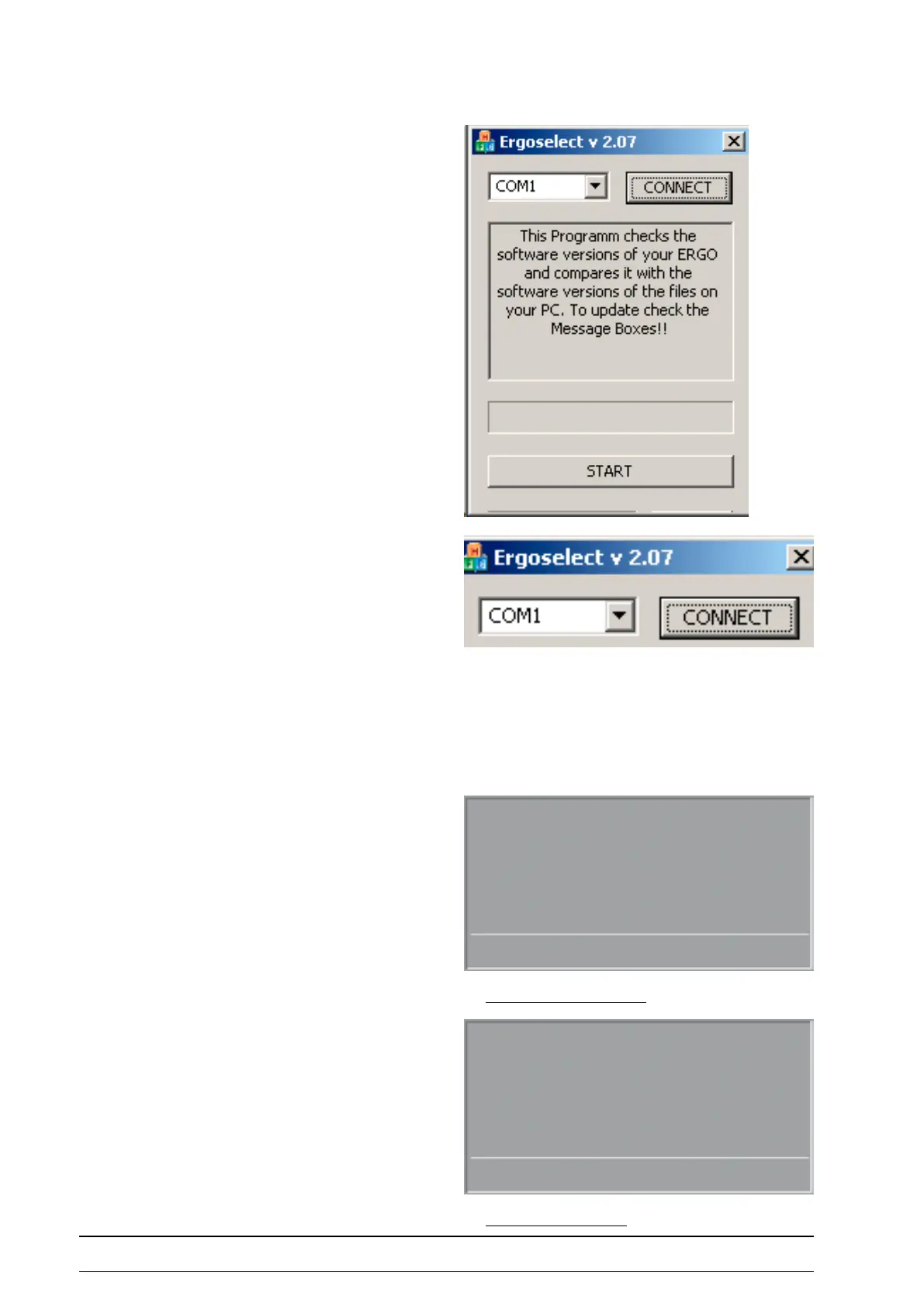
Start the PC- update program ergoselect.exe .
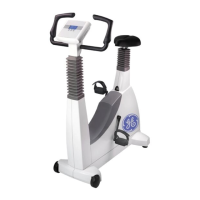
Adjust the serial (or virtual) COM-Port used for the
connection with the ergometer.
Press CONNECT to establish the software connection.
As soon as the connection is established, the START button
becomes active (- or an error message appears).
Initiate the update by pressing „START“.
the update progress is displayed on the ergometer display
and on the PC.
After the update is performed, the ergometer has to be
switched o and on again.
Software update in progreSS
Software Update
is running
ZME FLASH writing 12 %
Software update finiShed
Software Update
Update nished
Switch off power



 To Next Page