Appendix 6 Universal Serial Communications App6-15
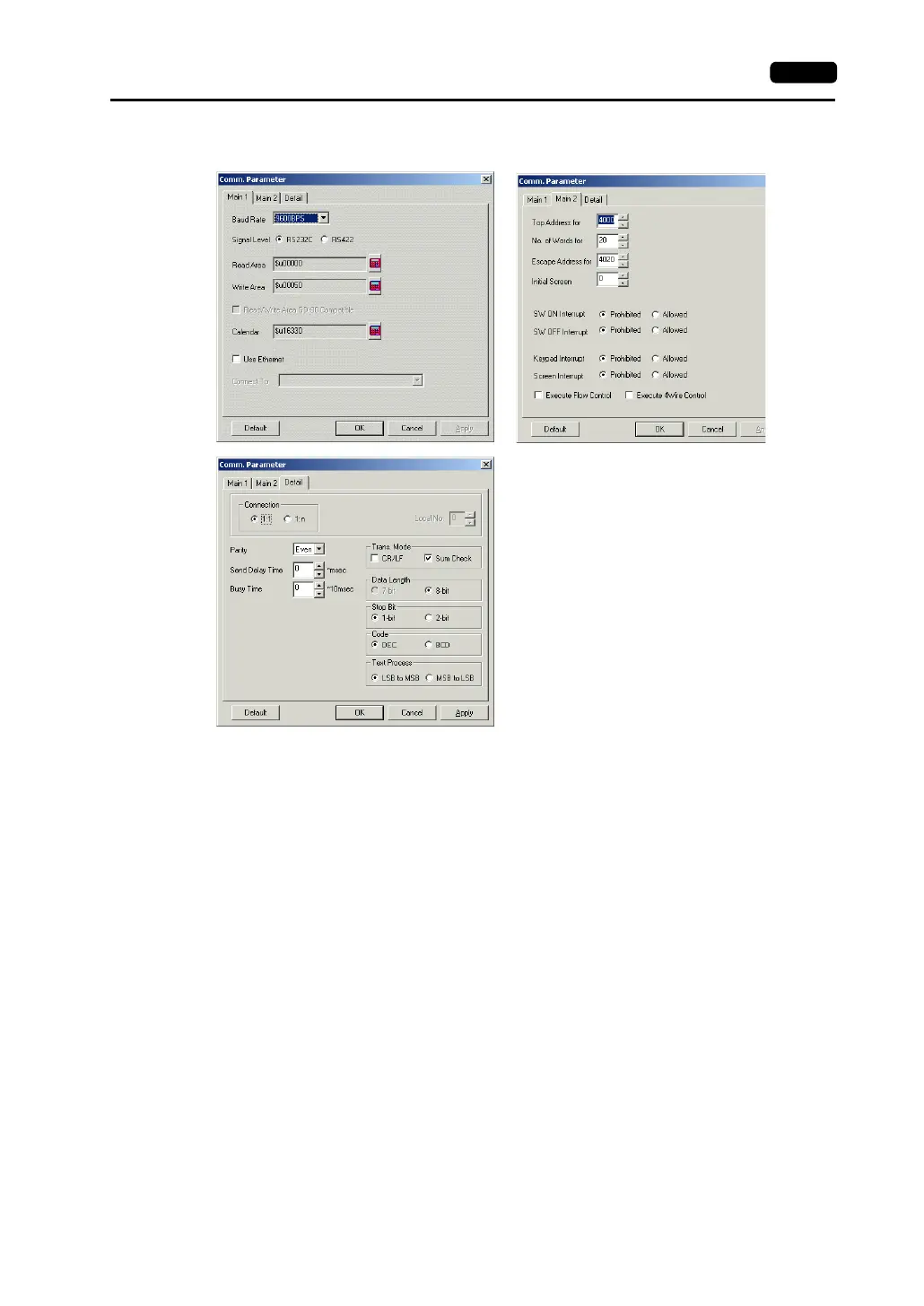
2. The [Comm. Parameter] dialog comes up. In the [Main 1], [Main 2], and [Detail] tab windows, set
the baud rate, the signal level, etc.
When using multi-drop, go to the [Detail] tab window, check [1 : n] for [Connection], and enter
[Local No].
It is possible to set the transmission mode by going to the [Detail] tab window and making
settings for [Trans. Mode].
Setting Items
• Baud Rate
Set the communication speed between the host and the V series. The possible speed settings are
shown below.
4800 bps
9600 bps
19200 bps
38400 bps
57600 bps
76800 bps
115 kbps
• Signal Level
Set the communication level between the host and the V series.
RS-232C/RS-422



 To Next Page